How to Spot Accidental Permanent 302s and Fix Indexing Issues

How Can You Find 302 Redirects That Were Never Removed?
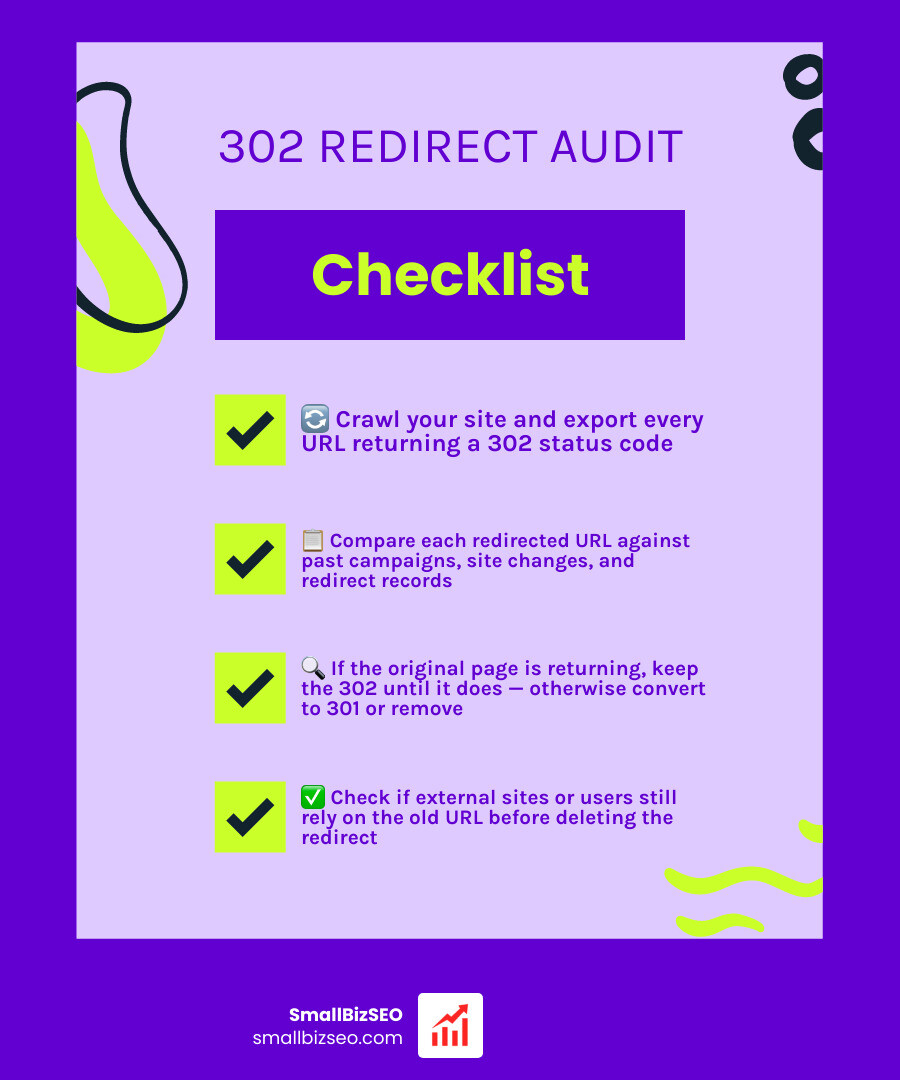
Here’s how to audit 302 redirects that were never removed: crawl your site and export every URL returning a 302. Check each URL’s destination, then compare the list with past campaigns, site changes, and redirect records. If the original page is coming back, keep the 302 until it does. If the move is permanent, change it to a 301. If the redirect is no longer needed, remove it—but first check whether people or other sites still use the old URL.
I’m Clayton Johnson, founder of SmallBizSEO, where I help small businesses connect website structure with search visibility. I’ll show you how to audit 302 redirects that were never removed and decide what to do with each one.
Why Stale Temporary Redirects Damage Your Search Visibility
An HTTP 302 Found response tells search engines that a page has temporarily shifted to a new location. Because search engines expect the original page to return, they maintain the original URL in their index and delay transferring full historical equity. When a temporary redirection rule stays live indefinitely, it creates indexing ambiguity, canonical confusion, and latency issues across your domain.
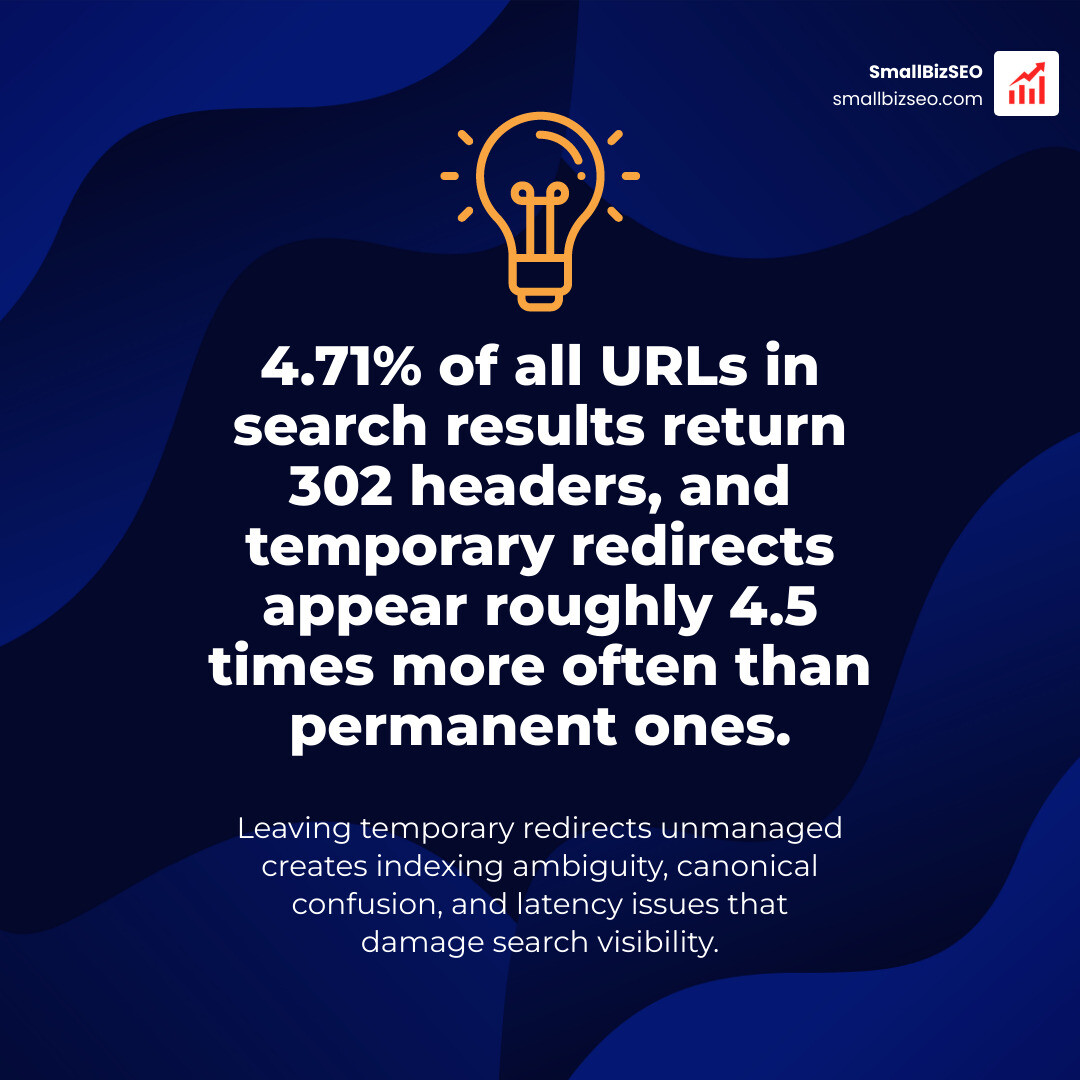
While modern search crawlers like Googlebot attempt to interpret long-running temporary redirects by eventually consolidating PageRank, the underlying signals remain split. In Google's organic search results, 5.75% of URLs contain redirects, and temporary redirects appear roughly 4.5 times more often than permanent ones. In fact, 4.71% of all URLs in search results return 302 headers.
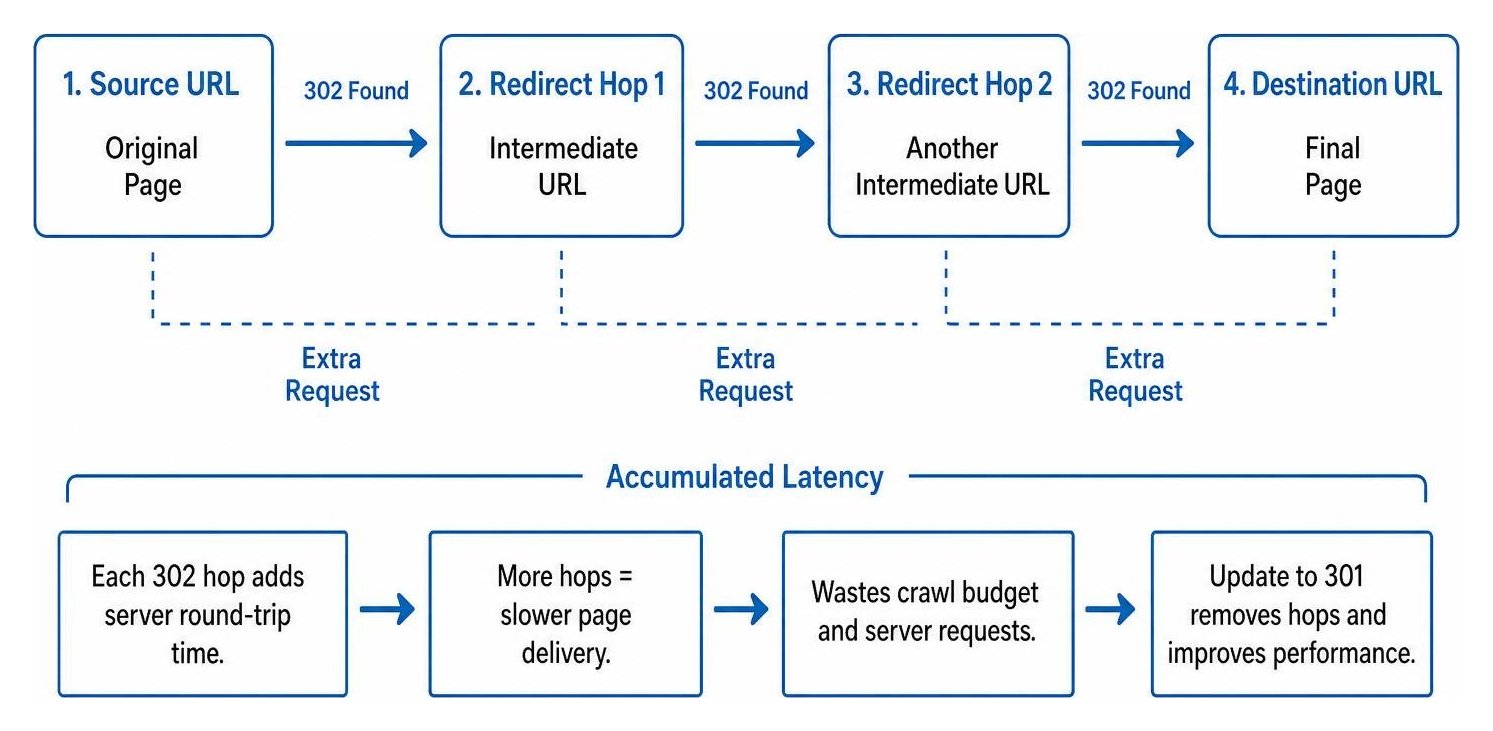
Leaving these rules unmanaged also affects visibility across newer discovery surfaces. For example, URLs with permanent redirects are cited roughly 1.6 times more often than temporary redirects in conversational AI search engines. Furthermore, each unnecessary hop adds a round-trip of server latency that directly inflates Largest Contentful Paint (LCP) times, degrading Core Web Vitals performance before a single visual element paints.
Why do temporary redirects get left behind after campaigns and updates?
Temporary redirects are usually left behind because they are treated as quick, short-term solutions without an assigned sunset date or documented owner.
Common scenarios where 302s get forgotten include:
- Seasonal promotions and landing pages: Marketing teams launch temporary sale pages with a 302. When the promotion ends, the routing rule stays active rather than returning to normal or redirecting permanently.
- Unfinished migrations: During a complex site migration, developers sometimes use 302s as temporary placeholders during testing, forgetting to convert them to permanent rules before launch.
- A/B testing variants: Testing platforms often rely on 302 redirects to route traffic between URL variations. Once an experiment concludes, the winning page is retained, but the routing configuration remains active.
- CMS defaults and plugins: Many content management systems and WordPress redirect plugins automatically default to a 302 code unless manually configured to a 301.
- Legacy URL updates: Information architecture cleanups often leave behind old URL paths that silently forward traffic without entering regular technical reviews.
Step-by-Step Guide: How to Audit 302 Redirects That Were Never Removed
Auditing your legacy temporary routing rules requires uncovering every active 302, tracing its chain of hops, and checking how search engines currently index the affected pages.

Understanding how status codes differ is the first step in deciding which URLs need remediation:
| Metric / Behavior | 301 Permanent Redirect | 302 Temporary Redirect |
|---|---|---|
| Search Engine Intent | Permanent resource relocation | Temporary resource relocation |
| Indexed URL | Destination URL | Original source URL |
| Link Equity Transfer | Passes full link equity | Equity transfer is delayed or split |
| Browser Caching | Cached aggressively | Not cached by default |
| Recommended Lifespan | Indefinite (minimum 1 year) | Short-term (under 3 months) |
A formal "302 redirect" warning in Site Audit | Help Center documentation often flags these instances because prolonged temporary statuses complicate canonical signals.
What tools show how to audit 302 redirects that were never removed effectively?
To run an audit, combine crawler exports, browser inspections, and terminal commands to capture status headers across your entire site structure:
- Desktop and Cloud Crawlers: Run a full site crawl using Screaming Frog SEO Spider or Sitebulb. Filter the response codes by
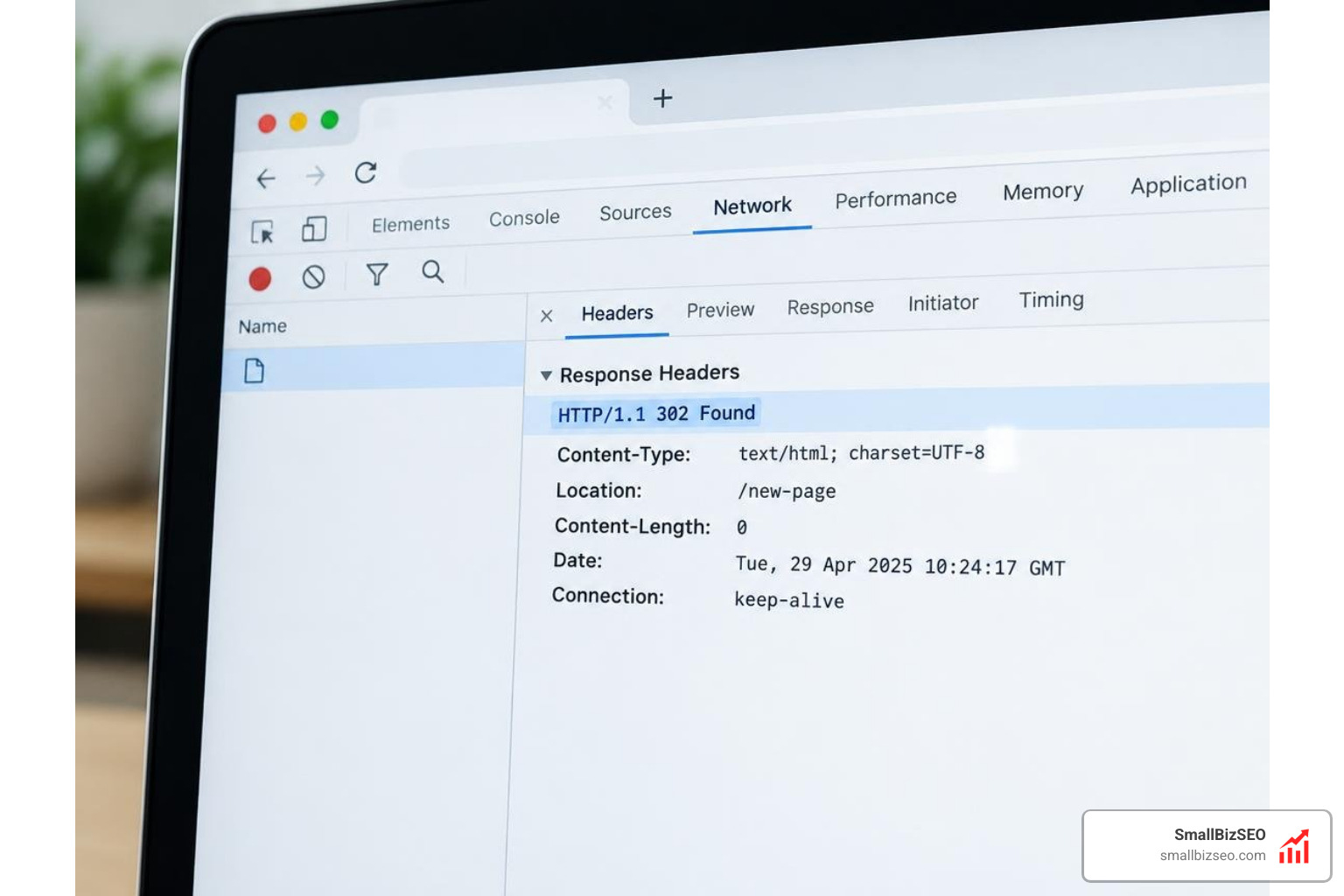
3XX Redirectionand isolate all302 Foundresponses. - Online Redirect Tracers: Use a Free URL Redirect Checker — Every 301/302 Hop to test specific legacy URLs and expose hidden multi-hop paths.
- Command-Line cURL: Inspect server response headers directly in your terminal using
curl -IL [URL]to observe exact status codes and caching headers without browser caching interference. - Browser Network Tools: Open developer tools in your browser, switch to the Network tab, check "Preserve log," and load the URL to review real-time redirect jumps and response timing.
Systematically auditing these paths helps protect your site's crawl budget by eliminating unnecessary server requests that waste crawler bandwidth.
How to audit 302 redirects that were never removed and fix indexing errors?
Fixing indexing problems caused by stale 302s involves identifying canonical conflicts inside Google Search Console and updating the underlying HTTP headers.
Start by reviewing your Google Search Console index coverage reports. Look for URLs listed under the "Page with redirect" and "Duplicate without user-selected canonical" categories. Use the URL inspection tool on flagged addresses to verify whether Googlebot selected the original URL or the destination URL as the canonical version.
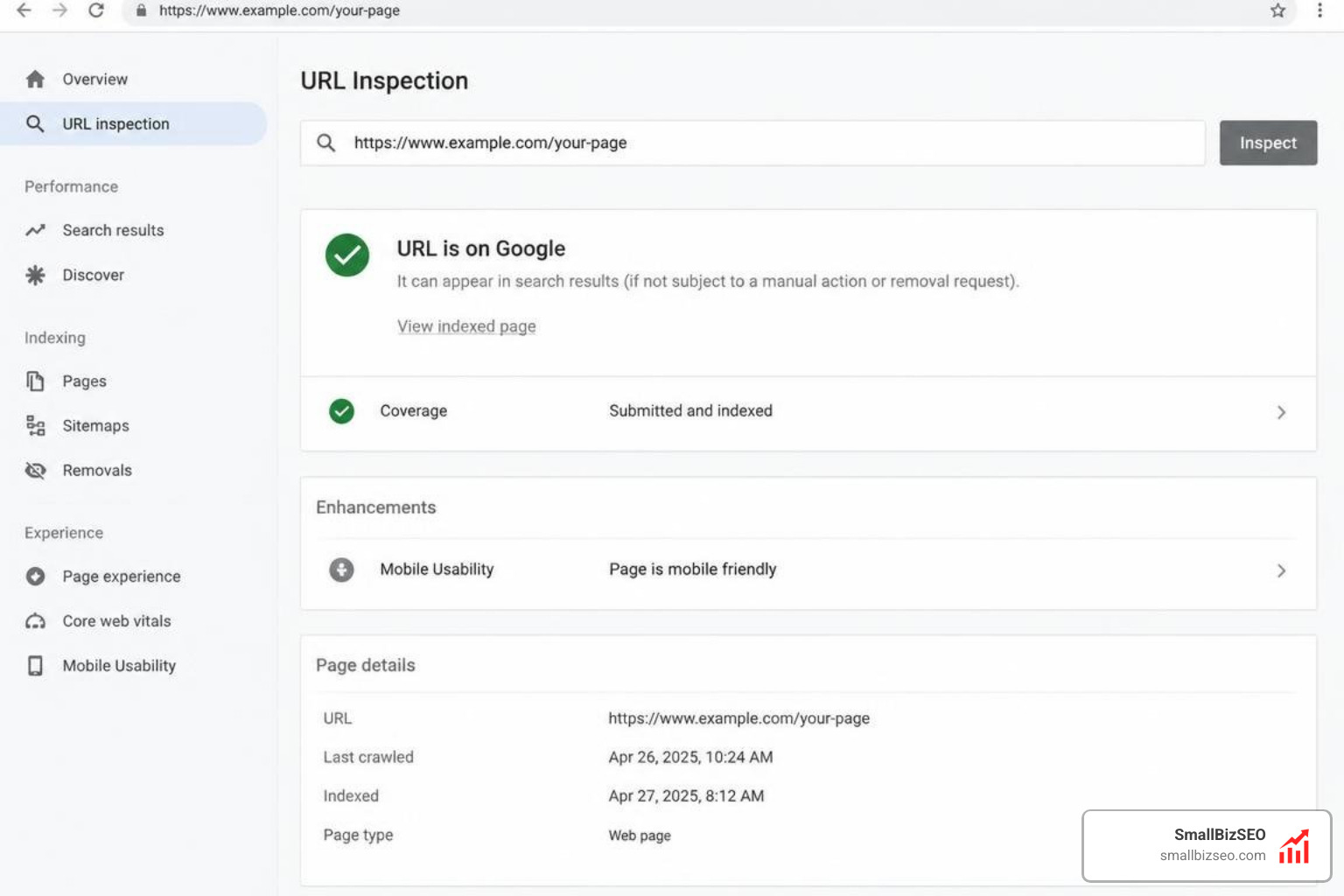
If a temporary redirect has been active for more than 3 months, it exceeds standard temporary use cases. According to research on Monitoring Redirect Chains: Keeping Redirects Clean — XICTRAQ Blog, Google may eventually treat a long-standing 302 as permanent, but Bing and other search engines strictly adhere to standard protocol definitions.
To eliminate indexing discrepancies, update the server rule to return a direct 301 header pointing to the final target, clearing out intermediate hops so search bots properly consolidate indexing metrics.
How do you decide whether to convert, delete, or keep a 302 redirect?
Whenever you identify a stale temporary rule, evaluate its traffic, backlinks, and long-term utility before changing server configurations.
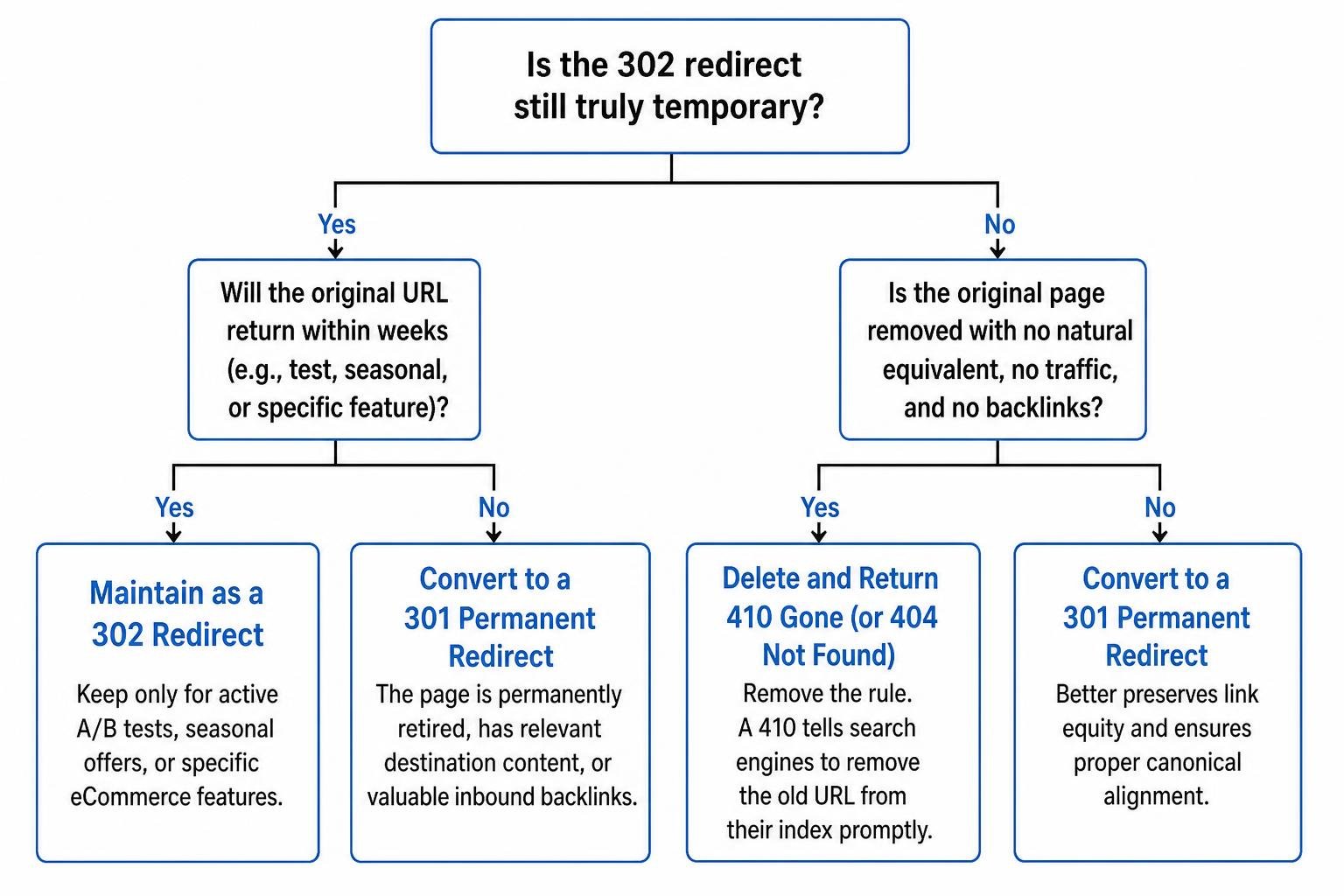
Use these criteria to determine your next action:
- Convert to a 301 Permanent Redirect: Apply this when the original page is permanently retired, the destination content is relevant, or the legacy URL holds valuable inbound backlinks. This ensures proper alignment with the target page's canonical tag.
- Delete and Return a 410 Gone (or 404 Not Found): If the original page was removed, has no natural equivalent, receives zero organic traffic, and lacks external backlinks, remove the rule entirely. A 410 status tells search engines to remove the old URL from their index promptly.
- Maintain as a 302: Keep the 302 redirect only for active A/B tests, seasonal offers that will return to the original URL within weeks, or specific eCommerce facet operations such as currency switchers and user comparison trays.
Long-Term Maintenance: How to Prevent Unwanted 302 Accumulation
Maintaining clean technical architecture requires establishing proactive safeguards so temporary rules do not become permanent fixtures.

Implement these best practices across your engineering and content workflows:
- Centralize Redirect Documentation: Maintain a master spreadsheet or version-controlled repository listing the source URL, destination URL, intended HTTP status, implementation date, planned expiration date, and responsible team member.
- Staging Environment Validation: Verify all URL restructuring and routing rules in staging using header inspection tools before deploying code to production.
- Manage Rules at the Edge: Implement permanent redirection logic at the CDN layer (such as Cloudflare or AWS CloudFront) to reduce server load and improve delivery speed.
- Refine Crawl Directives: Ensure non-canonical parameter routes or temporary administrative paths are correctly managed in your robots.txt file to avoid crawling waste.
How should teams document and automate ongoing redirect monitoring?
To keep your URL architecture clean without running manual crawls every week, connect continuous monitoring tools to your deployment pipeline.
Automated platforms can monitor high-value landing pages and track both the HTTP status code and final destination. If a plugin update or deployment inadvertently changes a 301 into a 302, your team receives an alert via email or Slack.
For growing businesses managing legacy assets, technical debt can build up quickly across older content directories. Our team at SmallBizSEO helps businesses identify and resolve these underlying technical bottlenecks using our structured Velocity framework.
If your website is experiencing indexation delays or unexplained traffic drops after structural updates, scheduling a professional SEO visibility audit provides a clear roadmap to clean up technical debt and recover lost organic search performance.
Keep Your Site Architecture Clean and Search-Ready
Auditing stale 302 redirects is an essential maintenance task for preserving technical SEO health. Temporary redirects are useful tools for short-term campaigns and testing, but leaving them in place creates mixed canonical signals, wastes crawl capacity, and introduces page latency.
By running regular crawl extractions, inspecting Search Console coverage data, and converting outdated 302s into clean, single-hop 301s, you ensure search engines index the correct URLs and pass maximum ranking value across your domain.