How to Verify What ChatGPT Search Says About Your Business

How can you verify what ChatGPT Search says about your business?
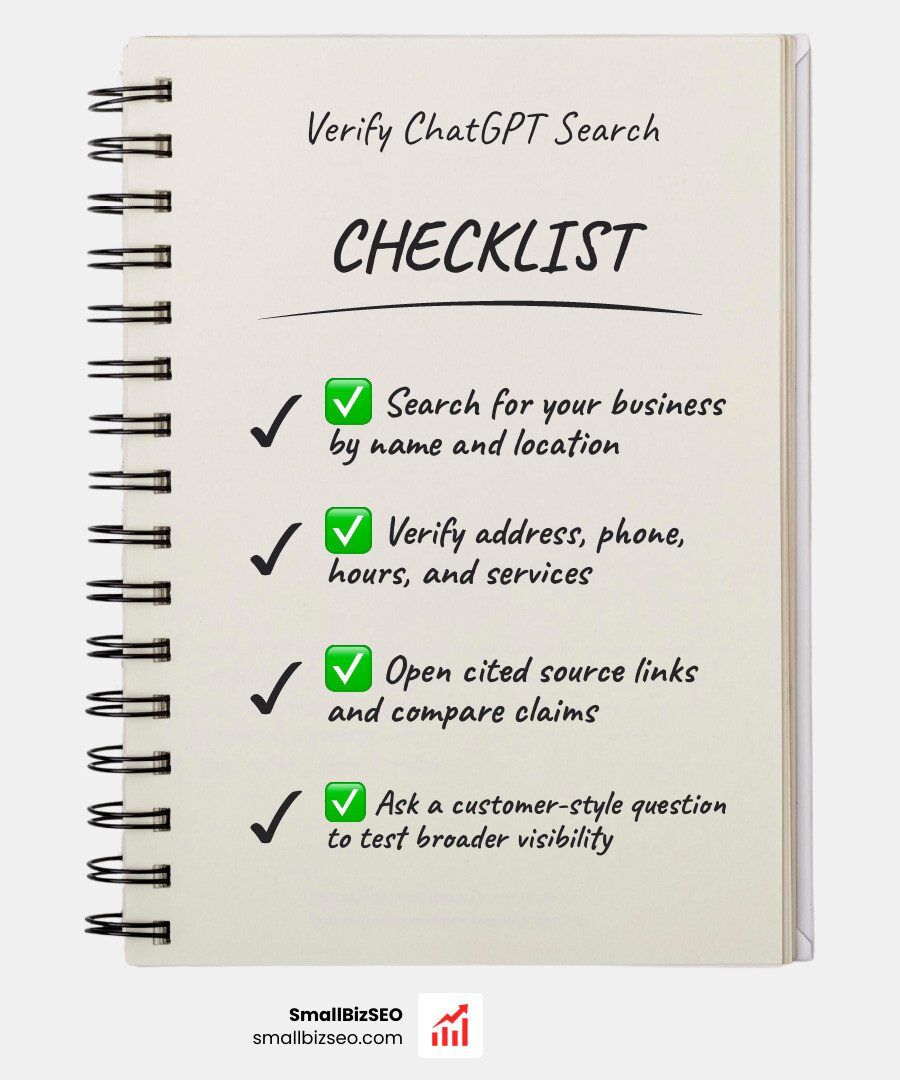
If you want to know how to check business information in chatgpt search answers, start with a fresh chat and ask ChatGPT to search the web for your business name and location. Then:
- Check the answer for your address, phone number, hours, and services.
- Open its source links and compare each claim with your website and current listings.
- Ask a customer-style question, such as “Who offers this service in my area?” to see whether your business appears when it is not named in the prompt.
Save any wrong details and the pages behind them. ChatGPT may describe your business correctly in a direct search but leave it out of a broader recommendation.
I’m Clayton Johnson, founder of SmallBizSEO, where I work on SEO and AI search visibility for small businesses. My Answer-Ready SEO work informs this guide to how to check business information in chatgpt search answers and trace mistakes back to their sources.
Step-by-Step Guide: How to Check Business Information in ChatGPT Search Answers
To get an accurate assessment of what AI models show to prospective customers, you must query ChatGPT Search systematically. Running a single query while logged into your primary account can skew results because AI platforms personalize outputs based on custom instructions, memory features, and previous chat history.

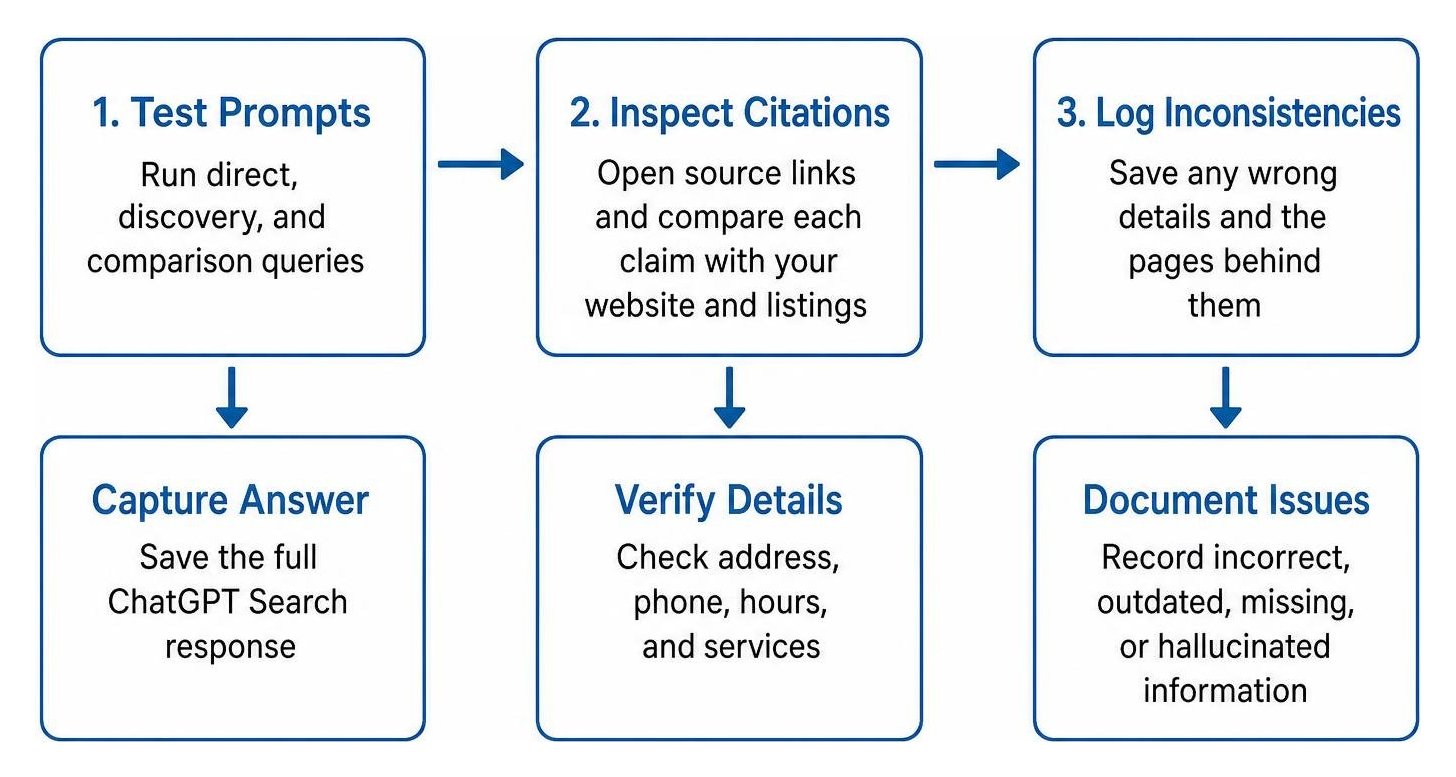
Follow this direct answer methodology to audit your brand:
- Use Incognito Mode or a Fresh Session: Open a clean browser window or log out to eliminate account-level personalization.
- Turn on Web Search: Ensure the search toggle is active so ChatGPT queries the live internet rather than relying solely on its static training cutoff.
- Run Multi-Angle Prompts: Test direct brand queries, discovery questions, and service comparisons.
- Inspect Citations: Click the linked references to see the exact third-party pages shaping the answer.
- Document Inconsistencies: Log incorrect phone numbers, outdated addresses, hallucinated services, and missing service areas into a tracking sheet.
Which Query Types Reveal How to Check Business Information in ChatGPT Search Answers?
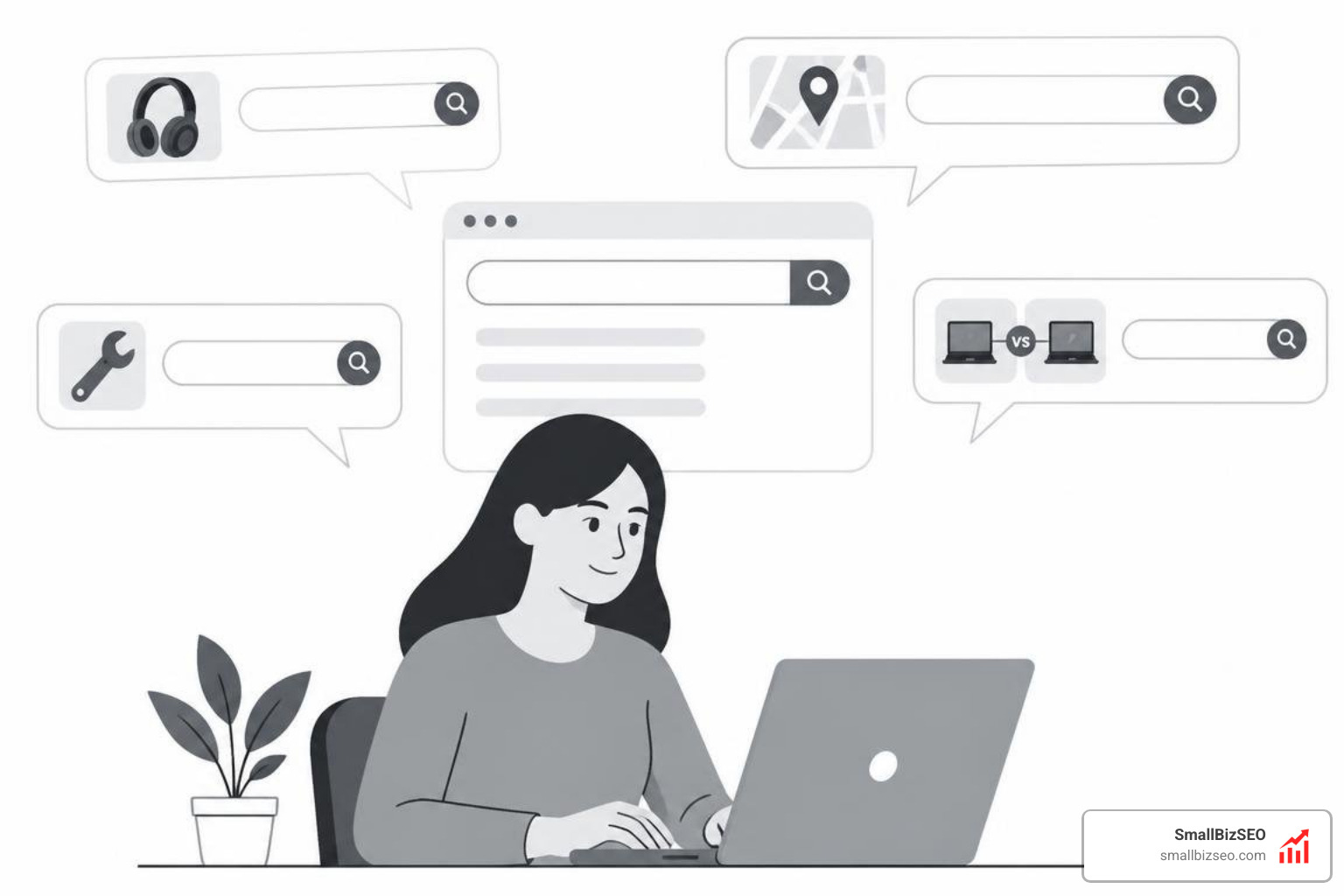
Testing your business requires simulating varied search intent to evaluate both direct brand awareness and non-branded category visibility. Customers do not all search the same way; some already know your name, while others search for a solution to an urgent problem.
Use these four distinct prompt categories:
- Direct Brand Prompts: "What services does [Business Name] offer, and where are they located?" This tests basic entity recognition.
- Category Plus Location Queries: "Who are the top-rated contractors in the area?" Utilizing a targeted geo targeted keyword evaluates whether the model includes your company among trusted local options.
- Problem-Led Inquiries: "Who should I call for emergency pipe repair near me?" This checks whether your core solutions trigger recommendations for unbranded, high-intent needs.
- Competitor Comparison Checks: "Compare [Business Name] with [Top Competitor]." This reveals how AI weighs your reputation, pricing, and service depth against competitors.
How to Check Business Information in ChatGPT Search Answers Using Web Sources
When ChatGPT answers a prompt using web retrieval, it provides a dedicated Sources button. According to the OpenAI help guide on searching the web, opening this sidebar reveals the external URLs synthesized into the response.
Evaluating your AI citation rate involves reviewing these sources to see if ChatGPT cites your official website directly or relies on third-party aggregators. If an answer contains factual errors, cross-referencing the cited links helps you identify whether the mistake originated on an outdated directory, an old press release, or an unindexed page on your own domain. You can also run follow-up prompts asking, "Where did you find the phone number for this business?" to force the engine to surface the exact domain it referenced.
What Sources Does ChatGPT Search Rely On for Local Companies?
ChatGPT search combines proprietary crawlers with established data providers to populate recommendations and local map cards, as detailed in the official OpenAI ChatGPT Search documentation. Rather than scanning the entire web equally, AI search engines lean heavily on structured aggregator networks and directory platforms.
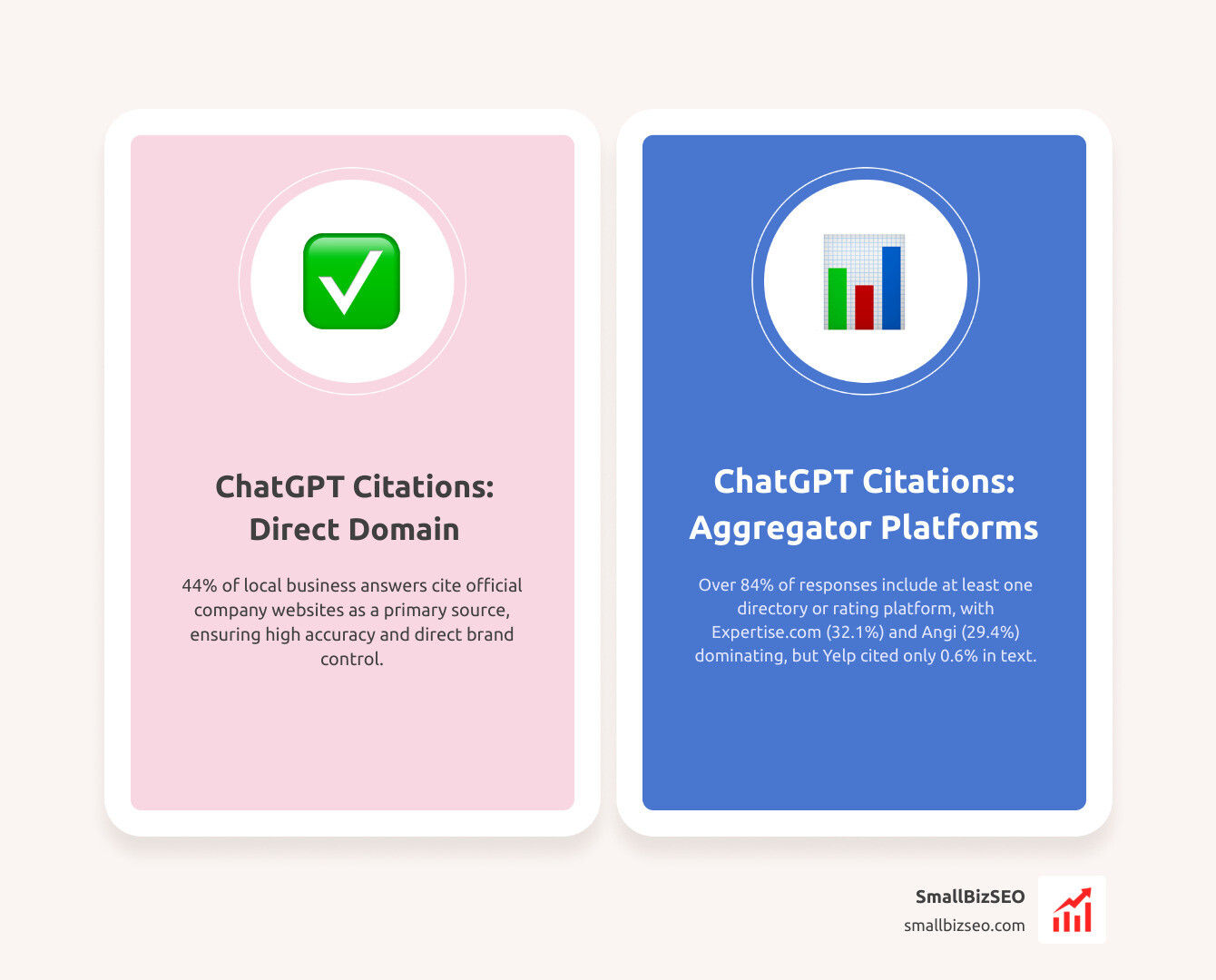
Studies examining thousands of local service queries show clear patterns in source selection. A complete Google Business Profile remains a primary data point across AI discovery engines, accounting for nearly 30% of local data inputs across all tools. However, ChatGPT draws specific citations from an array of independent platforms:
| Source Type | Platform / Source | Share of Citations in ChatGPT Local Answers |
|---|---|---|
| Industry Directory | Expertise.com | 32.1% |
| Home Services Directory | Angi / HomeAdvisor | 29.4% |
| Direct Company Domain | Official Business Websites | ~44% |
| Major Review Platforms | Yelp | 0.6% (Direct Text) / 34% (Map Card Links) |
| Search Engine Pages | Google Search Pages | 0.1% |
Over 84% of ChatGPT responses that cite external sources include at least one business directory, rating platform, or curated "best of" list. If your company is absent from these core citation hubs, the model often fails to surface your brand during generic category searches.
What to Do When ChatGPT Search Returns Inaccurate Business Data
Discovering that ChatGPT lists an old address, misstates your pricing, or invents services you do not provide can be frustrating. Because generative AI operates probabilistically, you cannot submit a direct edit ticket to change a specific answer. Instead, you must correct the digital footprint that informs the model.

Ensuring high citation accuracy across the entire web ecosystem is the only permanent solution. When underlying sources provide unified, factual information, AI search engines update their synthesized answers during subsequent crawl cycles.
Why Does ChatGPT Have Inaccurate or Outdated Business Data?
Generative models build an understanding of your brand entity by aggregating signals from across the web. Discrepancies usually stem from specific technical or structural issues:
- Conflicting NAP Details: Conflicting Name, Address, and Phone numbers across neglected directories confuse crawlers, leading to mixed-up answers.
- Model Hallucinations: When reliable data is sparse, large language models generate plausible-sounding but fabricated details. In benchmark evaluations like the PersonQA test, advanced reasoning models produced factual errors in up to 33% to 48% of real-world knowledge queries when authoritative sources were absent.
- Blocked Crawlers: If your site's robots.txt blocks
OAI-SearchBotorGPTBot, ChatGPT cannot retrieve fresh content from your domain. - Client-Side Rendering Barriers: Websites built entirely on heavy JavaScript frameworks that render content client-side often present blank HTML to AI scrapers, blinding them to your service offerings.
- Entity Ambiguity: If another business shares a similar name in a different region, the absence of clear geographic signals causes the engine to merge the two profiles.
The rise of the zero click search makes these inaccuracies particularly costly, as users frequently accept the AI's summary without clicking through to verify facts on your homepage.
How Can You Fix Inaccurate Information and Optimize AI Visibility?
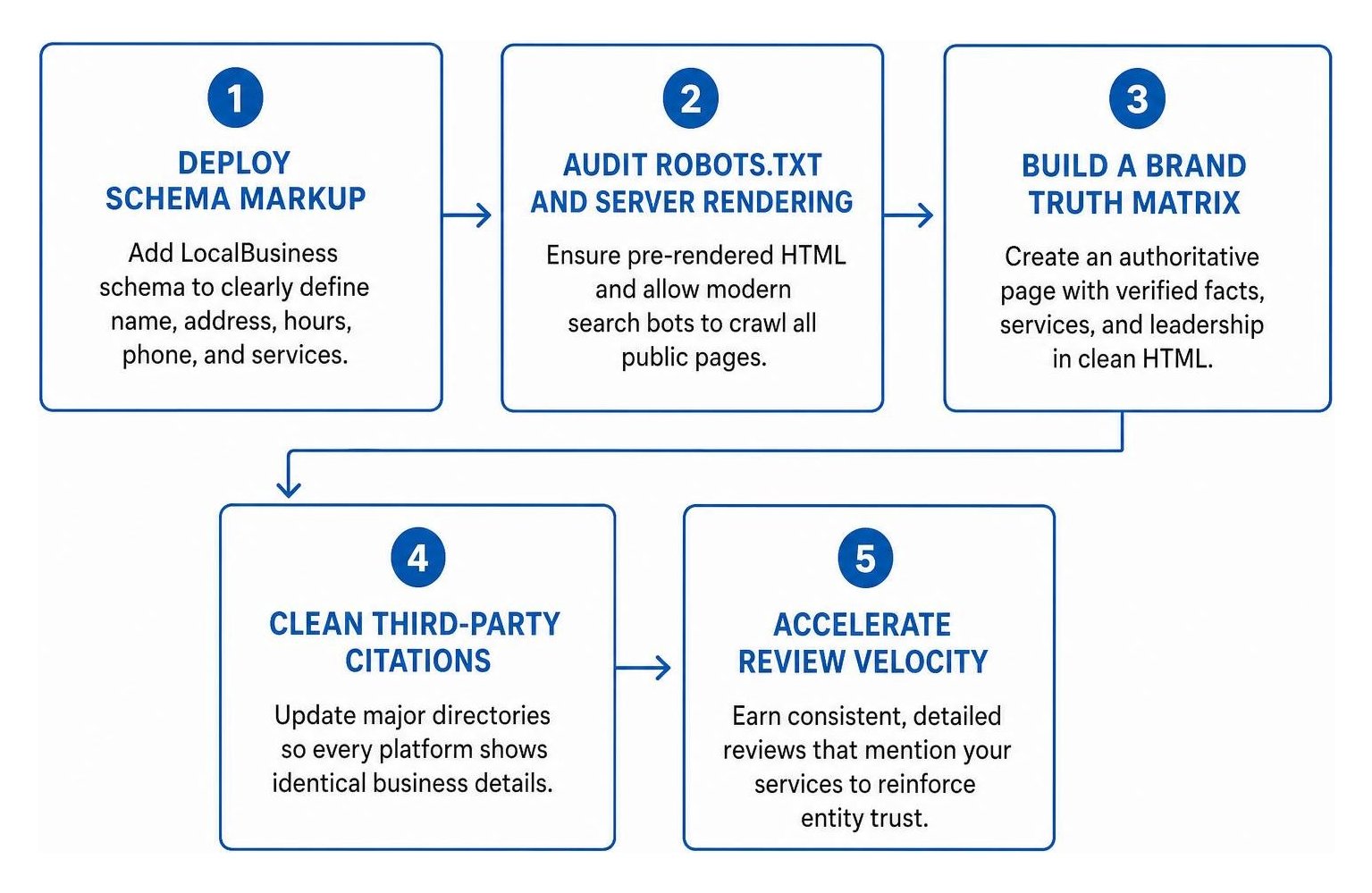
To correct inaccuracies and strengthen your generative search footprint, implement a structured optimization plan:
- Deploy Schema Markup: Add comprehensive LocalBusiness schema in JSON-LD format to your website. Clearly define your legal name, exact address, geo-coordinates, operating hours, telephone number, and offered services so AI scrapers ingest structured, unambiguous data.
- Audit Robots.txt and Server Rendering: Ensure your server serves pre-rendered HTML and explicitly permits modern search bots to crawl all public service pages.
- Build a Brand Truth Matrix: Maintain an authoritative page on your site detailing verified company facts, services, and leadership, pairing it with clean HTML tables and concise summary blocks.
- Clean Third-Party Citations: Update major directories—including BBB, Angi, and industry-specific aggregators—so every platform presents identical business details.
- Accelerate Review Velocity: Consistent streams of detailed customer reviews mentioning specific services reinforce entity trust, providing fresh conversational proof that AI engines favor.
Establishing reliable AI visibility takes consistent effort, as crawl refreshes typically take 30 to 60 days to propagate across AI answers. At SmallBizSEO, we help businesses build lasting search authority through our data-driven Velocity framework. If you want to ensure AI search engines represent your company accurately and recommend you to high-intent buyers, you can boost AI search presence with SmallBizSEO ChatGPT search services to dominate modern discovery channels.
Put Your AI Search Verification Plan into Action
Generative search engines are rapidly becoming the primary way customers find local service providers. Checking how ChatGPT describes your business is no longer optional—it is a core maintenance task for protecting your brand reputation and capturing new leads.
By running regular prompt audits, inspecting source citations, correcting fragmented directory profiles, and maintaining strong on-page structured data, you ensure that every AI engine represents your business accurately. Set a calendar reminder to test your brand prompts every quarter, update any outdated web citations immediately, and keep your business front and center as search continues to evolve.