SEO Internal Links: Build Useful Paths and Fix Broken Connections

How Can SEO Internal Links Help Your Website Get Found?
SEO internal links connect pages on your website. They help visitors find useful information and give search engines paths to discover your pages. To get started, link each important page from a relevant page, use words that describe where the link leads, and make sure the link works.
A clear linking structure also shows how your main topics and supporting pages fit together. Clear paths can make the site easier for visitors and search engines to navigate.
How SEO Internal Links Build Search Visibility and Authority
What Are SEO Internal Links and Why Do They Matter for Crawling?
An internal link is any hyperlink that points from one page on your domain to another page on the exact same domain. External links lead to other sites, while internal links connect related information on your own site. They give readers useful next steps and give search engines paths for discovering pages.

Internal links are one discovery and relevance signal, not a ranking certification. They help connect important public pages to other relevant pages, so visitors and crawlers have clear routes through the site. They also support a practical technical SEO and index coverage review by revealing pages that may need better navigation or contextual references.
Clear internal paths can help readers move from broad explanations to the details they need. They may also make the relationships among pages easier to interpret, but they do not guarantee visibility, authority, indexing, or rankings in any search system.
Google’s link crawlability guidance explains that crawlable links use an anchor element with an href destination. JavaScript-inserted links can also work when they render correctly. Use natural, descriptive anchor text, link each important page from another relevant page, and choose link quantities based on the page’s purpose rather than a fixed ideal number.
How Does Link Equity and Site Hierarchy Distribute Authority?
Internal links can help visitors and crawlers move from well-known pages to related service pages and educational resources. Pages may also receive visits through a referring domain, but internal-link choices should still match the reader’s task and the destination’s relevance rather than treating internal links as a measurable transfer of ranking power.
A clear structure can reduce dead ends and help teams spot outdated navigation, references, or potential crawl budget concerns on larger sites. Focus on making important public pages reachable through sensible paths instead of trying to force every visitor through the same route.
There is no universal crawl depth limit or ideal site shape. Prioritize clear paths to critical pages without crowding menus or adding links that do not help the reader.
| Link-planning field | What to record |
|---|---|
| Source page | The page where the reader begins |
| Reader need | The question or task that creates a useful next step |
| Destination | An existing page that directly helps with that need |
| Anchor text | Natural words that accurately predict the destination |
| Reason | Why this connection improves the reader’s path |
| Exclusion | Why unrelated promotional or money pages do not belong here |
| Acceptance check | Confirm the destination is current, relevant, and works |
How Do Topic Clusters and Anchor Text Drive Rankings?
A topic cluster is one optional way to organize related content. A broad overview can link to useful detail pages, and those pages can link back when that helps the reader, but the structure alone does not prove expertise or guarantee results.
Use links where the next page answers a genuine follow-up question as part of practical on-page SEO planning. For example, a cost guide can link to a specific service page when the reader is ready to compare options; that service page can link to a preparation guide; and a local coverage page can link to a contact step. Each destination should exist, fit the context, and never be added merely to push readers toward an unrelated money page.
The clickable text of a link, known as the anchor link text, provides crucial context about the destination page. For internal links, use descriptive, natural phrases that clearly explain what the reader will find. The best length depends on the surrounding sentence and the destination, so clarity matters more than a fixed word limit.
Repeated anchor wording is not automatically keyword cannibalization. Review it when the wording no longer predicts the destination or when similar pages need clearer differentiation. Add contextual links because they offer a meaningful next step, not because a link is expected to cause a specific ranking or engagement outcome.
Step-by-Step Optimization and Management Best Practices
How Do You Audit and Fix SEO Internal Links?
An internal-link review helps identify broken destinations, unclear navigation, and important public pages that may need a more relevant path from elsewhere on the site. Run one after content moves, template changes, or observed visitor-path issues.
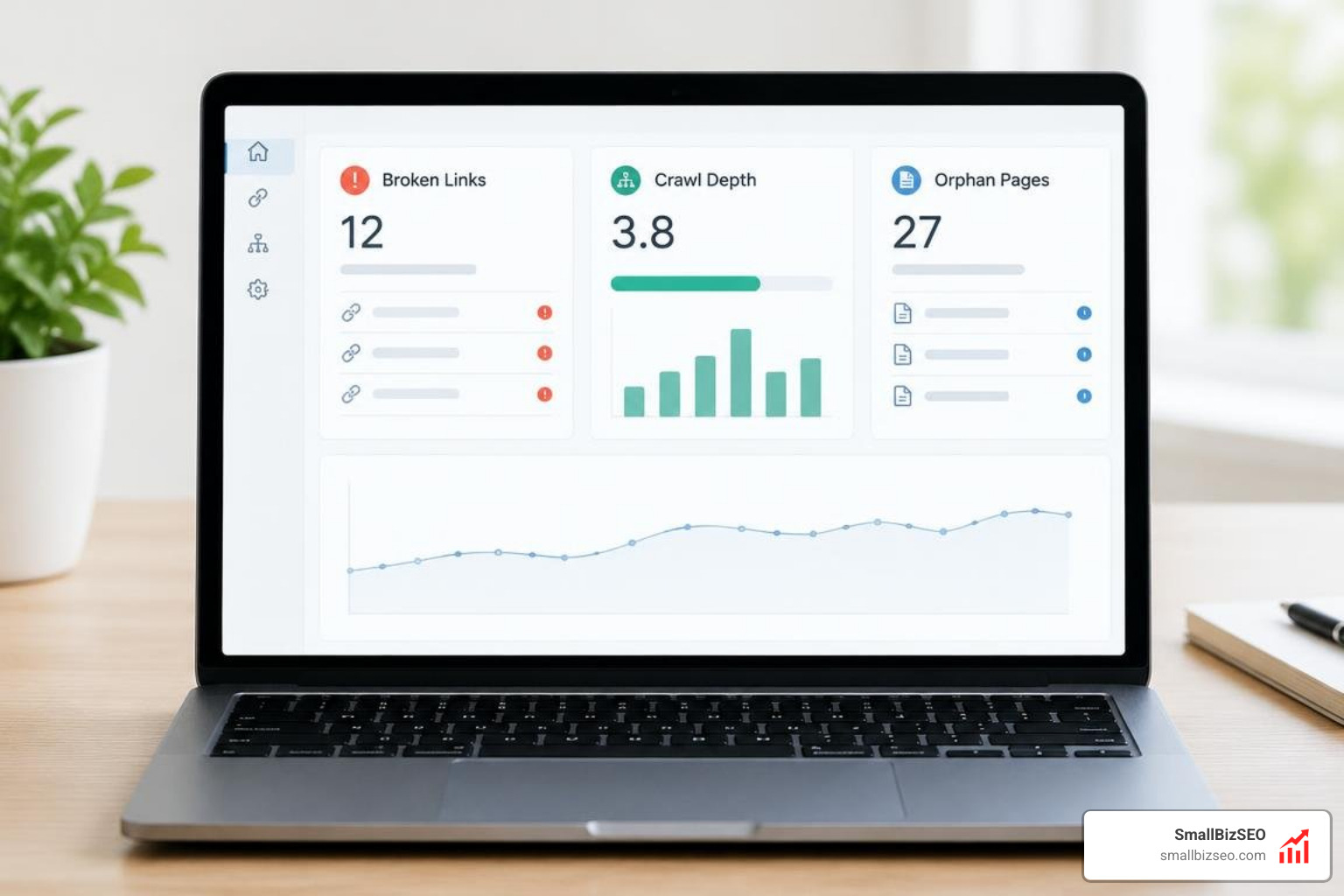
Follow these steps during your regular site crawl reviews:
- Inventory important public pages: List the pages that should be available to visitors, then inspect their actual inbound links and rendered navigation.
- Check broken destinations: When a link is broken, point it to a relevant replacement only when one exists. Otherwise, remove the obsolete reference instead of redirecting everything to the homepage.
- Handle approved moves carefully: Keep working URLs in place where possible. After an approved move, update internal references, use an appropriate 301 redirect when needed, and test the final destination; do not assume any authority outcome.
- Review pages without internal references: An orphan page can still be discovered in other ways. Add links only when the page is intended for public use and the connection serves a reader need.
Quick QA checklist: Confirm that link text predicts the destination, the URL is current, keyboard navigation works, no private page is exposed, surrounding context is meaningful, no link is broken, and the reader has a relevant next step. Record the owner, change, and check performed.
How Should You Handle Technical Link Attributes and Site Navigation?
A nofollow value is a link attribute, noindex is a page-level indexing instruction, and robots controls manage crawler access. They are not interchangeable, and none of them provides access security. Apply each only after reviewing the page’s purpose and the technical consequences.
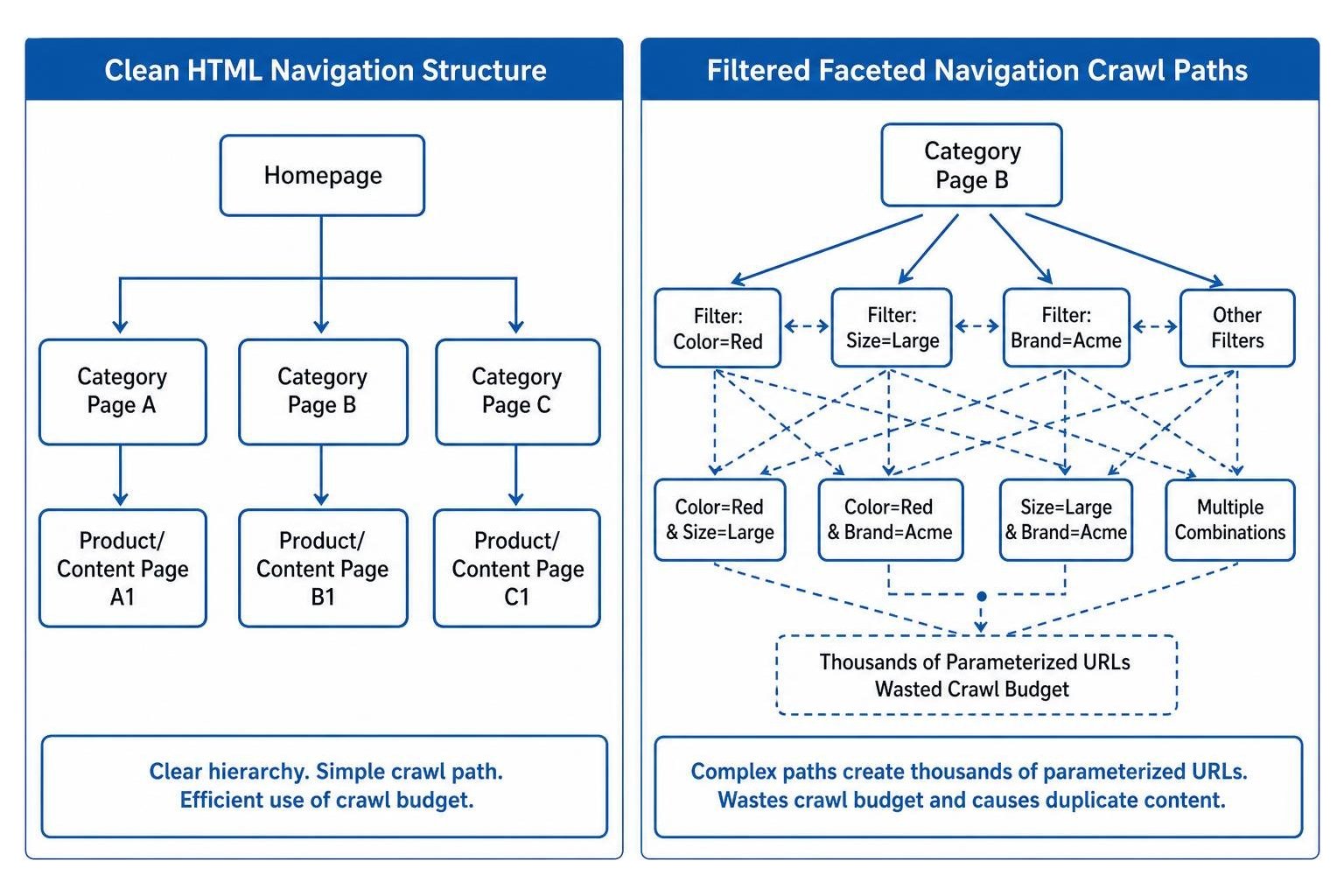
Faceted navigation and parameterized URLs can create complex paths on ecommerce or directory sites. Do not apply blanket canonical URL, noindex, or robots changes to filters. Instead, use a scoped technical review to assess the purpose, intended visibility, and crawl behavior of the specific page type before making changes.
Breadcrumbs can be useful when they match a real hierarchy and help visitors orient themselves. They are not mandatory for every page or site structure.
How to Scale Your Internal Link Strategy with SmallBizSEO
A useful internal-link strategy starts with the pages visitors need and the decisions they are trying to make. SmallBizSEO can help review site structure, content relationships, and technical implementation so the resulting paths reflect real visitor needs.
If you need help prioritizing an internal-link review, start with a professional SEO visibility audit or book a conversation. The next steps should be based on the pages, navigation, and visitor journeys that matter most to your site.
Transforming Your Site Structure into a Traffic Engine
Internal links can turn separate blog posts and service descriptions into clearer journeys for visitors. Connect related topics where the next page adds context, supports a decision, or helps someone complete a task.
Review internal links after content moves, template changes, or signs that visitors are not finding the next useful page. Monitor page discovery and visitor journeys, then adjust links where the evidence shows a clearer path is needed rather than assuming a direct ranking gain.