Accessibility (A11y) 101
What Is Web Accessibility (A11y), and Why Does It Matter?
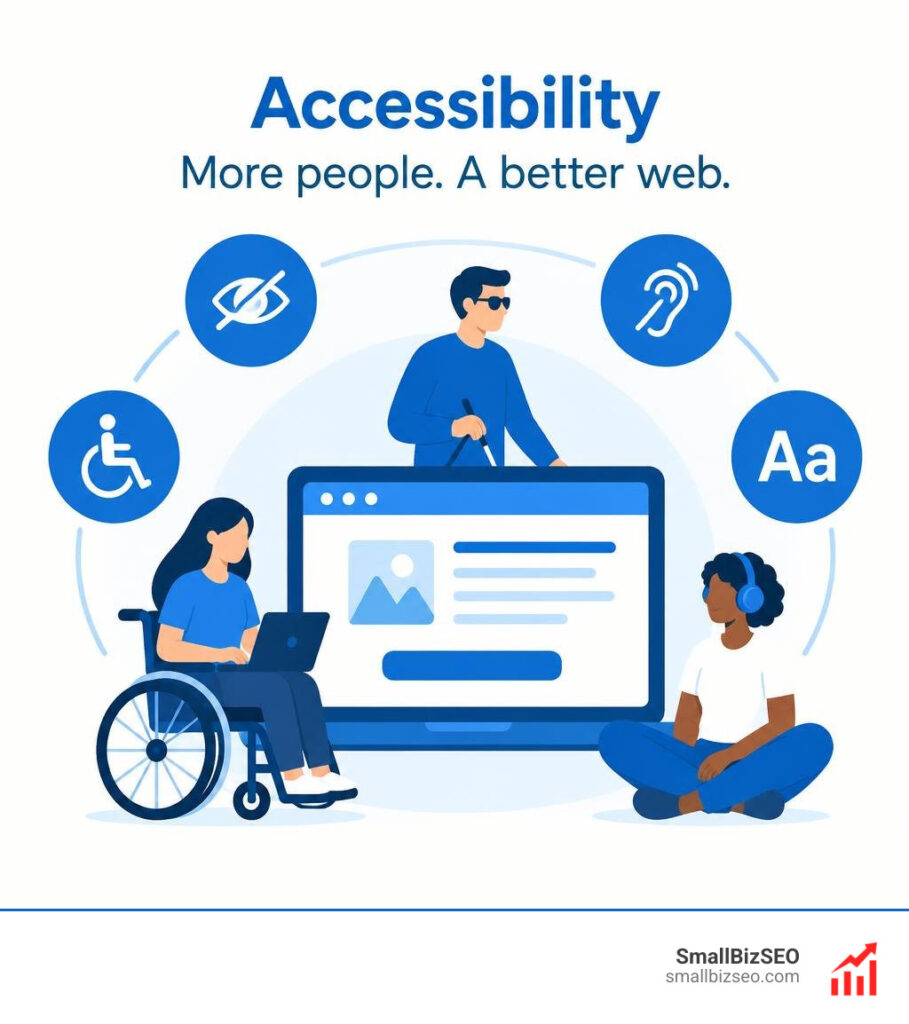
Web accessibility (a11y) means designing websites so people with disabilities can find information and use key features. “A11y” is short for “accessibility”: the number 11 counts the letters between a and y. A good place to start is to use clear headings, describe meaningful images, label forms, and make every action work with a keyboard.
These changes help remove barriers to reading, shopping, and contacting a business online. They can also make a site easier to use for people with temporary injuries or those browsing in noisy places.
I’m Clayton Johnson, founder of SmallBizSEO. My work in technical SEO and content strategy has shown me why accessibility (a11y) matters to clear website structure and useful content.
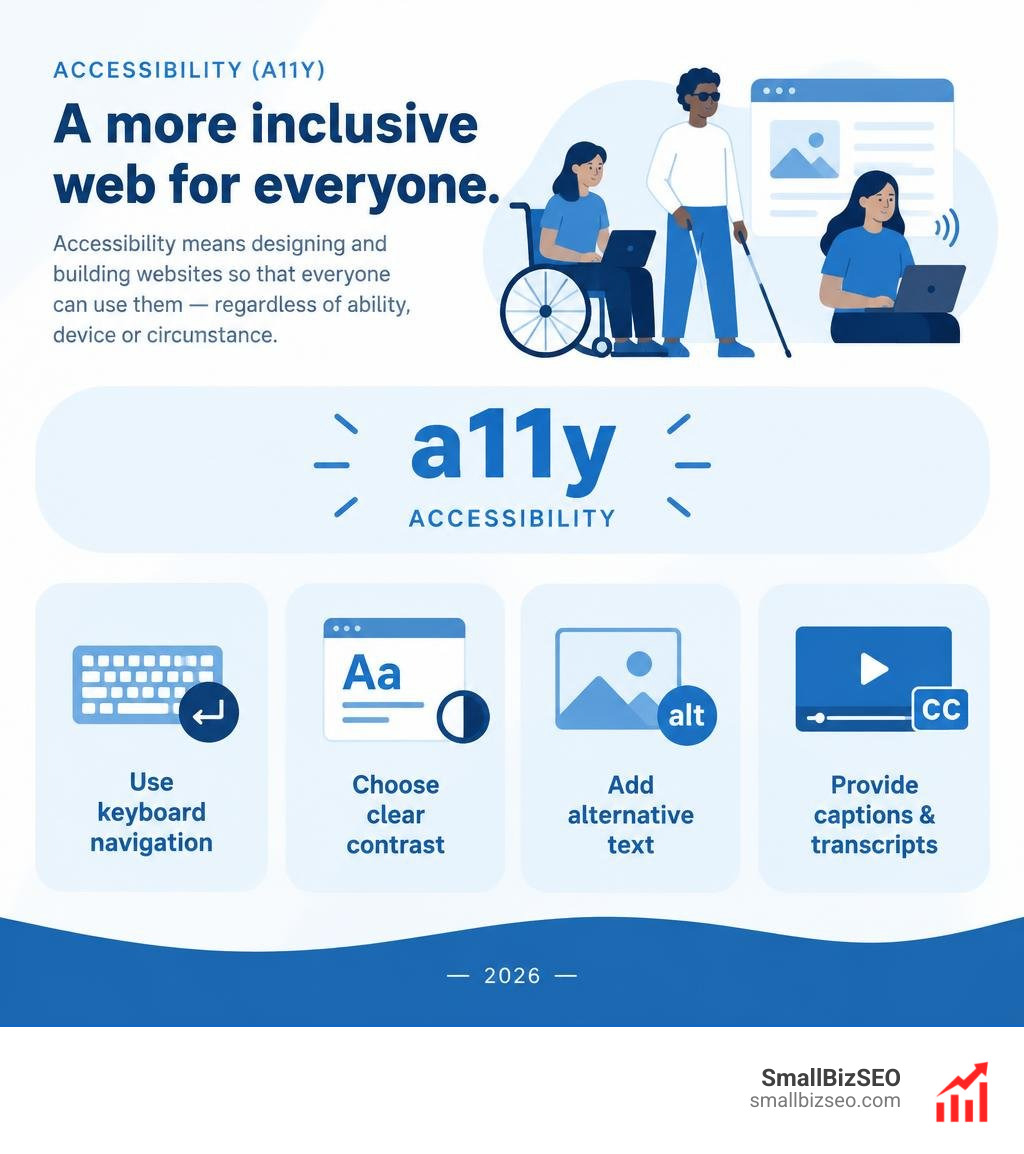
Digital equity ensures that everyone has equal access to information and public services online. Globally, roughly 1.3 billion people live with some form of disability. With more than 5.56 billion active internet users worldwide, building accessible digital experiences ensures essential services, commerce, and communication remain open to all.
Under the United Nations Convention on the Rights of Persons with Disabilities (UN CRPD), access to information and communications technologies is recognized as a basic human right. Accessible design benefits businesses, too. Websites that prioritize inclusive design see an average 23% boost in organic search traffic by providing cleaner code, faster interactions, and clearer content structures that search engines can easily index.
What Is the Difference Between Accessibility (A11y) and Usability (UX)?
Direct accessibility focuses on eliminating barriers for people with disabilities, while usability measures how intuitive, efficient, and satisfying an experience is for general users.
As highlighted in the ta11y Accessibility Overview, digital design must account for diverse functional needs rather than assuming every visitor browses with a high-resolution display, a mouse, and full sensory perception. A website can be highly usable for a standard mouse-and-screen setup yet entirely inaccessible to someone navigating via a screen reader or keyboard alone.
| Dimension | Accessibility (A11y) | Usability (UX) |
|---|---|---|
| Primary Goal | Remove barriers for people with diverse abilities | Maximize efficiency, ease of use, and user satisfaction |
| Target Audience | People with permanent, temporary, or situational limitations | All intended system users |
| Key Standards | Technical guidelines like WCAG | General UX heuristics and usability benchmarks |
| Assistive Tech Focus | Screen readers, switches, speech input, refreshable Braille | Standard touchscreens, mice, trackpads, keyboards |
| Evaluation Method | Technical audits, screen reader validation, compliance testing | User journey testing, heatmaps, task-completion speed |
Pairing accessibility with actionable on-page SEO techniques creates clear content hierarchies, descriptive anchor text, and well-structured code that benefit both search crawlers and real users.
How Do Assistive Technologies Navigate Modern Websites?
Assistive technologies translate web pages into audio, tactile, or simplified visual outputs, relying on clean code structures rather than visual styling.
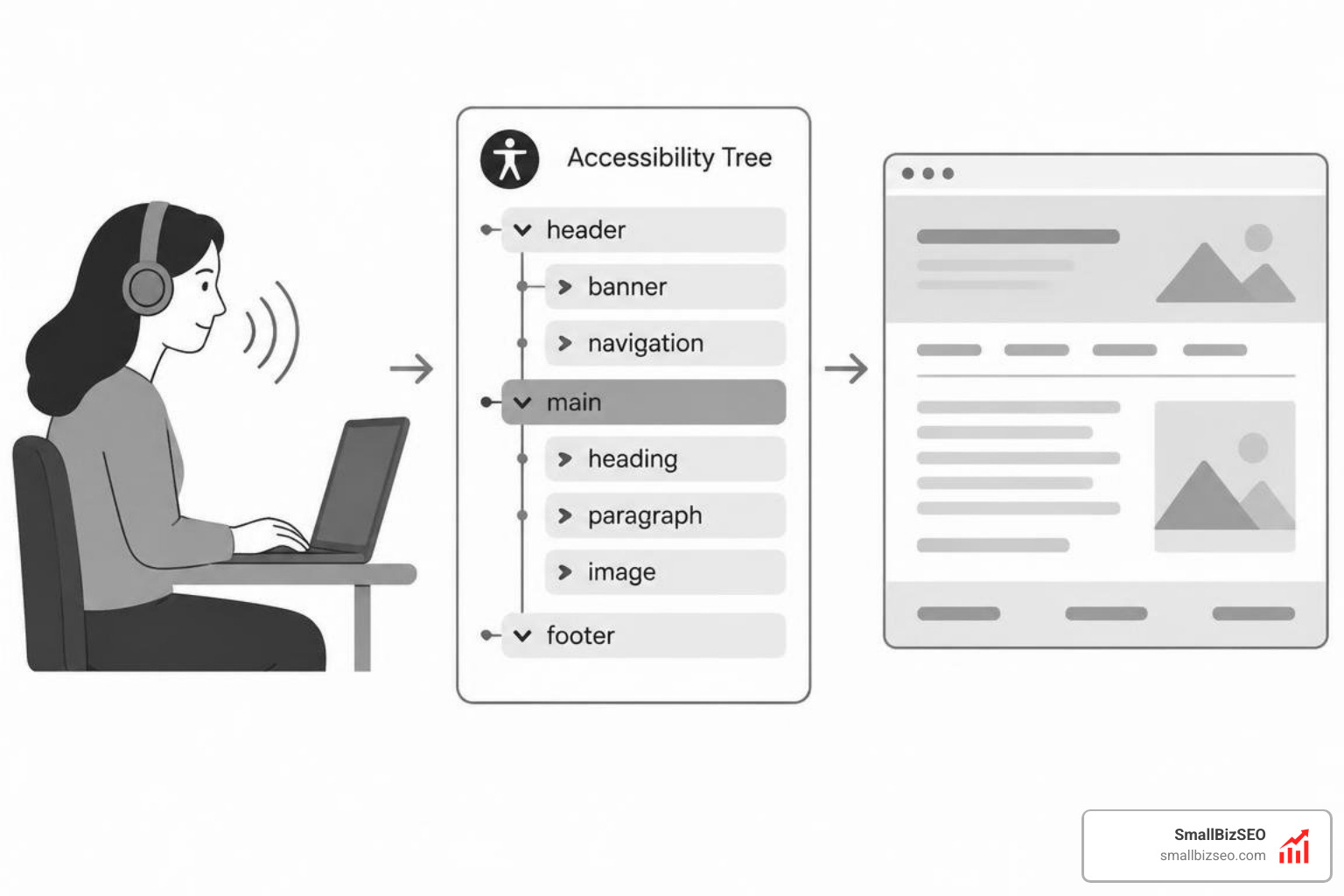
When a browser loads a webpage, it parses the Document Object Model (DOM) and creates an accessibility tree. This tree communicates semantic roles, states, names, and values directly to assistive devices. Screen readers process content linearly from top to bottom, using speech synthesis or refreshable Braille displays.
Key technical requirements for smooth assistive technology navigation include:
- Semantic HTML Elements: Native tags like
,,, andsignal landmarks automatically so visitors can jump between major sections. - Heading Structures: Screen readers use heading hierarchies (
through) as an interactive outline to skim and select content. - Skip Links: The Accessibility Developer Guide highlights the importance of skip navigation links, which allow keyboard and screen-reader users to bypass repetitive header navigation and jump straight to main content.
- Logical Tab Order: Interactive elements must follow a predictable sequence matching the visual reading flow.
- ARIA Attributes: Accessible Rich Internet Applications (ARIA) roles provide supplementary information for complex dynamic widgets when native HTML cannot convey state changes.
How Can You Make a Website Accessible?
You make a website accessible by accommodating visual, auditory, motor, and cognitive differences while supporting multiple input methods.
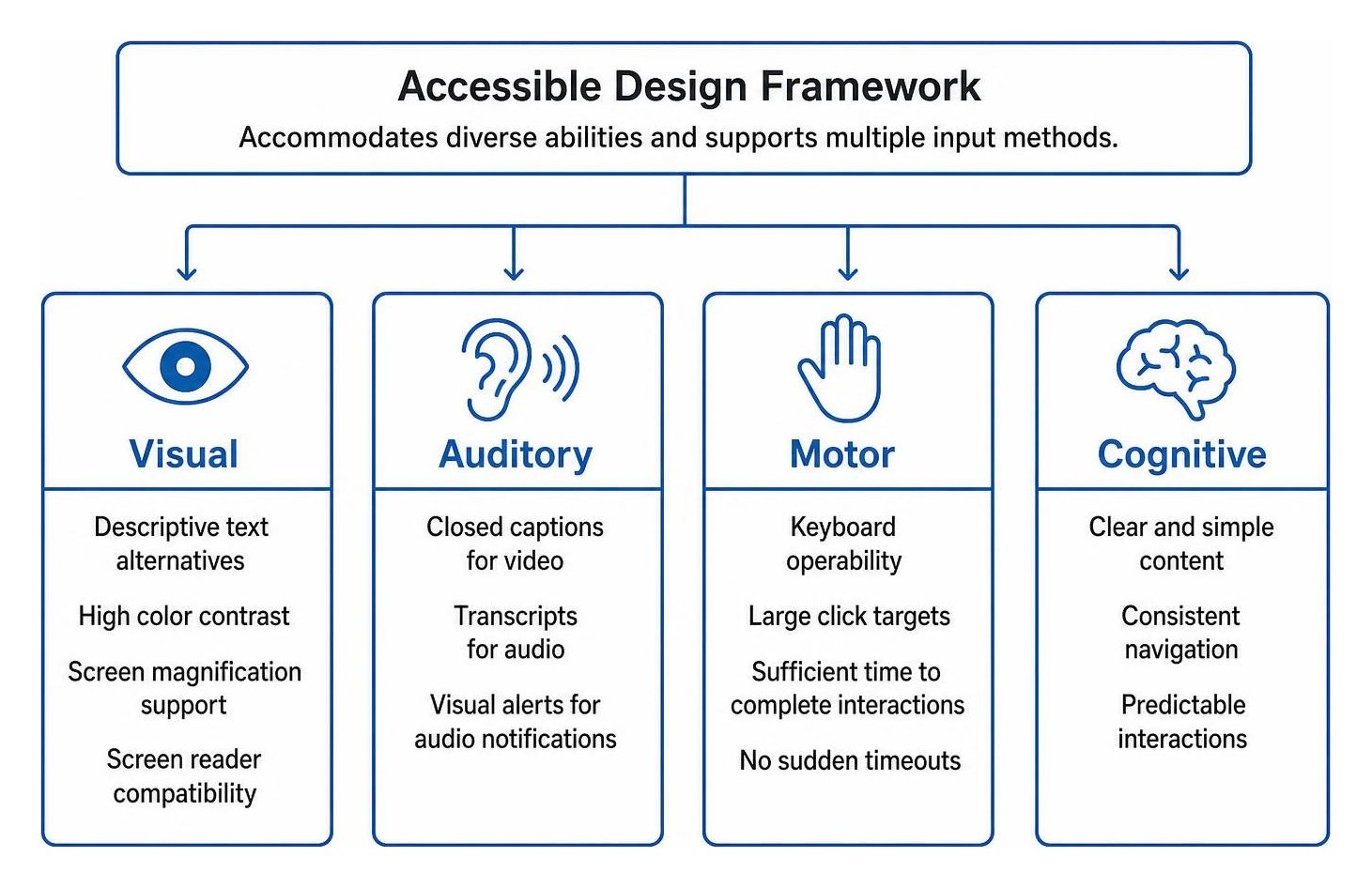
Designing for accessibility addresses several disability categories as well as situational constraints:
- Visual Disabilities: Low vision, color blindness, and total blindness require descriptive text alternatives, high color contrast, screen magnification support, and seamless screen reader compatibility.
- Auditory Disabilities: Deafness and hearing loss require accurate closed captions for video content, synchronized transcripts for audio, and visual alerts for audio notifications.
- Motor Limitations: Tremors, paralysis, repetitive strain injuries, or a broken arm require complete keyboard operability, large click targets, and sufficient time to complete interactions without sudden timeouts.
- Cognitive Differences: Attention deficits, memory challenges, dyslexia, or learning differences require predictable navigation, plain language, distinct headings, and minimal flashing distractions.
The MDN Web Accessibility Guide emphasizes using native web semantics to support flexible user adjustments, such as custom browser zoom levels, responsive text scaling, and platform-level screen readers. Combining accessible page markup with regular mobile-friendly testing ensures that layouts adapt smoothly across varying viewport sizes and touch environments.
What Are the Four POUR Principles of WCAG?
The Web Content Accessibility Guidelines (WCAG), published by the W3C Web Accessibility Initiative and recognized as ISO/IEC 40500, are organized around four core principles known as POUR:
- Perceivable: Information and user interface components must be presentable to users in ways they can perceive. Content cannot be invisible to all of a visitor's senses. Text alternatives must accompany images, and captions must accompany audio.
- Operable: Interface components and navigation must be operable across various inputs. Users must be able to complete all interactive tasks using only a keyboard, without encountering keyboard traps or unrealistic time limits.
- Understandable: Information and operation must be clear. Content must be written in plain language, navigation patterns must remain consistent across pages, and forms must provide intuitive labels and clear error descriptions.
- Robust: Content must be robust enough to be interpreted reliably by a wide variety of user agents, including assistive technologies. Code must adhere to technical standards and maintain compatibility as tools evolve.
Meeting WCAG Level AA compliance across these four pillars serves as the standard benchmark for commercial and public websites.
What Steps Can Beginners Take to Improve Accessibility?
Beginners can make immediate accessibility improvements by focusing on foundational content, styling, and navigation updates.
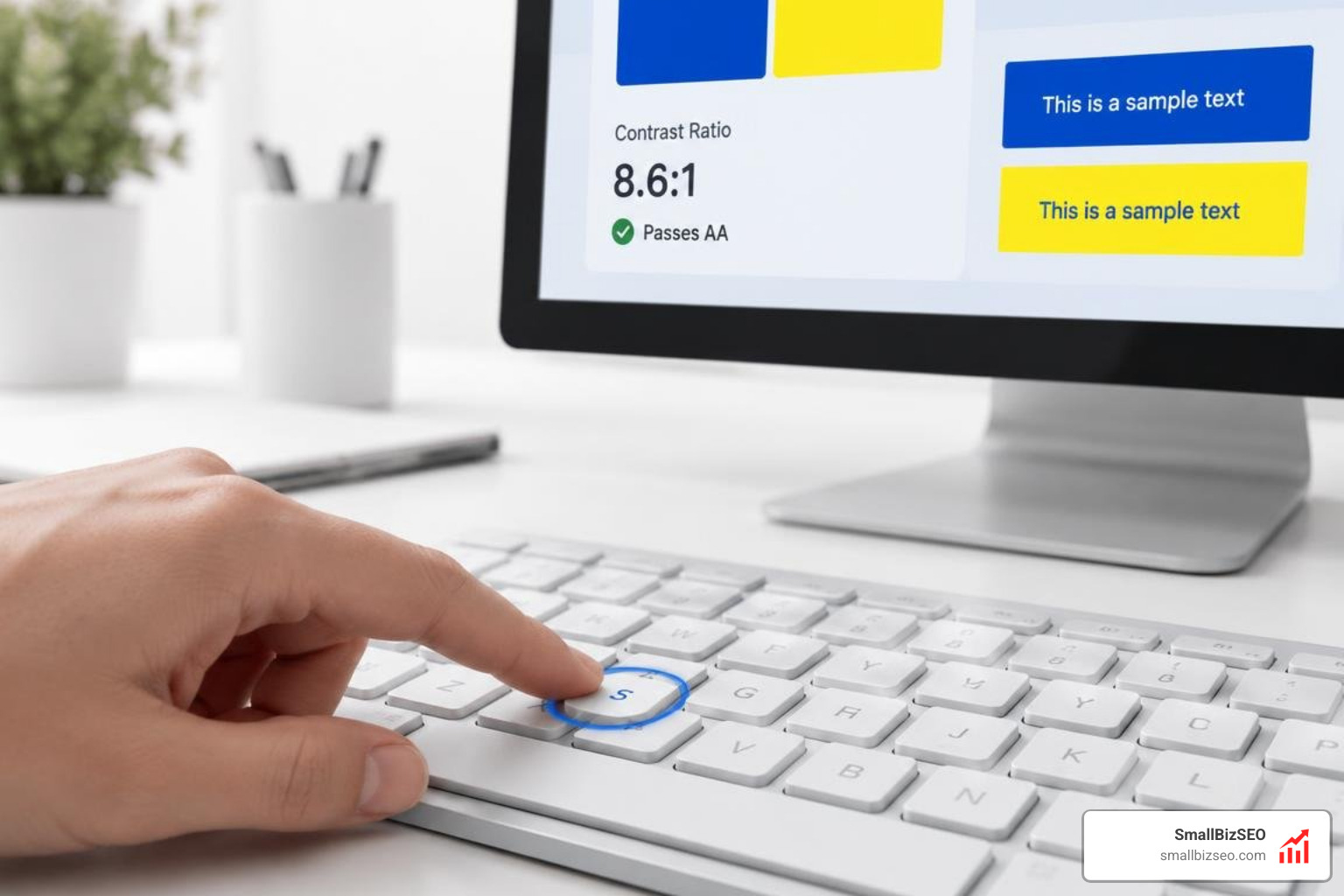
Focus on these practical fixes:
- Write Descriptive Alt Text: Add concise alternative text to informative images to describe their context and meaning. Use empty alt tags (
alt="") on purely decorative graphics so screen readers ignore them. - Ensure Sufficient Color Contrast: Maintain a minimum contrast ratio of 4.5:1 for normal body text and 3:1 for large text (18pt or 14pt bold) against background colors. Never use color alone to convey critical status or instructions.
- Verify Complete Keyboard Navigation: Confirm that visitors can access every link, button, and input field using the Tab key, activate them with Enter or Space, and easily see where focus is via a clear focus ring.
- Add Captions and Transcripts: Provide accurate closed captions for video recordings and text transcripts for audio-only files.
- Label Form Inputs and Errors: Connect every form field with an explicit
element and provide clear text instructions when validation errors occur.
To evaluate progress, use a blended testing strategy. Browser extensions provide fast automated checks, but teams should pair them with manual keyboard audits and full DOM reviews. For deeper architectural best practices, our comprehensive technical SEO guide outlines structural improvements that support both web crawlers and assistive tools.
How Does Accessibility Affect Businesses, and How Can Teams Build It In?
Accessible websites expand market reach, lower bounce rates, reduce legal liability, and improve overall search engine performance.
Employment statistics highlight broad disparities in digital and workplace inclusion. In the United States, historical unemployment rates reached 12.9% for workers with disabilities compared to 7.3% for workers without disabilities, with 52% of disabled workers earning less than $25,000 annually. In India, a major corporate survey found an employment rate of just 0.28% for persons with disabilities among the top 100 multinational firms. Improving digital access removes barriers to online job applications, remote employment tools, educational portals, and commercial storefronts.
From a business standpoint, accessible design broadens audience reach and improves search engine crawlability. Search engines and AI indexing systems process page information much like assistive technologies do—relying on text alternatives, clean semantic headings, and predictable site architectures. Furthermore, optimizing page structures directly complements technical efforts like optimizing Core Web Vitals, creating faster, more responsive websites that keep visitors engaged.
Is Web Accessibility a Legal Requirement for Modern Businesses?
Yes, digital accessibility is a legal requirement in many jurisdictions, and failing to maintain accessible websites can lead to demand letters, lawsuits, and regulatory fines.
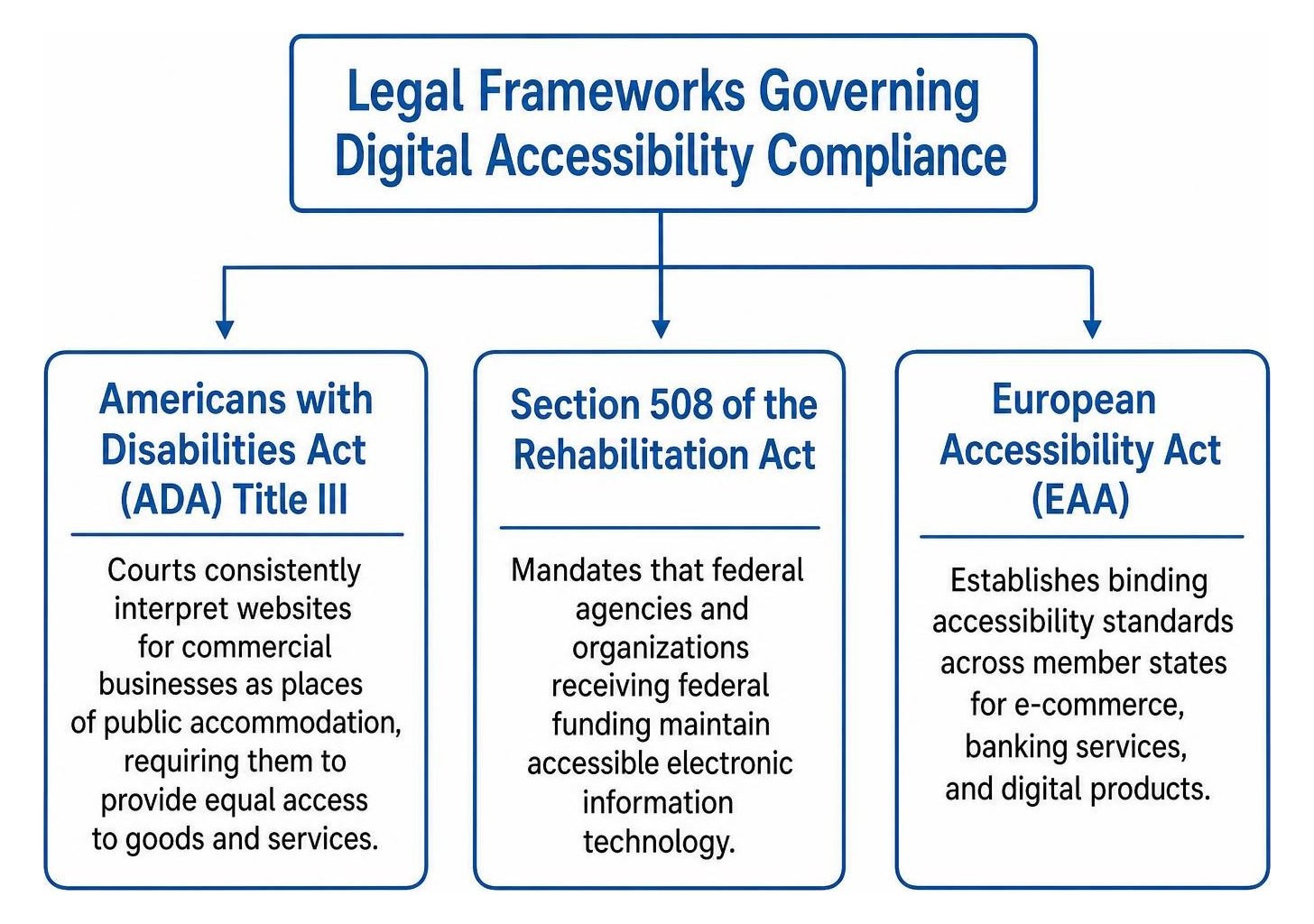
Key legislative frameworks include:
- Americans with Disabilities Act (ADA) Title III: Courts consistently interpret websites for commercial businesses as places of public accommodation, requiring them to provide equal access to goods and services.
- Section 508 of the Rehabilitation Act: Mandates that federal agencies and organizations receiving federal funding maintain accessible electronic information technology.
- European Accessibility Act (EAA): Establishes binding accessibility standards across member states for e-commerce, banking services, and digital products.
Maintaining an up-to-date accessibility statement that outlines current compliance levels, testing procedures, and a direct contact channel for accommodation requests helps demonstrate good-faith progress toward universal access.
How Can You Build Inclusive Design into Your Development Workflow?
Teams build sustainable accessibility by shifting inclusive design practices to the earliest stages of the product lifecycle rather than attempting retroactive fixes.
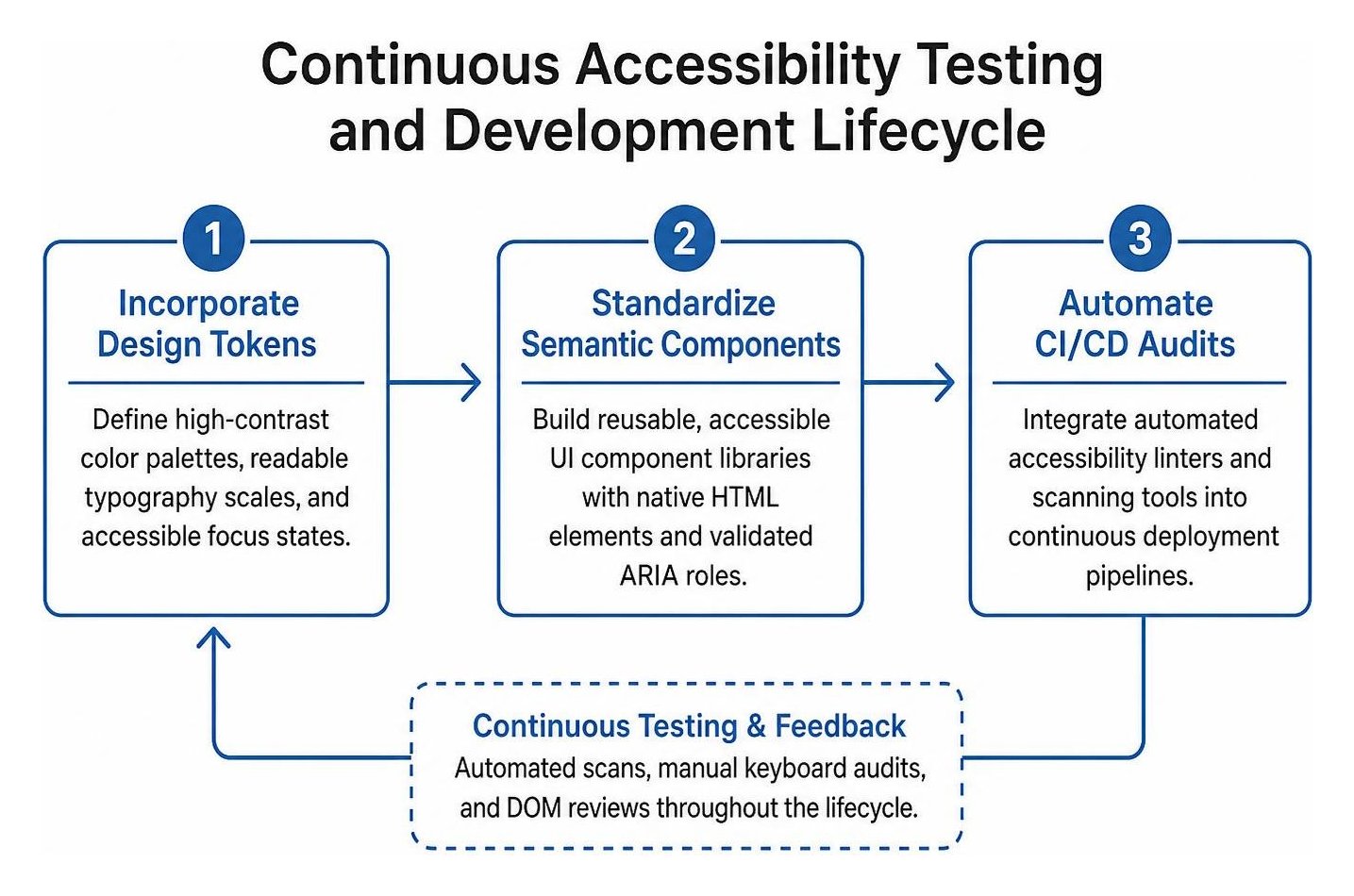
Follow this step-by-step workflow:
- Incorporate Design Tokens: Define high-contrast color palettes, readable typography scales, and accessible focus states directly inside shared design systems.
- Standardize Semantic Components: Build reusable, accessible UI component libraries with native HTML elements and validated ARIA roles.
- Automate CI/CD Audits: Integrate automated accessibility linters and scanning tools into continuous deployment pipelines to catch common coding issues before release.
- Conduct Manual QA Testing: Test key user flows using keyboard-only navigation and screen readers such as NVDA, JAWS, or VoiceOver.
- Include Disabled Users in Research: Validate major redesigns and core transactional flows directly with users who rely on assistive technologies.
At SmallBizSEO, we weave technical accessibility audits into our data-driven Velocity framework to build clean, high-performing websites. To uncover structural bottlenecks and ensure your site is built for all visitors, schedule an accessibility and SEO visibility audit with our team.
Building a Faster, More Inclusive Web
Digital accessibility is an ongoing commitment to universal access, usability, and sound engineering. By adopting semantic code, meeting WCAG principles, and testing interfaces with assistive devices, organizations eliminate barriers for millions of users worldwide. Prioritizing inclusive design strengthens user trust, broadens market reach, and establishes a resilient digital foundation for sustainable organic growth.