Are Your Images Truly Accessible? Writing Useful Alt Text for Business Websites
How do you write useful alt text for a business website?
When writing useful alt text for accessible business websites, ask what each image helps a visitor understand or do. Describe that purpose in a short, accurate phrase. Label an icon by its action, such as "Search," and use an empty alt attribute (alt="") for an image that adds no information. For a chart, summarize the main finding and provide the full details in nearby text.
People come first. Alt text helps screen-reader users understand images and gives search engines useful context. It should not repeat nearby copy or serve as a place to pack in keywords.
I'm Clayton Johnson, founder of SmallBizSEO. My work in content strategy and technical SEO informs my approach to writing useful alt text for accessible business websites: make each description helpful to visitors before considering search visibility.
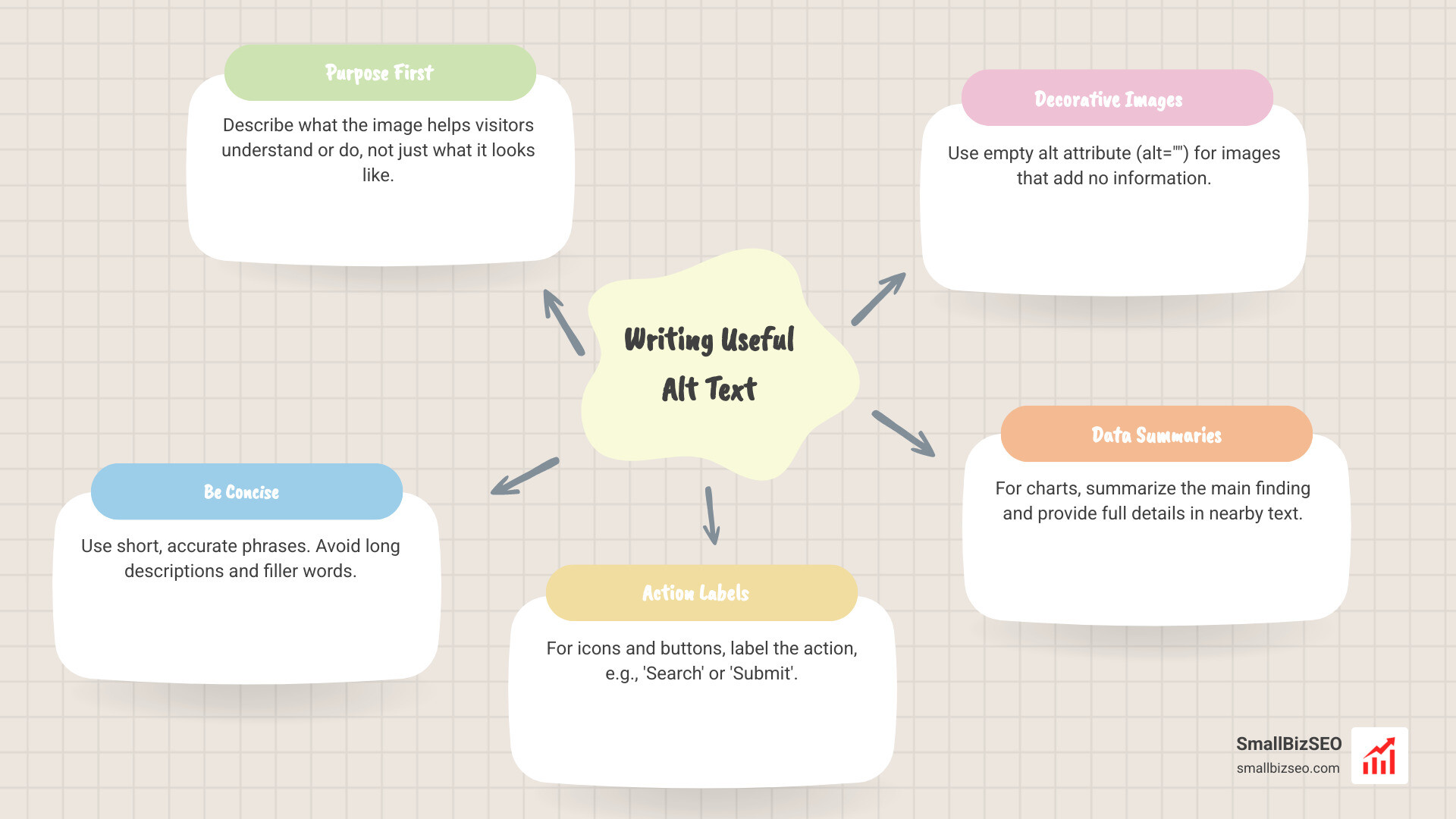
Quick writing useful alt text for accessible business websites definitions:
Core Rules for Writing Useful Alt Text for Accessible Business Websites
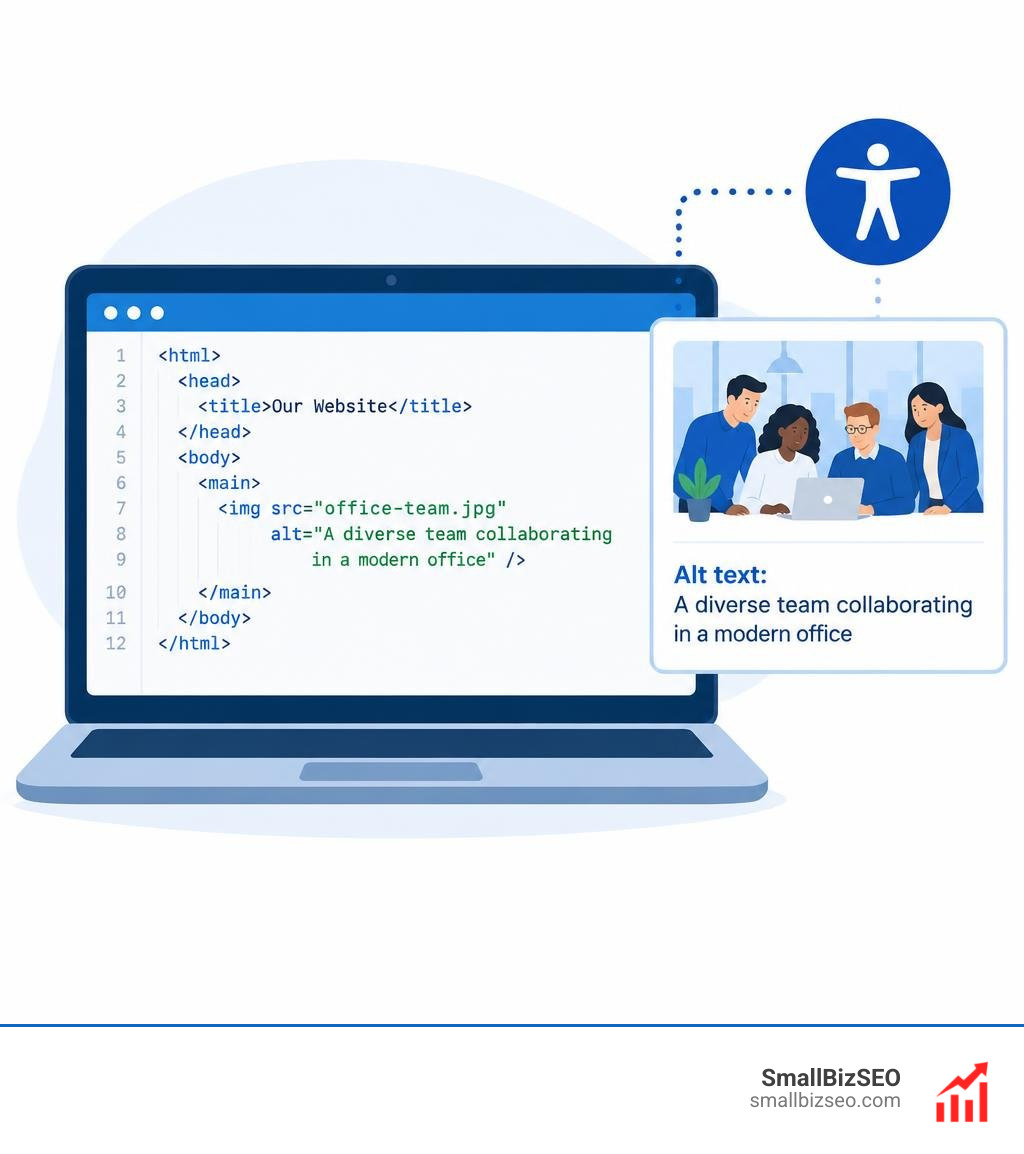
Alt text (alternative text) is a short text snippet embedded in an HTML image tag that conveys the meaning and intent of visual media. Assistive technologies, such as screen readers, read this text aloud to visitors with visual impairments or cognitive disabilities. It also displays on the screen if an image fails to load and helps search engine crawlers understand media assets during indexing.
Effective visual content optimization requires balancing human usability with structural clarity. According to Google's engineering guidance to Write helpful alt text, descriptions must be concise, accurate, and tailored to the surrounding content.
| Image Category | Primary Purpose | Alt Text Strategy | Code Example |
|---|---|---|---|
| Informative | Adds new facts, concepts, or visual proof to the copy | Describe the key details and subject in 1-2 sentences | alt="Technician installing commercial rooftop HVAC unit." |
| Functional | Triggers an action (links, buttons, interactive tools) | State the destination or action rather than visual traits | alt="Download quarterly financial report PDF." |
| Decorative | Purely visual styling, borders, or duplicate info | Use a null/empty attribute so screen readers bypass it | alt="" |
What Are the Key Principles for Writing Useful Alt Text for Accessible Business Websites?
To write effective alt text, focus on the functional purpose of the image rather than a mechanical list of every visual detail. Screen-reader users read at high speeds, and overly long descriptions slow down task completion.
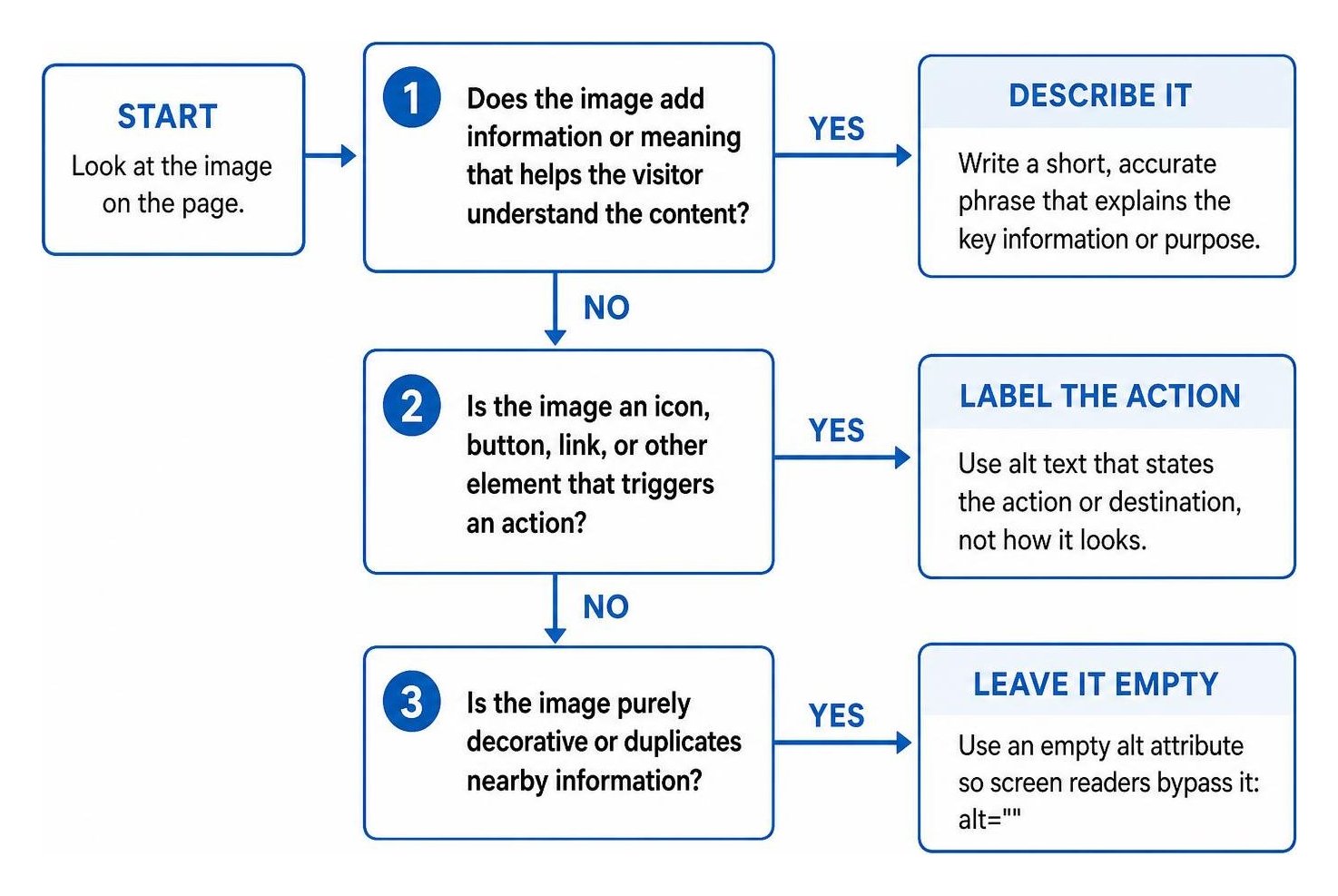
Apply these practical principles across all your web content:
- Focus on Purpose Over Appearance: Ask what information the user loses if the image disappears. If a photo shows a commercial warehouse, state what makes it relevant (e.g., "Steel rack storage layout in a logistics facility") instead of listing background colors.
- Keep Descriptions Concise: Aim for 125 characters or fewer when possible. A practical ceiling of one to two short sentences ensures assistive software communicates the asset efficiently.
- Avoid Redundant Filler Phrases: Never start with "Image of," "Photo of," or "Graphic showing." Screen readers automatically announce the presence of an HTML graphic element.
- Use Proper Punctuation: Capitalize the first letter and end with a period. Screen readers insert an auditory pause at periods, preventing the description from running directly into adjacent page copy.
- Incorporate Natural Keywords Responsibly: Supporting your on-page SEO strategy is a natural byproduct of accurate descriptions. Use descriptive terms naturally, but never force keywords into assets where they do not match the visual context.
- Prioritize Unique Content: Quality alt text never copies the caption or the heading directly above it. Repeating text creates annoying duplicate announcements for visitors using assistive technology.
How Should You Handle Specific Visual Formats and Decorative Assets?
Different visual formats require specific writing methods based on how a visitor interacts with them:
- Company Logos and Linked Headers: When a logo acts as a link to the homepage, write the organization name followed by its destination (e.g.,
alt="SmallBizSEO home"). If the logo is unlinked and purely informative, provide the business name. - Navigation Icons and Action Buttons: Describe the function, not the shape. A magnifying glass icon should have an alt attribute of "Search," and a shopping bag icon should read "View cart."
- Complex Charts, Diagrams, and Infographics: Guidance from Section 508 on Authoring Meaningful Alternative Text recommends a two-part approach. Provide a high-level summary in the alt attribute (e.g.,
alt="Bar chart showing commercial solar adoption rising 45 percent over three years"), and provide the complete data points in an adjacent table or paragraph. - Comparison Photos: When describing before and after photos in alt text, clearly separate the two states within a single attribute or through individual image labels (e.g.,
alt="Living room prior to renovation with dated wallpaper, followed by updated modern interior with neutral paint"). - Decorative and Background Elements: Stock imagery that serves only as visual filler, along with layout dividers, decorative shapes, and watermarks, should always use an empty attribute (
alt="") orrole="presentation".
What Are Common Mistakes When Writing Useful Alt Text for Accessible Business Websites?
Avoiding fundamental errors is just as important as writing accurate descriptions. As covered in our foundational guide on Accessibility A11Y 101, accessibility failures often stem from simple oversights:
- Keyword Stuffing: Packing alt tags with repetitive search phrases creates an unreadable experience for screen-reader users and risks search engine penalties.
- Using File Names as Placeholders: Leaving default names like
IMG_4021.jpgorbanner-final-v2.pngcauses screen readers to read out raw file paths, which provides no useful information. - Omitting the Alt Attribute Entirely: If an
- Adding Subjective Editorial Opinions: Avoid subjective adjectives like "A stunning, beautiful office lobby." Stick to neutral, objective facts: "Modern commercial office lobby with oak reception desk."
- Embedding Text in Images: Placing core marketing messages or pricing tables inside image pixels makes them inaccessible to visually impaired users and translation tools. Use real HTML text wherever possible.
Practical Implementation and Ongoing Alt Text Governance
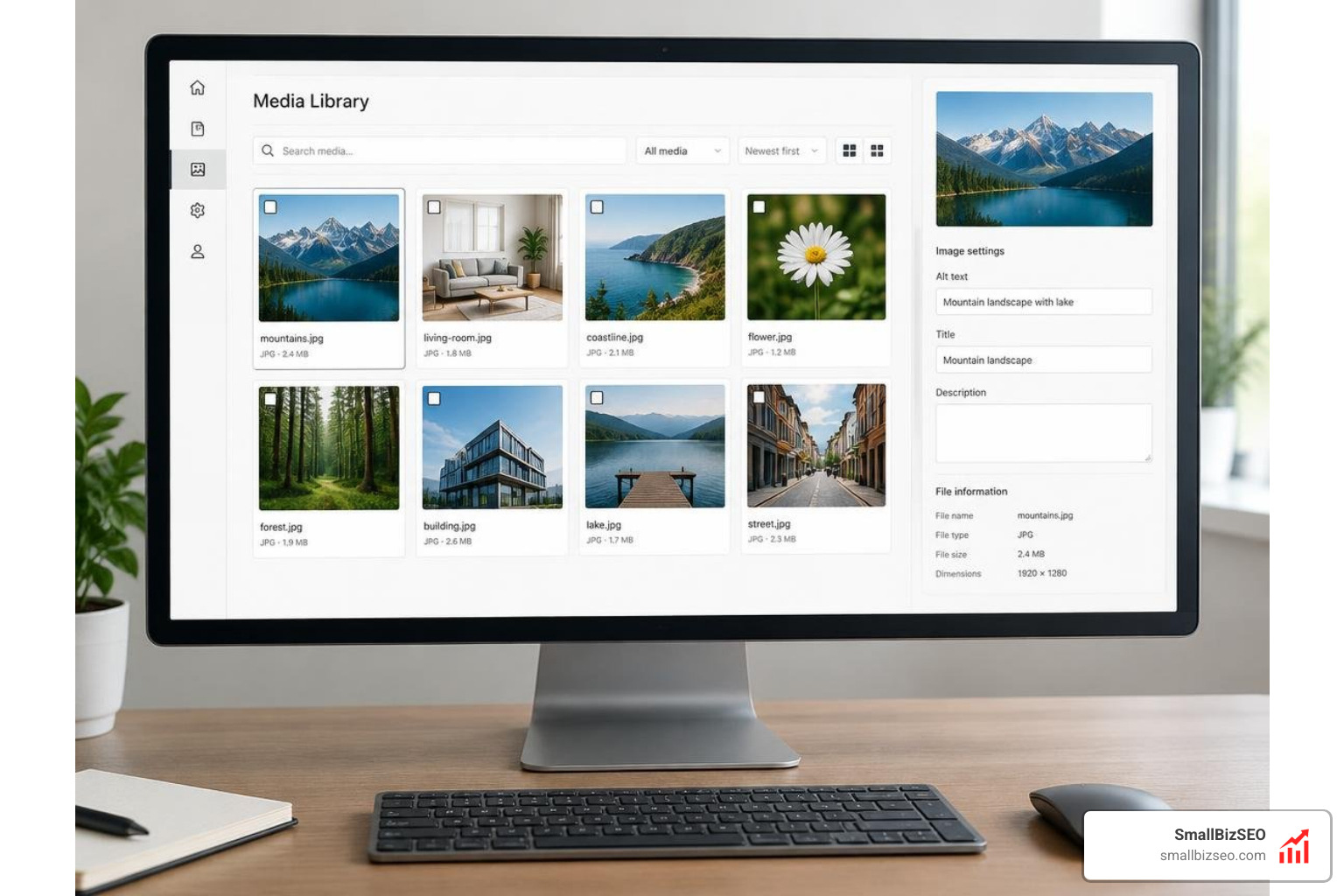
Writing clear descriptions is only the first step; maintaining digital accessibility across an evolving business website requires consistent governance and team-wide workflows.
How Do You Add and Manage Alt Text Across Different Web Platforms?
Whether you manage an enterprise e-commerce catalog or a corporate content site, standardize image uploads at every entry point:
- HTML and Custom Web Code: Ensure developers include the
altattribute on everyaria-labelattributes for icon-only interactive controls. - Content Management Systems (CMS): Configure your CMS media library to require descriptive text fields upon upload. Train editors using resources like the American Foundation for the Blind's guide to Writing Effective Image Descriptions.
- E-Commerce Product Catalogs: Create structured templates for product variations. A practical formula includes:
[Brand] + [Product Type] + [Color/Finish] + [Key Detail/Angle](e.g., "Men's waterproof hiking boot in charcoal gray, side profile view"). - Social Media Channels: Turn on accessibility settings in your social media scheduling software to ensure product photos and promotional graphics carry text alternatives across every platform.
- AI Drafting with Human Review: While AI tools can help draft initial descriptions for thousands of legacy images, a human editor must verify that each description matches the context and purpose of the page.
How Can Businesses Audit Descriptions and Maintain Legal Compliance?
Digital accessibility is a legal necessity under standards such as WCAG Success Criterion 1.1.1 (Level A), Section 508, and the Americans with Disabilities Act (ADA). WebAIM analysis shows that missing or poor alt text is one of the most common accessibility issues found across websites, leaving businesses vulnerable to costly litigation.
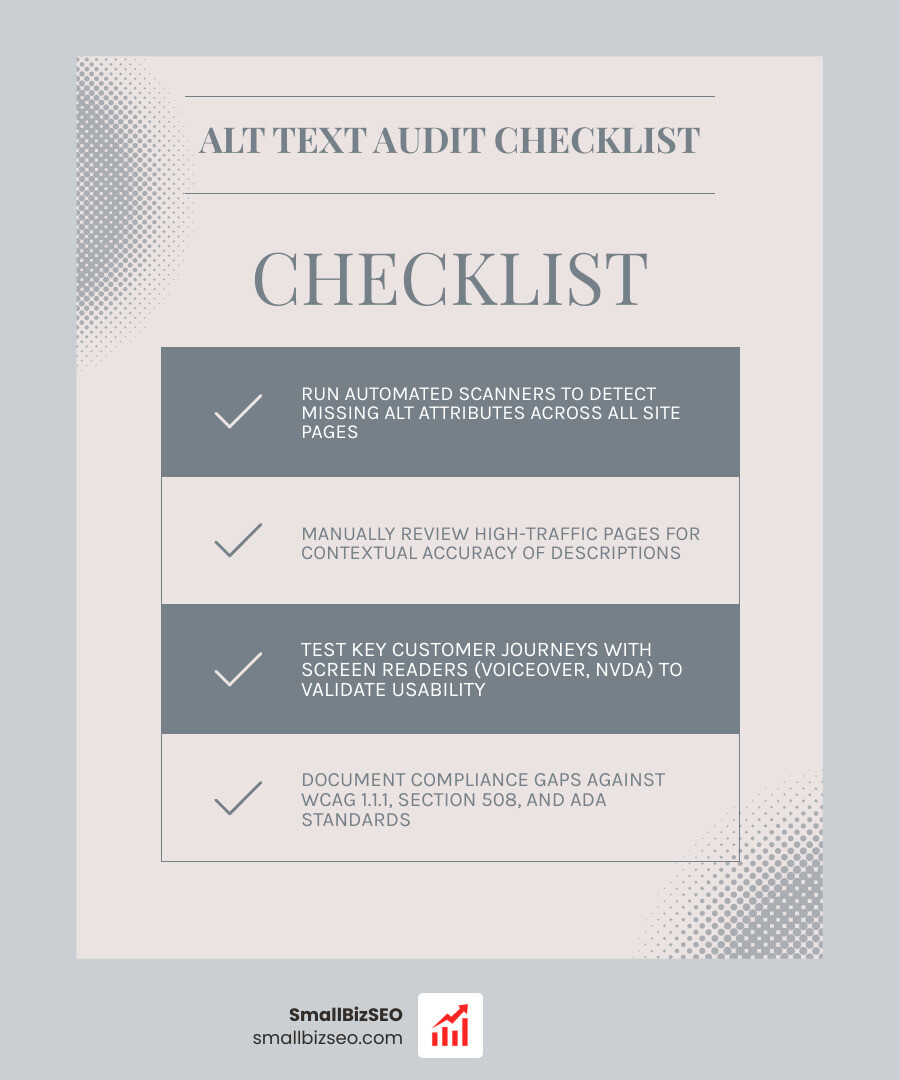
To maintain compliance and protect your business:
- Run Automated Scanners: Use automated auditing tools to detect missing alt attributes across large site architectures quickly.
- Perform Manual Spot Checks: Automated scanners cannot judge if a description makes contextual sense. Manually review high-traffic service pages and conversion funnels.
- Test with Screen Readers: Regularly test key customer journeys using native assistive technologies like VoiceOver on macOS/iOS or NVDA on Windows.
Making Business Accessibility Part of Your Growth Strategy
Accessible web practices ensure every visitor can navigate, understand, and buy from your business without barriers. Clear descriptions eliminate legal compliance risks, improve visual asset indexing, and create a better browsing experience across every device.
If you want to ensure your digital presence is inclusive, legally compliant, and optimized for maximum search visibility, explore our specialized accessibility audit services to strengthen your site's foundation today.