Spotting and Fixing Business Discrepancies Following a Suspension

How Do You Check Business Information After a GBP Suspension?
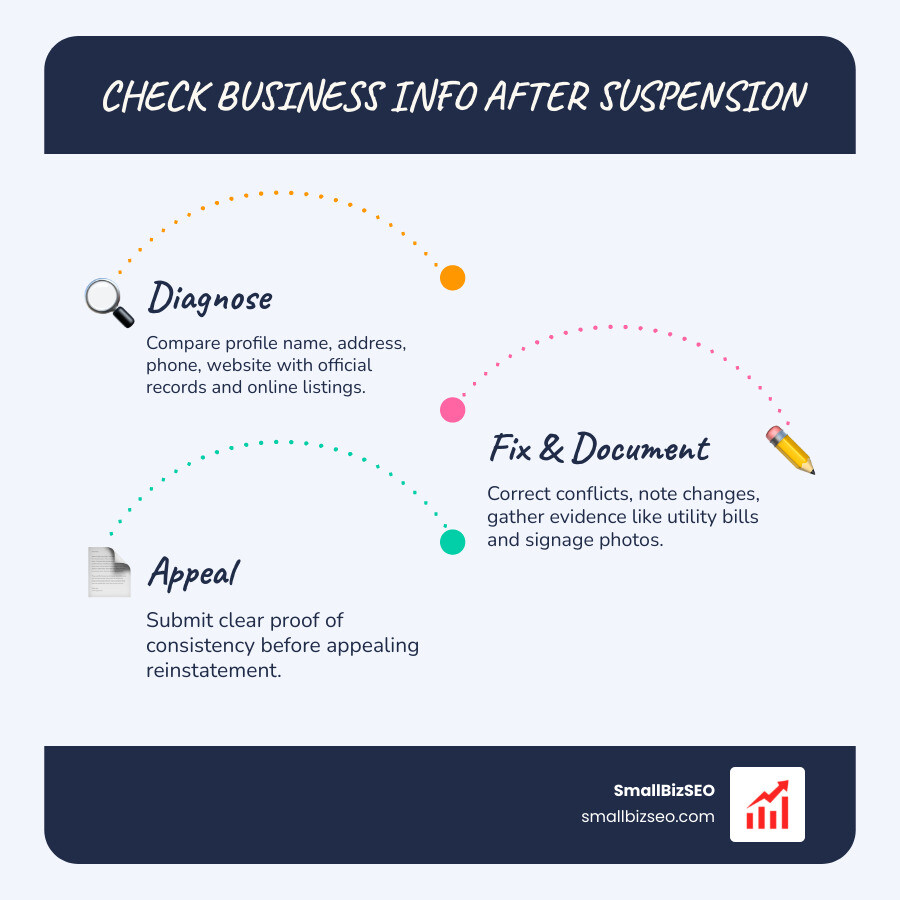
Start checking business information for inconsistencies after a gbp suspension by comparing your profile's name, address, phone number, and website with your official records, website, and online listings. Fix inaccurate details, note any changes, and gather documents that show your current business information before you appeal.
I'm Clayton Johnson, founder of SmallBizSEO. My work connecting accurate business details, clear website content, and credible evidence shapes this approach to checking business information for inconsistencies after a gbp suspension.
Industry data reveals that annual suspension rates hover around 35% across all profiles. Furthermore, an analysis of 300 profile suspension cases showed that 28.7% stemmed directly from business information and guideline issues, while another 23% were triggered by rapid or excessive profile edits. Addressing these discrepancies systematically before submitting an appeal is the most reliable way to restore your visibility.
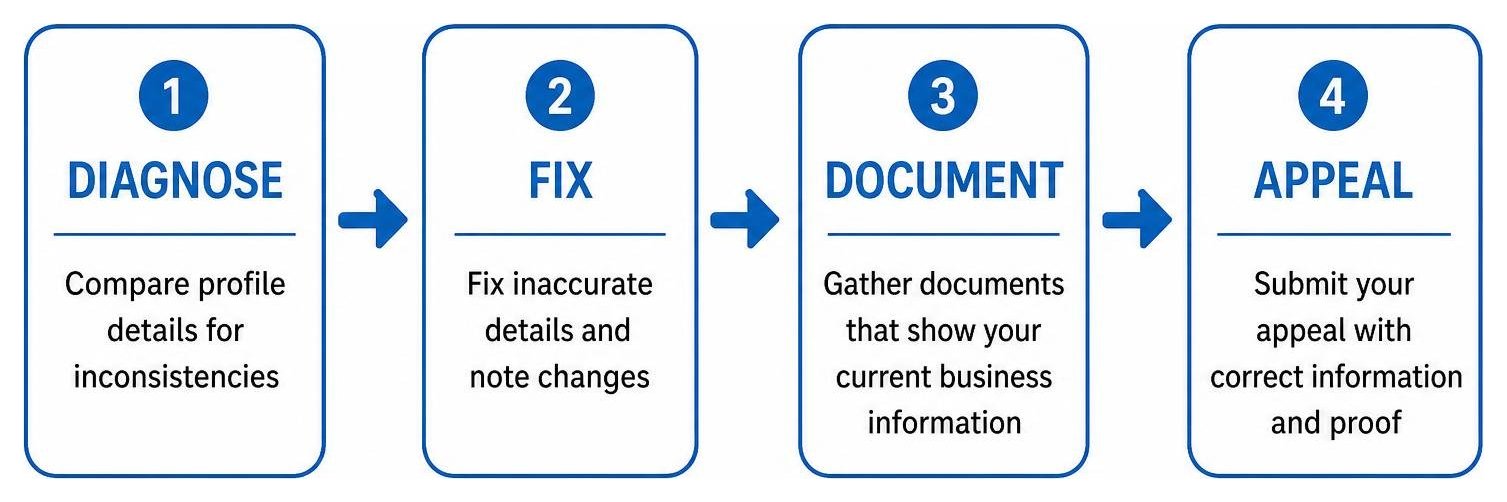
Why Should You Check Business Information for Inconsistencies Before Appealing a GBP Suspension?
Auditing your business information across the web identifies the underlying mismatch that triggered Google's automated enforcement systems. Submitting an appeal without resolving these contradictions often leads to instant denials and prolonged downtime.
When Google flags an account, its verification systems cross-reference the profile against state business registries, digital directories, structured data, and official documentation. Understanding NAP consistency explained helps you realize why minor discrepancies can break entity trust.
Google enforces two distinct levels of listing restrictions, each requiring a specific diagnostic approach:
| Suspension Attribute | Soft Suspension | Hard Suspension |
|---|---|---|
| Public Visibility | The listing remains visible in Search and Maps (~70% of cases). | The listing is completely removed from Search and Maps (~30% of cases). |
| Dashboard Access | Management access is locked or restricted; edits are blocked. | Full administrative access may be revoked; status shows suspended or disabled. |
| Typical Trigger | Verification flags, minor data mismatches, or manager account issues. | Suspected misrepresentation, severe address violations, or unverified locations. |
| Resolution Timeline | Typically resolved within 5 to 14 days after reverification. | Typically requires 5 to 21+ days depending on document review and appeal queues. |
| Primary Remediation | Audit account access, verify ownership, and update core business fields. | Correct all legal records, align web data, and submit Google official reinstatement guidelines evidence. |
Fixing inconsistencies before submitting your case gives you a 45% higher reinstatement success rate compared to appealing immediately without correcting underlying data.
What Discrepancies Can Trigger a Suspension When Checking Business Information?
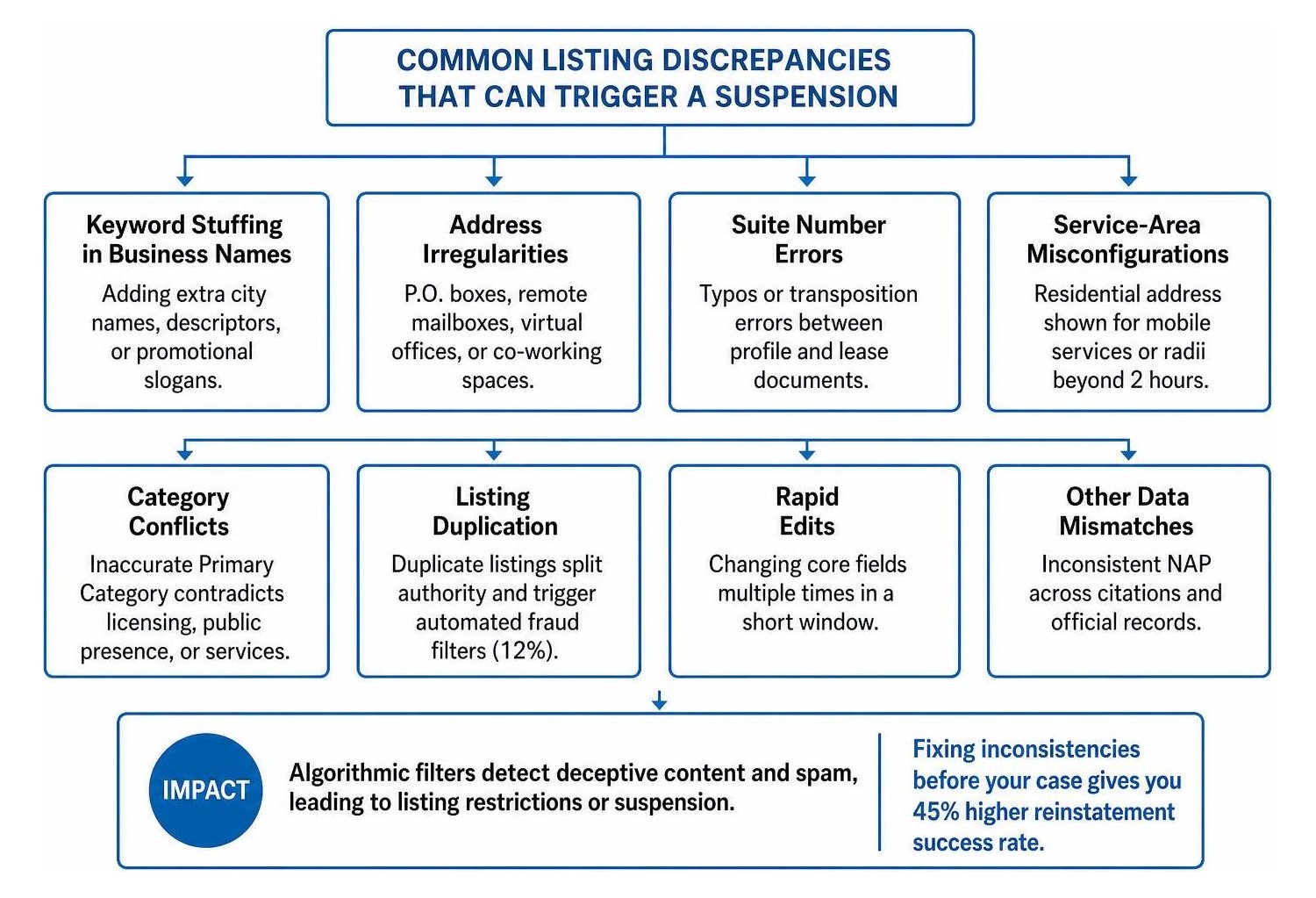
Google relies on algorithmic filters to detect deceptive content and spam. The most common data issues that trigger suspensions include:
- Keyword Stuffing in Business Names: Adding extra city names, descriptors, or promotional slogans (e.g., adding "Best 24/7 Emergency Repairs" to a legal business title).
- Address Irregularities: Listing P.O. boxes, remote mailboxes, virtual office packages, or co-working spaces without dedicated, staffed physical offices.
- Suite Number Errors: Simple typos or transposition errors between your profile and lease documents.
- Service-Area Misconfigurations: Displaying a residential address for a mobile service business instead of hiding the address and specifying service boundaries (service radii extending beyond a 2-hour drive often trigger reviews).
- Category Conflicts: Selecting an inaccurate Primary Category that contradicts your legal licensing, public presence, or storefront services.
- Listing Duplication: Coexisting duplicate listings that split authority and trigger automated fraud filters. Approximately 12% of analyzed suspensions stem from duplicate profiles.
- Rapid Edits: Changing core fields (such as name, phone number, and category) multiple times in a short window.
How Do You Audit NAP and Legal Registrations Across Online Citations?
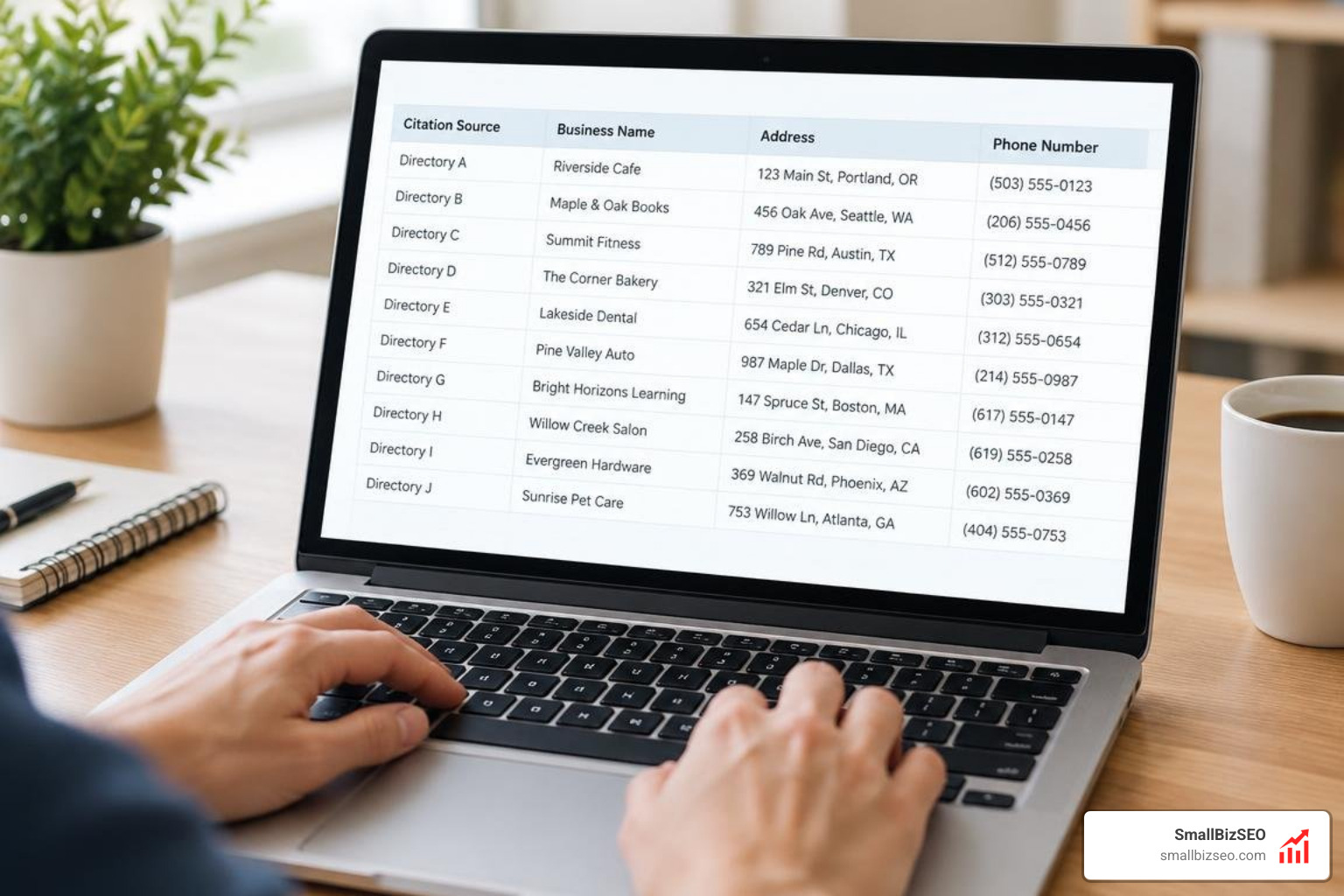
To audit your core information, compare your profile details against official government filings and tier-one web citations.
- Pull Official Registration Records: Verify your legal entity status, active DBA filings, and state registration records. The entity title on these documents serves as your baseline source of truth.
- Execute Character-for-Character Matching: Ensure street abbreviations, suite formats, and legal entity identifiers match across all platforms.
- Audit Major Directory Citations: Search industry portals, local directories, mapping platforms, and your social assets to find conflicting legacy addresses or outdated phone lines.
- Scrutinize High-Risk Service Profiles: Service categories like plumbing, HVAC, electrical, and locksmithing face strict algorithmic reviews. Clean up external references to protect your broader Local SEO foundation.
How Can You Resolve Business Data Conflicts and Restore Your Profile?
Align your profile, website, and public citations with your legal entity documents, and compile verifiable proof before submitting your request through the appeals portal.

According to the Google Business Profile Community support guide, human reviewers evaluate the consistency of your entire digital footprint. Rushing an appeal with unresolved data conflicts creates review loops that compound delays.
How Can You Audit Your Website and Schema Markup for Conflicting Information?
Your website acts as the central anchor for Google's validation algorithms. Audit the following technical and on-page elements:
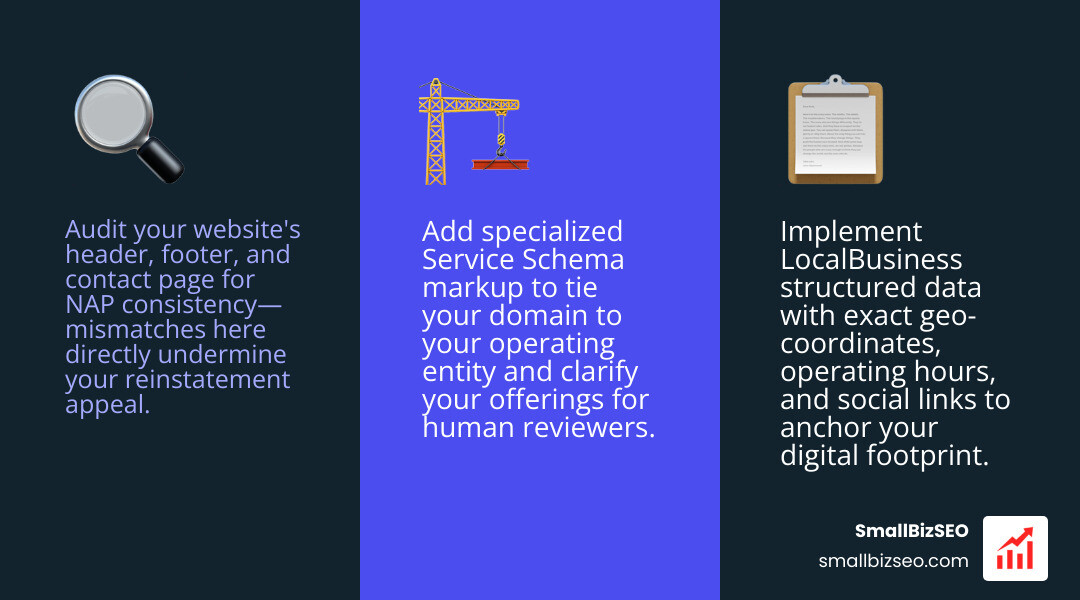
- Header and Footer Synchronization: Confirm that your business name, operating address, and local phone number are consistently formatted across every page footer.
- Contact Page Precision: Ensure embedded maps, driving directions, operating hours, and contact details match your profile settings.
- Structured Data Validation: Implement structured LocalBusiness markup containing exact coordinates, operating hours, telephone numbers, and official social profile links.
- Specialized Service Schema: Add proper Service Schema markup to define your offerings and tie your domain directly to your operating entity.
How Should You Check Business Information After a Recent Relocation?
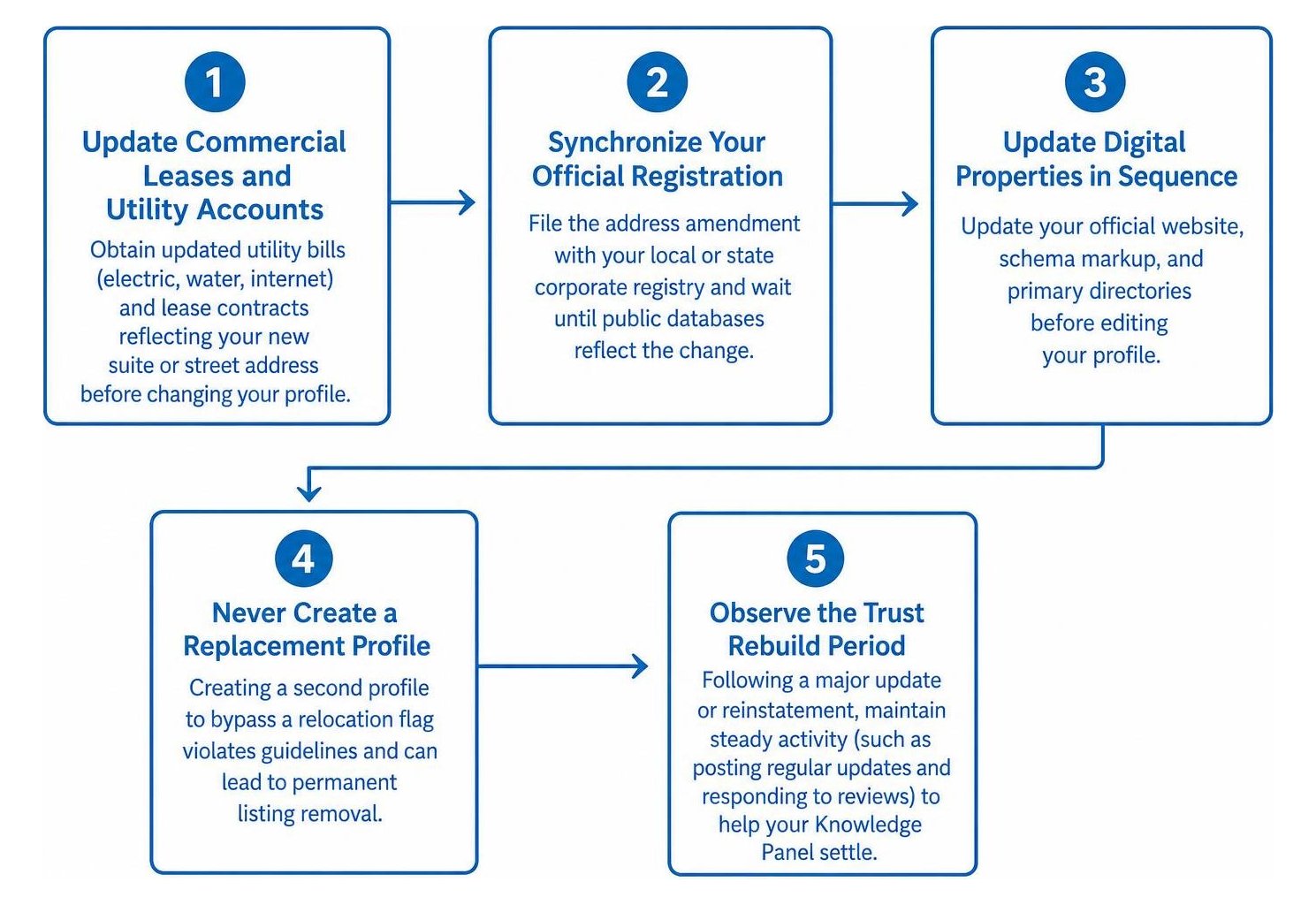
Relocating your business or rebranding introduces discrepancies across external directories. Address changes account for roughly 19% of suspension cases. Follow this sequence when moving:
- Update Commercial Leases and Utility Accounts: Obtain updated utility bills (electric, water, internet) and lease contracts reflecting your new suite or street address before changing your profile.
- Synchronize Your Official Registration: File the address amendment with your local or state corporate registry and wait until public databases reflect the change.
- Update Digital Properties in Sequence: Update your official website, schema markup, and primary directories before editing your profile.
- Never Create a Replacement Profile: Creating a second profile to bypass a relocation flag violates guidelines and can lead to permanent listing removal.
- Observe the Trust Rebuild Period: Following a major update or reinstatement, maintain steady activity (such as posting regular updates and responding to reviews) to help your Knowledge Panel settle.
What Documentation Is Most Effective for Proving Consistency in Your Reinstatement Appeal?
Provide official government registrations, current utility invoices, and clear physical evidence that match the business name and address on your profile.
When preparing an appeal package, quality and accuracy matter more than document volume. Reviewers evaluate official paperwork character-for-character against the details on your profile:
- Official Business Registration: Current state entity filings, corporate formation certificates, or local operating licenses showing the legal business name and current address.
- Current Utility Bill: An electric, gas, water, or landline phone bill issued within the last 90 days matching the business name and address exactly.
- Proof of Physical Premises: Clear exterior photos showing permanent building signage, entrance directories, suite numbers, and fully equipped work areas.
- Operational Evidence: Branded company vehicles, professional tool setups, or unedited continuous video walkthroughs showing the street, entrance, and operational workspace.
If your appeal is rejected or you are dealing with complex data conflicts across the web, our specialized business profile suspension recovery service can help audit your digital footprint, resolve underlying data issues, and prepare compliant evidence for reinstatement.
Restoring Visibility Through Accurate Business Data
Resolving a profile suspension requires identifying and correcting data discrepancies rather than filing repeated, rushed appeals. Taking the time to audit your public citations, align your website schema, and gather matching documentation establishes the verified trust Google requires.
Make sure your profile uses your real-world trading name, maintains clean service-area parameters, and matches your official registrations. Once your business records tell a single, coherent story across every channel, you can submit your appeal with confidence and get your local presence back online.