How to Structure H1 Through H6 Header Tags for Maximum SEO Impact
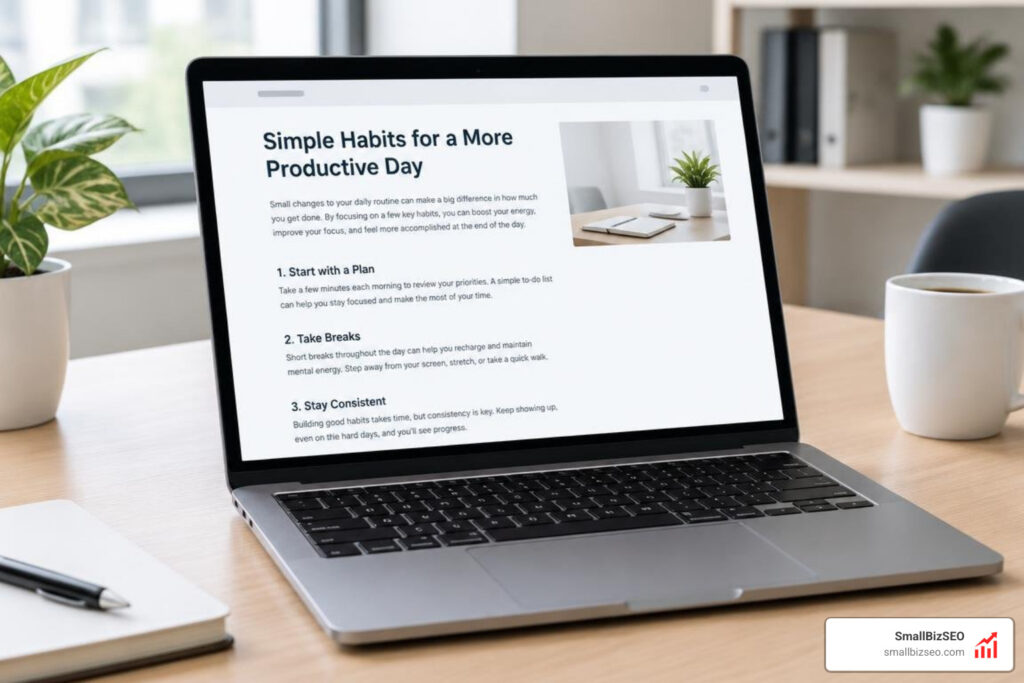
How should you structure header tags for SEO?
Good header tag structure for SEO starts with one H1 that names the page’s main topic. Use H2s for major sections and H3s for points within those sections. Write each heading so a reader can tell what comes next, and use keywords only where they fit naturally.
The goal is a page people can scan and screen-reader users can navigate. The same clear structure also helps search engines understand how its topics relate.
I’m Clayton Johnson, founder of SmallBizSEO. My work in header tag structure SEO is part of a broader focus on clear content that answers customer questions and supports search visibility.
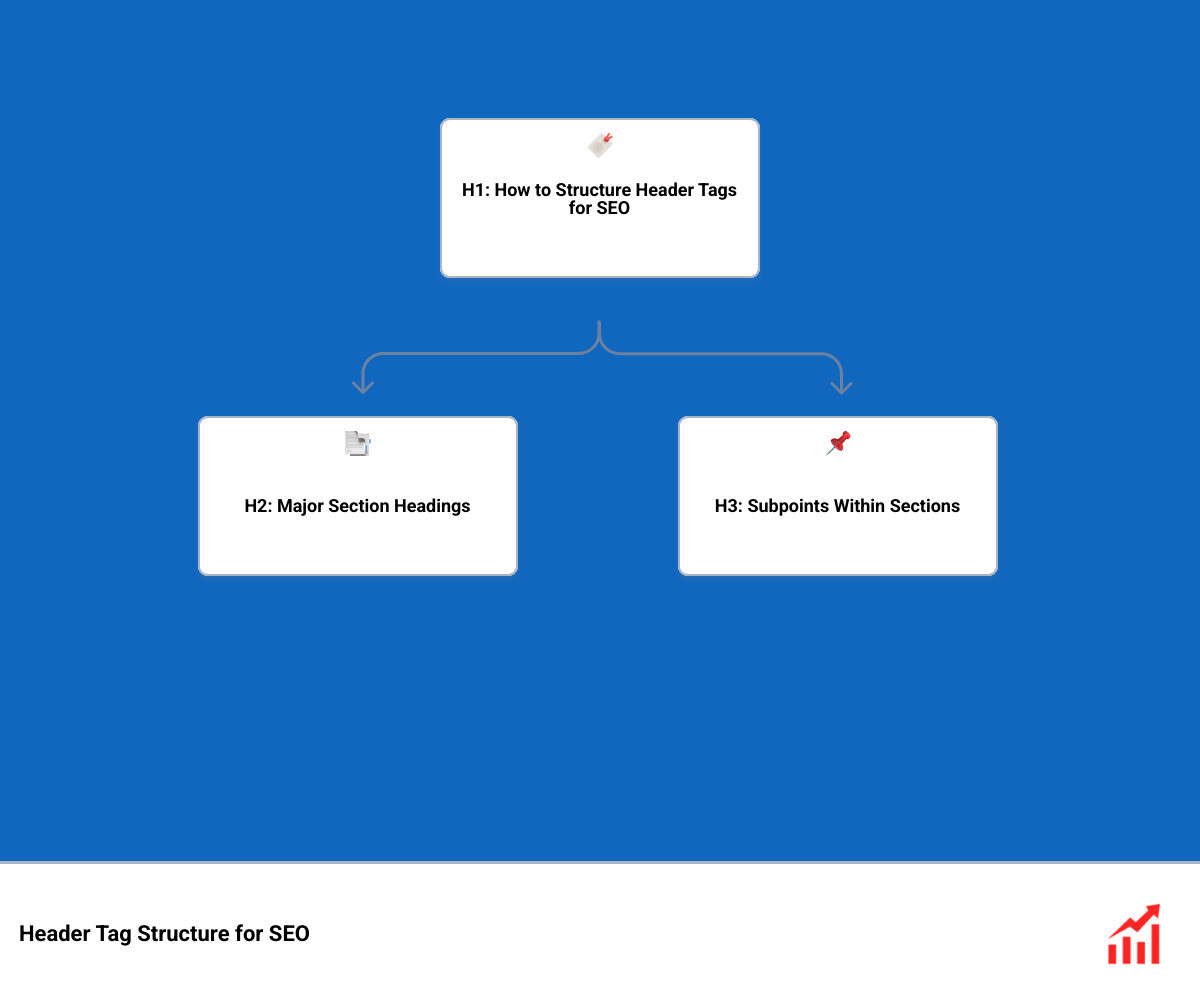
Header tag structure SEO word list:
How to Build an Effective Header Tag Structure for SEO
An effective heading structure turns long blocks of text into an organized content tree that search engine bots and readers can easily digest.

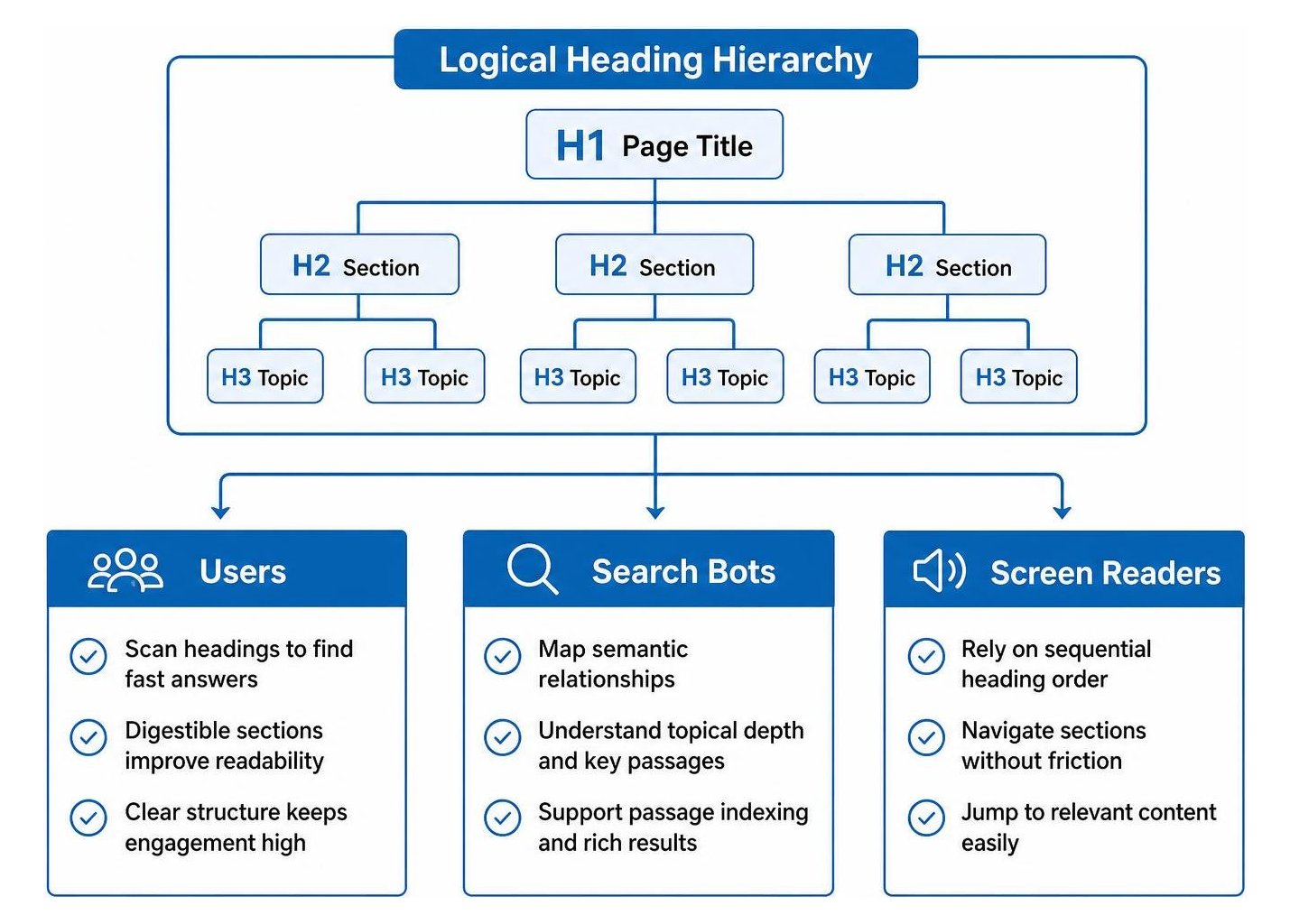
When we develop high-performing assets as part of our comprehensive on-page SEO strategy, we treat HTML headings as a table of contents. Header tags (from H1 element down to H6 element) provide semantic markup that outlines a page's core ideas. This clear hierarchy allows search engines to evaluate topical depth, supports passage indexing, and ensures assistive screen readers navigate sections without friction.
Why Is a Logical Header Tag Structure for SEO Essential for Crawlers and Users?
A logical heading structure is essential because web visitors scan rather than read every word, while search engine crawlers rely on semantic tags to interpret topic relationships and index key passages.
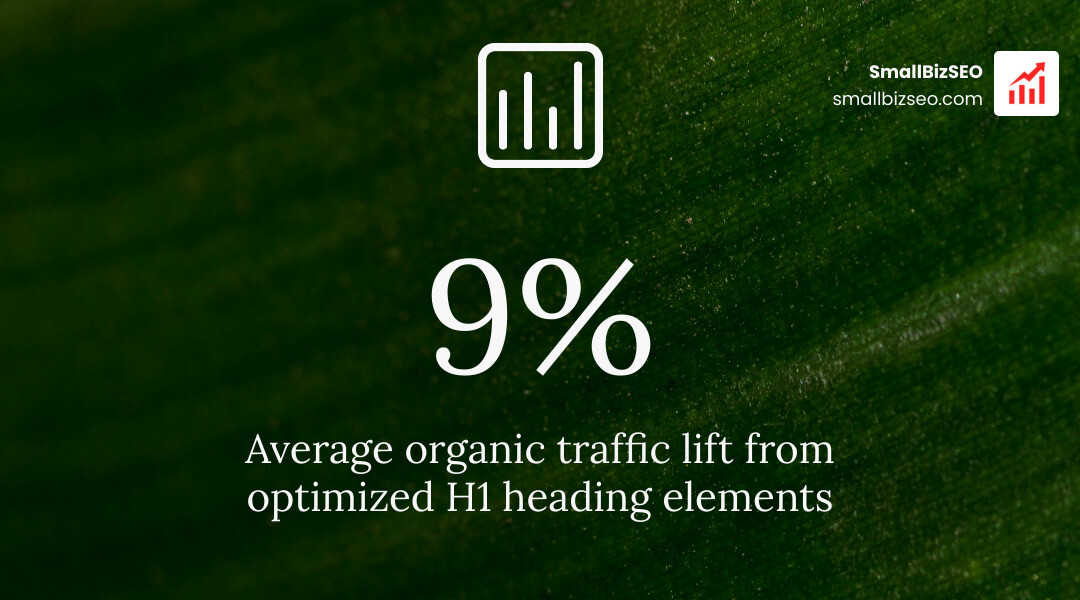
Most web visitors want fast answers. Breaking your copy into digestible blocks with descriptive subheadings keeps dwell time high and drops bounce rates. Research shows that optimizing primary H1 elements can yield an average organic traffic lift of 9%.
Beyond human readers, automated systems depend on clean hierarchy:
- Search Engine Crawlers: Bots map semantic relationships between broad themes and specific details.
- AI Overviews and Featured Snippets: Search algorithms extract direct definitions and step-by-step lists positioned immediately under clear, question-based headings.
- Accessibility: According to Stony Brook Web Support heading guidelines, screen readers rely on sequential tags to let visually impaired users jump straight to relevant sections.
How Should You Structure H1, H2, and H3 Headings Across Pages?
To structure headings properly, assign one H1 for your page title, use H2s for distinct main themes, and nest H3s directly beneath their parent H2 for granular points.
Follow these practical rules to maintain clean nesting across your site:
- Apply the Single H1 Rule: Keep exactly one H1 per URL to represent the central topic. Aim for 20 to 70 characters.
- Section Your Content with H2s: Use H2 elements to divide your topic into 4 to 8 primary subtopics.
- Drill Down with H3s: Nest H3 tags within an H2 when breaking complex steps or sub-concepts into smaller pieces.
- Maintain Consistent Spacing: Place a new heading every 250 to 350 words to prevent reader fatigue.
- Use Sentence Case and Active Verbs: Write clear, task-focused headings that explain exactly what the section contains.
What Is the Difference Between Header Tags and Title Tags?
The main difference is that a title tag controls what search engines display in search engine results pages (SERPs) and browser tabs, while an H1 tag is the visible headline on the page itself.
Both elements signal topic relevance, but they serve distinct operational roles across search engines and user interfaces.
| Feature | Title Tag (title element) |
H1 Header Tag (H1 element) |
|---|---|---|
| Location | Page HTML head element, SERP snippet, browser tabs |
Top of the visible page body (body element) |
| Primary Goal | Attract clicks from search results and social shares | Orient the visitor and introduce on-page content |
| Optimal Length | 50–60 characters (pixel-width limited) | 20–70 characters (flexible for clarity) |
| User Experience | Read before visiting the page | Read after landing on the page |
How Can Teams Optimize Header Tag Structure for SEO Without Keyword Stuffing?
Teams can optimize headings without keyword stuffing by placing the primary keyword naturally in the H1 and using semantic variations, synonyms, and conversational questions in H2s and H3s.
Effective keyword content optimization emphasizes search intent over repetitive exact-match phrases. Use your primary target in the main headline, then let your subheadings ask natural questions that real customers ask. This makes your copy feel human while feeding semantic search engines the context they need.
How Modern Teams Audit and Maintain Heading Structure
Modern content teams audit heading structure by pairing automated crawler scans with manual DOM inspections to catch broken tag orders across CMS templates.

Maintaining clean markup requires regular checks across publishing workflows and theme templates.
What Are the Most Common Heading Hierarchy Mistakes and WCAG Issues?
The most common heading mistakes include skipping tag levels, using headings purely for visual styling, using multiple competing H1 tags, and writing vague titles like "Overview."
These errors confuse search engine crawlers and violate Web Content Accessibility Guidelines (WCAG):
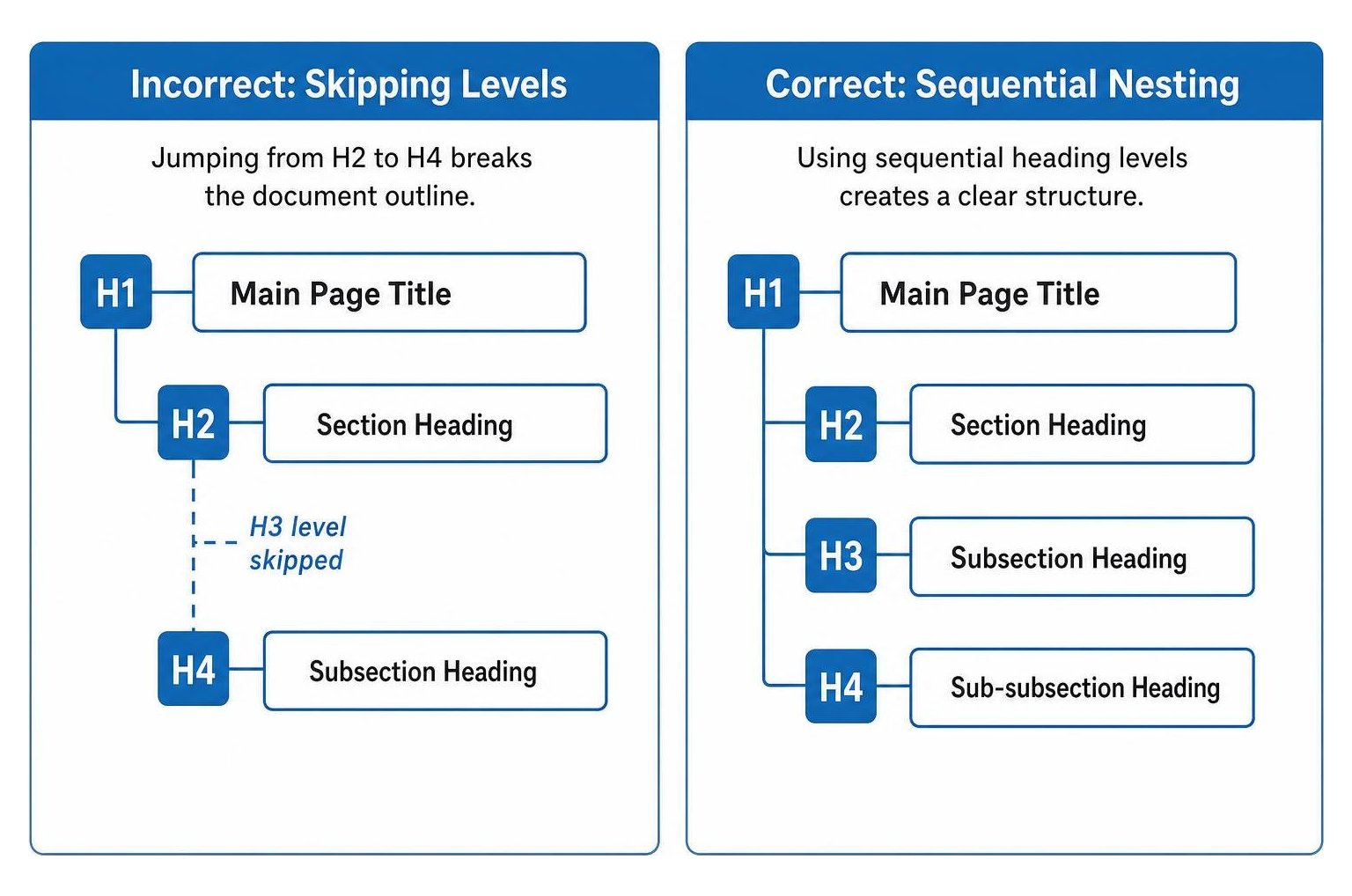
- Skipping Levels: Jumping directly from an H2 to an H4 breaks the document outline.
- CSS-Only Styling: Enlarging body text with CSS without applying real
headingtags leaves search engines blind to your structure. - Multiple H1 Tags: Having multiple top-level tags dilutes your primary focus.
- Empty or Decorative Headings: Inserting empty header elements for spacing breaks screen-reader navigation.
How Do You Audit and Fix Heading Tag Errors Step by Step?
You can audit and fix heading errors by crawling your site with an SEO tool, reviewing the generated visual outline, and updating your website templates.
Follow this workflow to identify and repair structural flaws:
- Crawl Your Site: Use a site crawler to spot pages with missing, duplicate, or multiple H1 tags.
- Review the Outline: Use browser extensions like HeadingsMap to view your nested document tree at a glance.
- Standardize Page Templates: Adjust your CMS or page builder so site logos, sidebars, and footer widgets do not output
headingtags. - Follow a Structured Audit Process: Implement step-by-step SEO auditing across newly published articles to catch styling errors before indexing.
Our team at SmallBizSEO uses our data-driven Velocity framework to quickly identify and repair these technical gaps across small business websites. If you want an expert look at your site architecture, claim a complimentary SEO visibility audit to see where your on-page markup can improve.
Putting Your Structural Content Plan into Action
Building an organized, accessible heading hierarchy is one of the most reliable ways to improve content clarity, boost organic rankings, and help search engines understand your expertise. By keeping your H1 focused, nesting subheadings logically, and writing for human readers first, you create a foundation that serves both customers and search engines. Audit your core URLs today to ensure every page delivers a clean, scannable reading experience.