Google Search Console Sitemap: Submit, Check, and Fix Errors

How do you submit a sitemap in Google Search Console?
To submit a sitemap, first find the URL your website actually generates, then open the matching verified property in Google Search Console. Go to Indexing > Sitemaps, enter the correct sitemap path or full URL for that property, and submit it. A sitemap is a discovery hint, not a guarantee that every listed page will be indexed or rank.
A sitemap location depends on the CMS, plugin, and site setup. It may be an index file, a single XML file, or another generated location, so do not assume every site uses /sitemap.xml. Check the live file before submitting it.
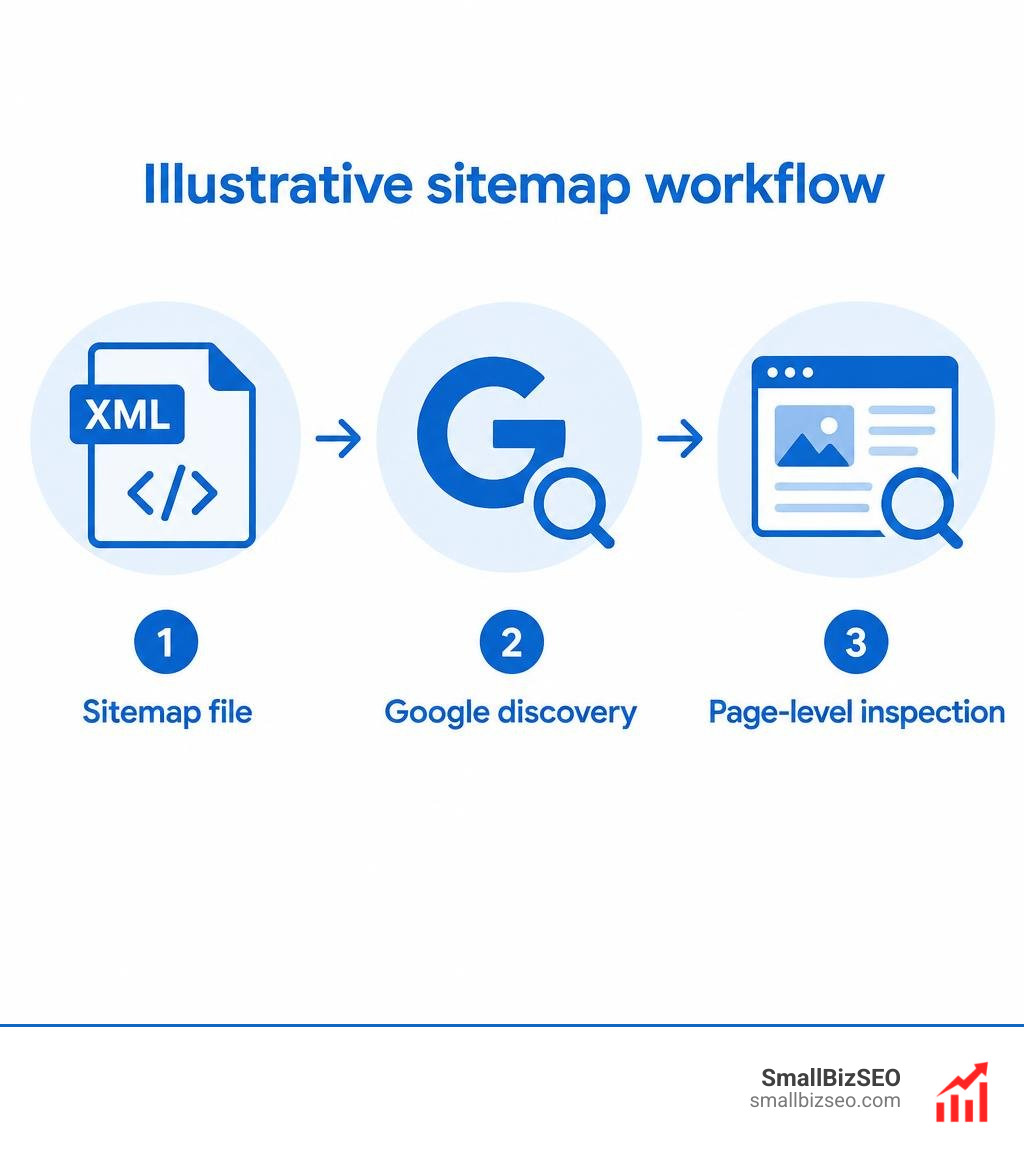
This guide explains how to locate the right sitemap, submit it to the correct property, read the report, and fix genuine access or formatting problems without repeatedly resubmitting the same file.
Find and submit the right sitemap URL
Start by locating the sitemap your site already publishes. Google Search Central’s sitemap guidance explains the supported formats and requirements. Check your CMS or SEO plugin settings, look for a sitemap reference in robots.txt, or ask the developer who manages the site. Open the URL in a private browser window before submitting it so you can confirm that it loads without a login or server error.
Which Search Console property should receive the sitemap?
Submit the sitemap in the Search Console property that covers the URLs in the file. For a URL-prefix property, enter the sitemap path for that property. For a Domain property, use the complete sitemap URL when Search Console asks for it. A mismatch between the property and sitemap host is a common reason a valid file cannot be processed.
What should a valid sitemap contain?
Follow Google’s sitemap guidance when building an XML sitemap and include the canonical, indexable versions of pages you want Google to discover. Use fully qualified absolute URLs and avoid redirecting or error URLs. lastmod should reflect significant content changes, not automatic timestamp refreshes. Google ignores priority and changefreq values.
Each sitemap can contain up to 50,000 URLs and must be no larger than 50 MB when uncompressed. Larger sites should split URLs across files and reference them from a sitemap index.
How do you submit it?
- Sign in to Search Console and select the verified property that matches the sitemap URLs.
- Open Indexing > Sitemaps.
- Enter the sitemap path or the full sitemap URL required by the property.
- Select Submit, then review the report after Google has attempted to fetch the file.
The Sitemaps report records submissions made through the report or the Search Console API. It is not a complete inventory of every sitemap Google may know about from other discovery methods, such as a robots.txt reference.
Before treating a sitemap as finished, confirm that it returns a normal server response, can be accessed by Google, and lists only intended canonical pages. Adding a sitemap to your robots.txt setup can help discovery, but it does not override noindex, canonicalization, access controls, or other indexing rules.
Read sitemap status and troubleshoot real errors
A successful sitemap submission means Google fetched and processed the file. It does not mean every URL in the file is indexed, and it is not a ranking boost. Use the sitemap report to diagnose the file, then use Page Indexing and URL Inspection to investigate individual URLs. If the evidence points to broader technical issues, schedule a full SEO visibility audit.
What does each sitemap status mean?
The report status explains whether Google could retrieve and process the file, not whether every listed URL is indexed:
| Report signal | Evidence it provides | What to check next |
|---|---|---|
| Success | Google could fetch and process the sitemap. | Review discovered URLs and inspect important pages individually if they are not indexed. |
| Has errors | Google found a problem that prevents complete processing. | Check the reported error first. Fix XML or file-access issues when indicated; treat redirects and noncanonical URLs as page-quality issues rather than automatic sitemap parsing failures. |
| Couldn't fetch | Google could not retrieve the sitemap. | Check the exact URL, server response, access controls, redirects, and whether the file is publicly reachable. |
If the report shows Couldn't fetch, verify the live sitemap URL before making another submission. The key evidence is whether the file is available to Google and returns the expected content without a redirect, access restriction, or server error.
Correct the underlying issue before resubmitting:
- Wrong file or property: Confirm the sitemap URL belongs to the Search Console property selected.
- Server or permission failure: Make sure the file is publicly available and returns a normal response rather than an access, redirect, or server error.
- Malformed XML: Repair syntax, character escaping, and unsupported markup.
- Page URL quality: If the sitemap report or URL Inspection identifies page-level issues, review redirected, broken, duplicate, non-canonical, or intentionally non-indexable URLs. Do not remove or change URLs solely because they appear in a sitemap.
- Indexing-rule conflict: A sitemap cannot override a
noindexdirective or a conflicting canonical. Keep pages that usenoindexcrawlable so Google can see the directive.
After a real correction, submit the updated file once and monitor the next read rather than relying on repeated submissions to force indexing. Google’s Search Console sitemap help explains the report and sitemap processing in more detail.
What do last read, discovered URLs, and indexing tell you?
Last read shows when Google last successfully read the sitemap. Discovered URLs shows how many URLs Google found in that submitted file. Indexing is evaluated at the page level and requires separate investigation in Page Indexing or URL Inspection. A high discovered-URL count is not proof of indexing.
For sites that exceed 50,000 URLs or 50 MB uncompressed, split URLs across several sitemap files and use a sitemap index. For any site size, keep each file focused on intended canonical, indexable URLs and resolve Google canonical mismatches before expecting a sitemap to support discovery.
A maintainable checklist for a small site
Keep sitemap maintenance simple and evidence-based. Recheck it after a major URL change, a CMS migration, a recurring crawl error, or a change to the pages you want indexed.
Use this short routine:
- Confirm the sitemap still loads publicly and lists only the right canonical URLs.
- Keep
lastmodtruthful: use it for significant content changes, not automatic timestamp refreshes. - Review sitemap status after structural changes or reported errors.
- Use Page Indexing, URL Inspection, and the GSC performance report to investigate important URLs and monitor search changes separately from sitemap status.
- Get a technical SEO visibility audit when sitemap symptoms point to wider crawl, canonical, or indexability issues.
Keep sitemap maintenance connected to ongoing SEO
A sitemap is one part of a healthy technical SEO process. Keep it accurate, investigate indexability at the individual-URL level, and address broader site issues when the evidence points beyond the file itself.
For help connecting sitemap hygiene with content planning and ongoing technical work, explore SmallBizSEO’s SEO content services or book a conversation.