A Practical Guide to Resolving Google Canonical Mismatches

How Do You Investigate Google Choosing a Different Canonical URL?
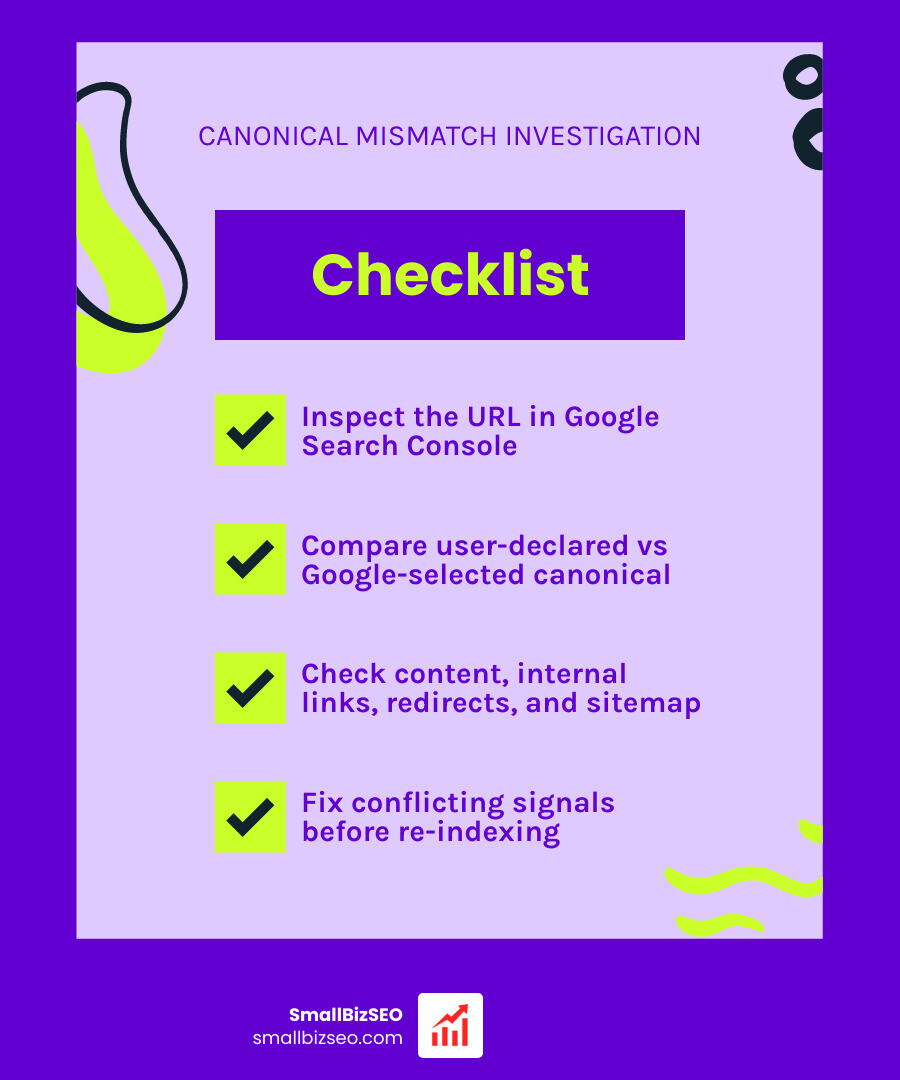
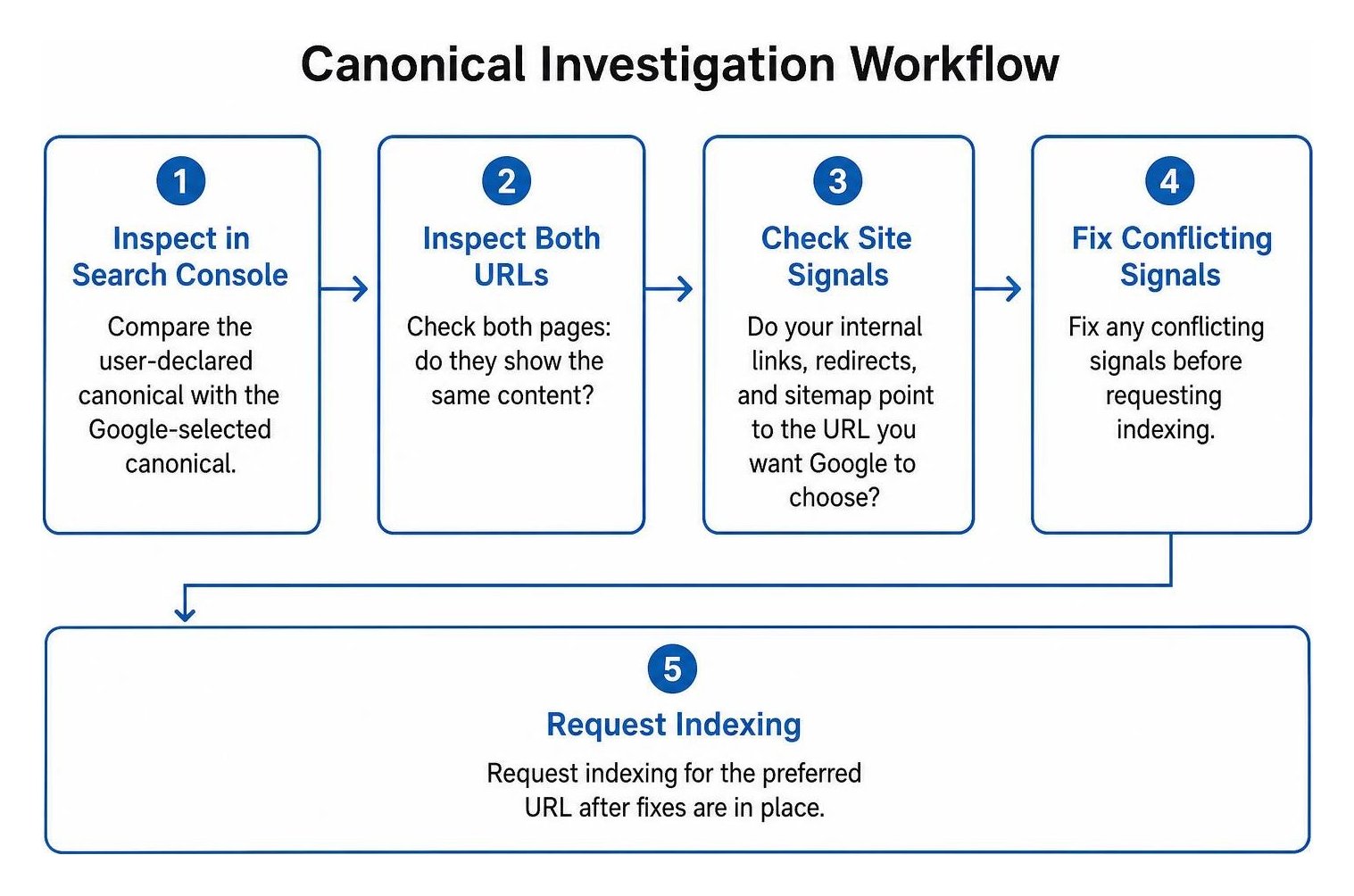
Start in Google Search Console. Inspect the affected URL and compare its user-declared canonical with the Google-selected canonical. Then check both pages: do they show the same content, and do your internal links, redirects, and sitemap point to the URL you want Google to choose? Fix any conflicting signals before requesting indexing.
This status is not automatically a problem. It means Google chose another URL to represent similar content, even though you declared a preference. The key question is whether Google picked the right page for your visitors. If you need to learn how to investigate why Google is choosing a different canonical URL, the process below walks through the checks and fixes.
I'm Clayton Johnson, founder of SmallBizSEO, and my technical SEO work informs this guide. We'll start with what the status means, then walk through the checks and fixes.
What Are Google Canonical Overrides, and How Can They Affect Search?
Google chooses a different canonical URL when its automated systems determine that another page serves as a better master version for searchers than the page you specified. Search engines treat the rel="canonical" tag as a strong hint rather than an absolute directive. When site architecture signals point in different directions, Google weighs all available evidence and makes its own choice.
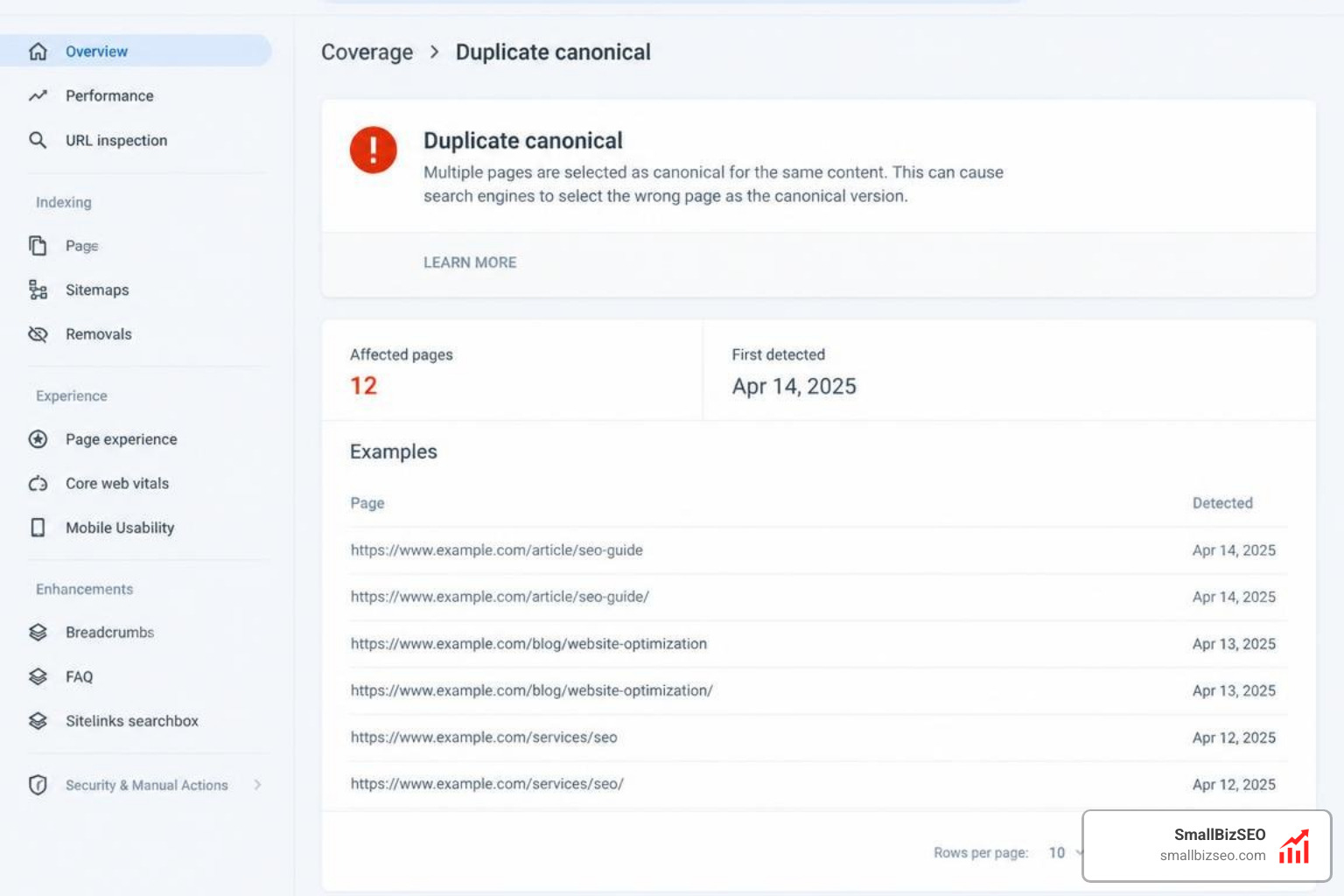
Google evaluates approximately 40 distinct signals to determine the primary URL for duplicate or near-identical content. These signals include internal links, XML sitemaps, 301 redirects, protocol security (HTTPS versus HTTP), URL simplicity, and external backlinks. If your HTML contains a canonical tag pointing to URL A, but 90% of your internal navigation links point to URL B, Google prioritizes the broader structural signal over the isolated meta tag.
An override does not mean your content has disappeared from search results entirely. In fact, over 90% of URLs flagged with this status continue receiving organic impressions and ranking in search engine results pages. However, mismatches can dilute link equity, surface the wrong market version in localized search, or cause crawl budget inefficiencies.
How Can You Investigate Google Choosing a Different Canonical URL Across Your Site?
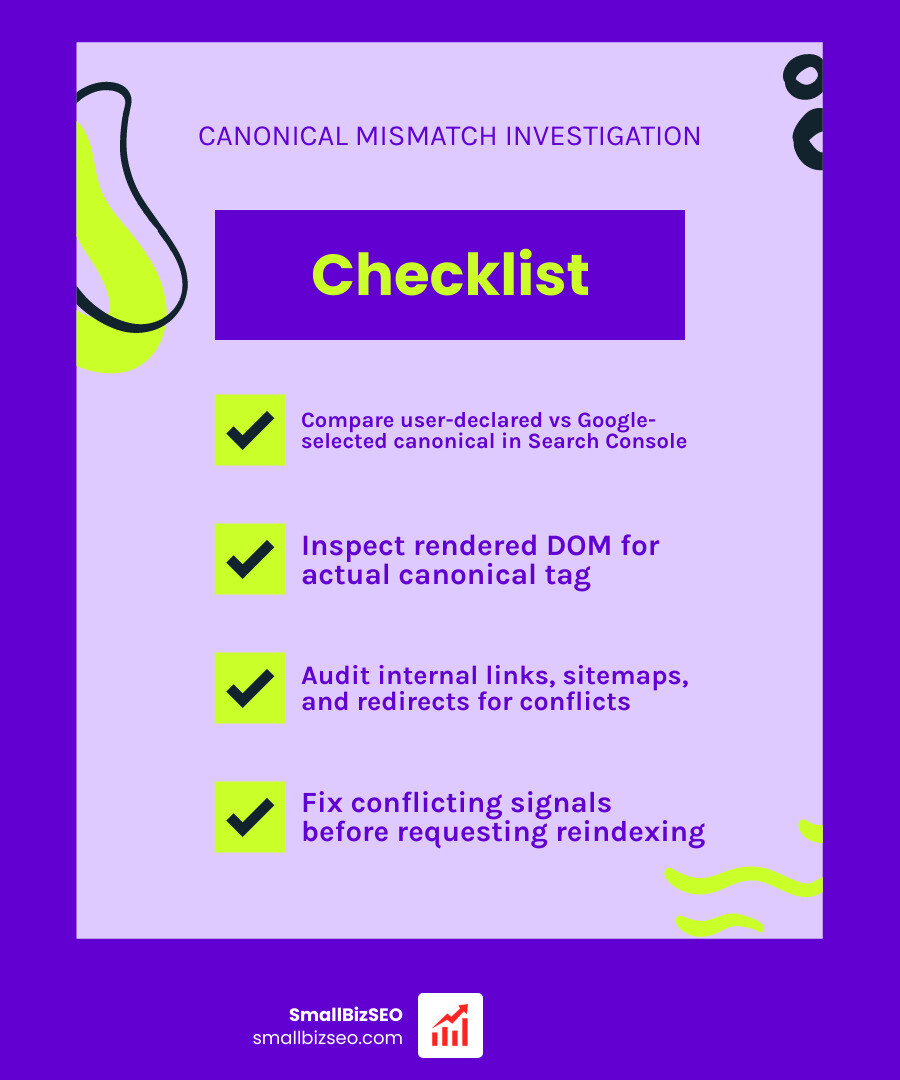
To investigate a canonical mismatch, compare the user-declared canonical against the Google-selected canonical in Search Console, inspect the fully rendered document object model (DOM), and audit your site-wide internal signals for conflicting paths.
Around 95% of canonical mismatch issues stem directly from underlying misaligned internal links and faulty redirects. Debugging requires systematically reviewing what you told Google versus what your broader site structure demonstrates.
What Does "Duplicate, Google Chose Different Canonical than User" Actually Mean?
This indexing status means Google detected a duplicate cluster—multiple URLs with identical or substantially similar content—and declined your suggested primary version in favor of another.
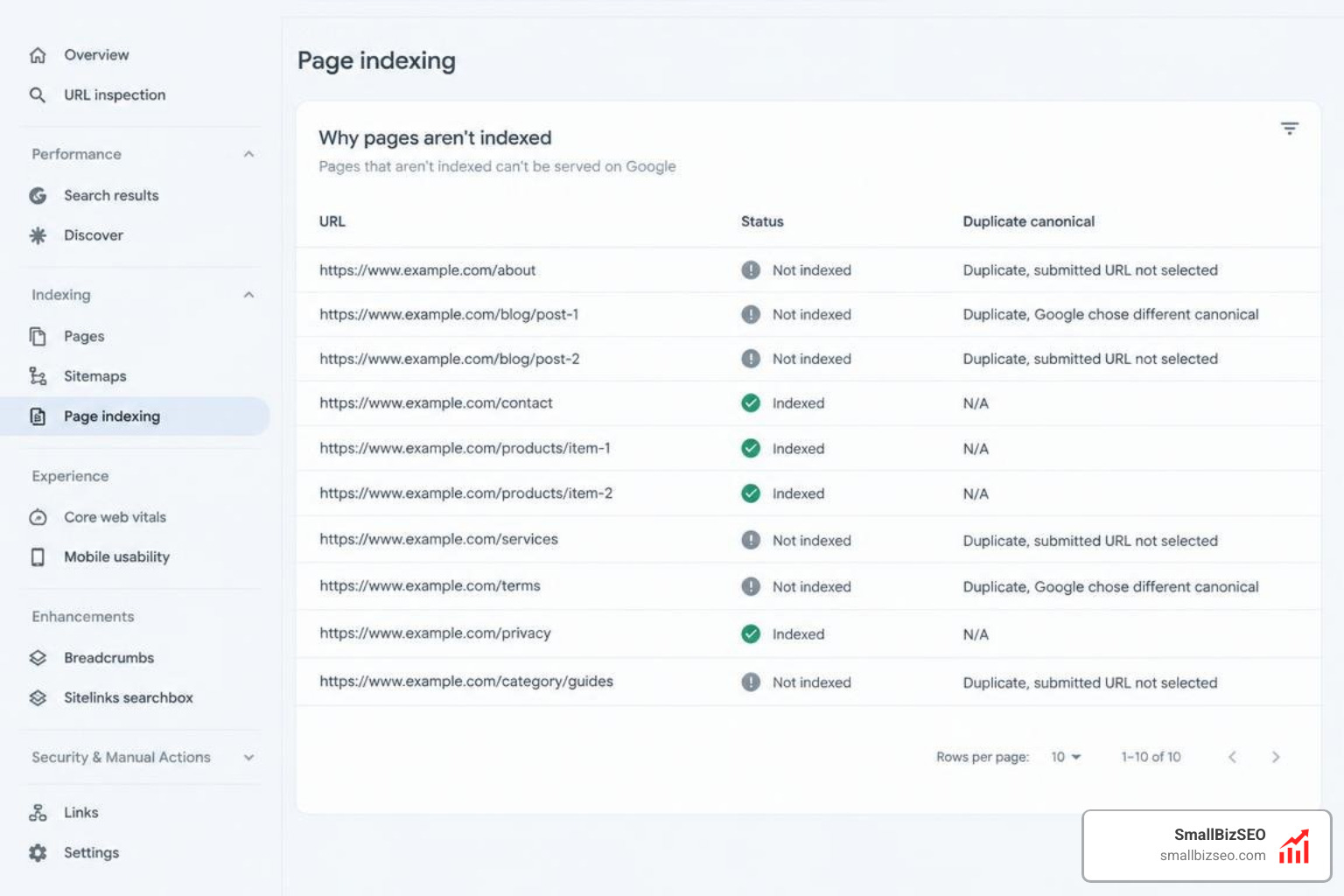
It is crucial to understand algorithmic penalties vs technical indexing failures explained so you do not confuse normal duplicate handling with a penalty. A canonical override is a technical sorting mechanism, not a manual action or algorithmic suppression. Your site remains healthy, but Google is consolidating ranking signals into a different URL than the one you designated.
Using Search Console: How Can You Investigate Google Choosing a Different Canonical URL?
The fastest way to diagnose an override is through the Search Console URL Inspection tool. Paste the affected URL into the top search bar to review the Page Indexing card.
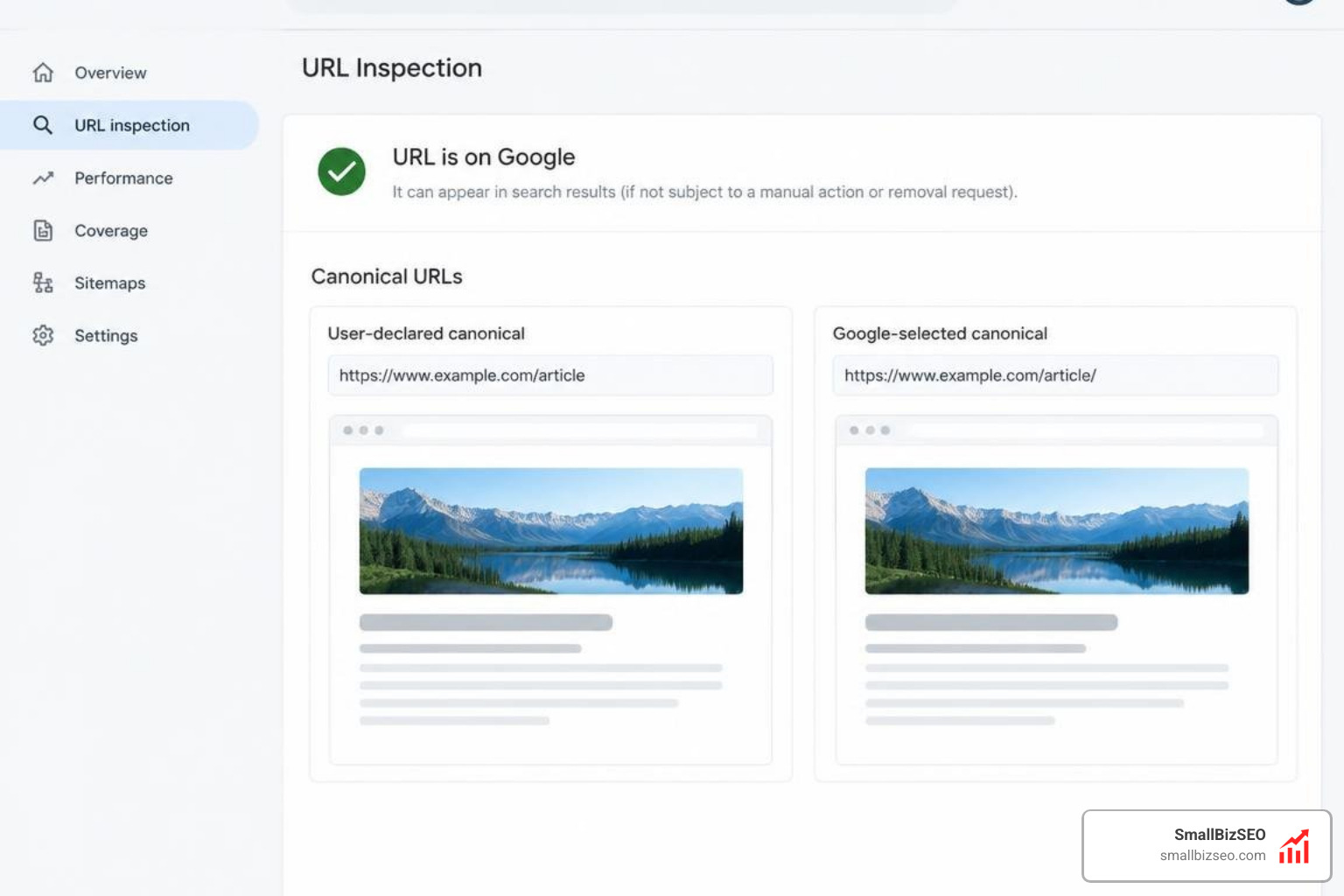
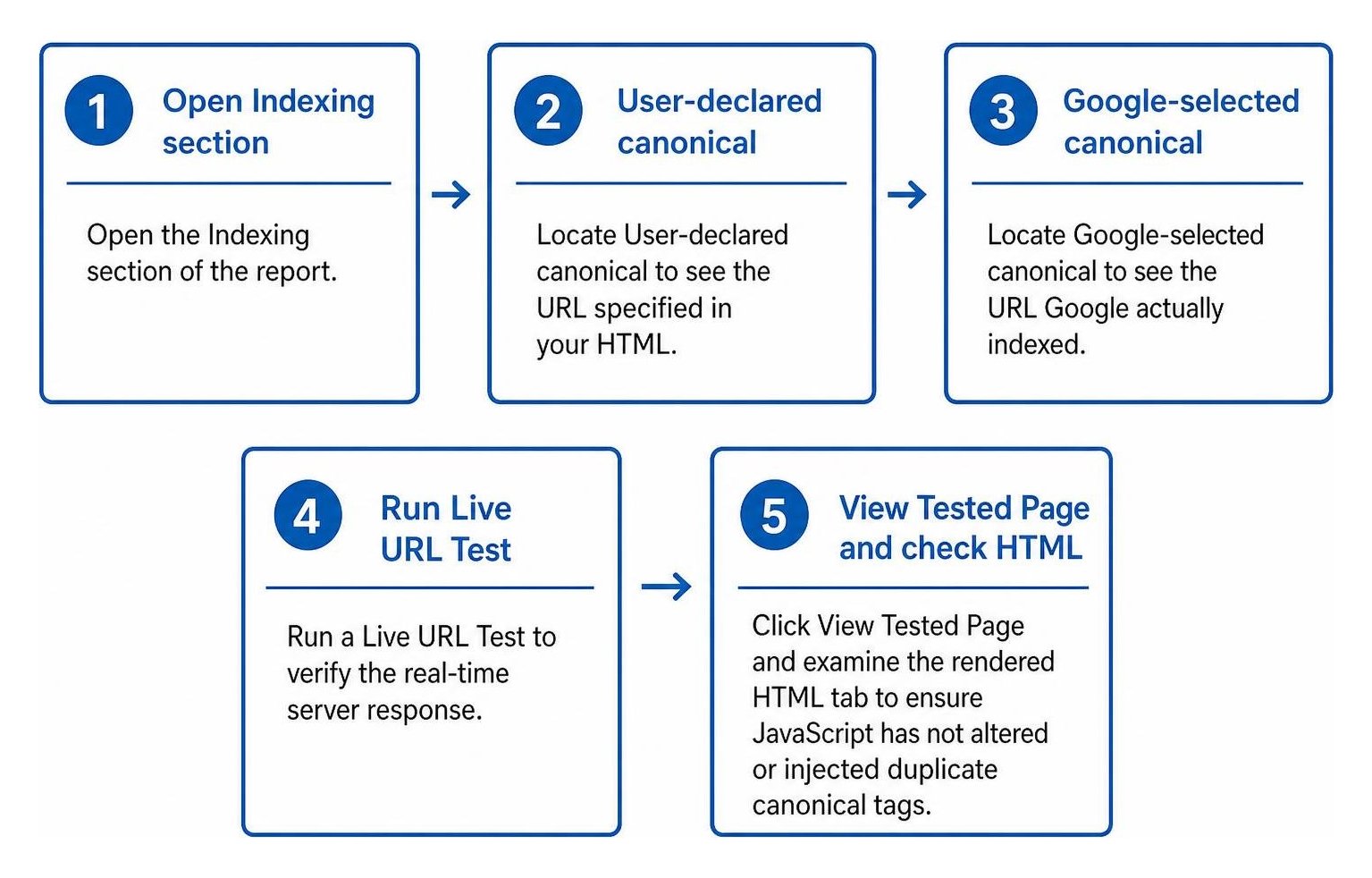
Follow these steps within the tool:
- Open the Indexing section of the report.
- Locate User-declared canonical to see the URL specified in your HTML.
- Locate Google-selected canonical to see the URL Google actually indexed.
- Run a Live URL Test to verify the real-time server response.
- Click View Tested Page and examine the rendered HTML tab to ensure JavaScript has not altered or injected duplicate canonical tags.
For a deeper dive into debugging interfaces, read our Google Search Console URL Inspection Tool guide. If you manage thousands of URLs, you can also use the Search Console API to automate batch checks across your inventory and catch discrepancies without manual checks.
Technical Auditing: What Can Cause Google to Choose a Different Canonical URL Across Your Architecture?
When Google overrides your declared canonical, it usually finds conflicting technical signals across your site.
| Conflict Type | Technical Cause | Diagnostic Check |
|---|---|---|
| Navigation Mismatch | Header/footer menus link to URL variant B while canonical points to A | Crawl internal links to check anchor targets |
| Protocol/Host Mismatch | Canonical tag uses HTTP or bare domain while site forces HTTPS and www |
Check server rewrite rules and .htaccess |
| Trailing Slash Discrepancy | Canonical specifies /page/ but internal links point to /page |
Inspect raw server response codes and redirects |
| Parameter Sprawl | Sorting and filtering parameters generate duplicate indexable paths | Audit faceted navigation configurations |
| Localization Conflicts | Mismatched language tags without reciprocal return annotations | Verify return tags in regional code |
Addressing these issues prevents common technical SEO audit errors that undermine site crawlability. For additional context on how Google handles structural signals, consult the official Google Search Central canonical troubleshooting documentation.
How Can You Fix Canonical Mismatches and Reclaim Indexing Control?
To fix a canonical mismatch, synchronize your rel="canonical" tags, internal links, XML sitemaps, and server-side redirects so every signal points to your preferred URL.
Consistently aligning your signals provides a rock-solid foundation for ongoing technical SEO performance.
How Can You Align Internal Links, Sitemaps, and URL Protocols?
Google strongly prefers HTTPS URLs and clean structures without unnecessary query parameters. A canonical mismatch between www and non-www versions can leave pages unindexed for months without explicit errors.
To align your architecture:
- Ensure all navigation menus, breadcrumbs, and in-body links point directly to the canonical URL rather than redirected variations.
- Keep your XML sitemaps clean by including only canonical, 200-OK status URLs.
- Eliminate mixed protocol signals by enforcing server-wide 301 redirects to HTTPS.
- Standardize trailing slash conventions across your CMS routing rules.
Consistently aligning these structural elements clears up hidden indexing blockers and gives search engines unambiguous signals.
Should You Align Canonical Tags or Use 301 Redirects?
When consolidating duplicate pages, you must decide whether to update your canonical tag or implement a permanent 301 redirect.
| Feature | rel="canonical" Tag |
301 Permanent Redirect |
|---|---|---|
| User Accessibility | Both page versions remain accessible | Users automatically forward to destination |
| Link Equity Transfer | Passes equity while preserving distinct URLs | Consolidates link equity directly |
| Primary Use Case | Filtered products, localized pages, parameters | Retired content, migrated pages, duplicate paths |
| Implementation | HTML |
Server-side configuration header |
Choosing the wrong approach can worsen keyword cannibalization across competing pages. When two pages target the same intent and one has no independent value, a 301 redirect is usually the better choice. For instances where secondary pages must remain accessible to users, review Google's official guide on how to specify canonical URLs to ensure proper tag implementation.
How Can You Monitor Indexing Recovery and Validate Fixes?
Once you implement your technical fixes, ongoing validation ensures Google accepts your canonical choice.
- Use Manual Indexing Requests Sparingly: Reserve the "Request Indexing" feature in Search Console for your 5 to 10 most critical pages, as daily quotas are limited.
- Observe the Cluster Hold Window: Even after correcting technical signals, Google may hold pages in a duplicate cluster for up to two weeks before re-evaluating.
- Track the 6 to 8 Week Measurement Window: Monitor Search Console performance reports over a 6 to 8 week period to verify that clicks and impressions consolidate to your target URL.
- Validate Traffic in GA4: Check analytics data to ensure landing page traffic moves smoothly to the preferred URL without loss.
Keeping Your Canonical Signals Clear and Consistent
Resolving canonical mismatches is an ongoing maintenance practice, not a one-time project. As websites grow, new navigation menus, CMS updates, and taxonomy adjustments can introduce conflicting signals that confuse search crawlers. By regularly checking the URL Inspection tool, standardizing internal link structures, and reviewing sitemap configurations, you ensure Google consistently indexes and ranks your preferred content.
For a deeper look at organizing site structure and managing duplicate content across complex architectures, explore our complete guide to mastering canonical URL architecture.