Search Volatility Tools: Compare Trackers and Diagnose Ranking Changes
Which Search Volatility Tools Should You Compare?
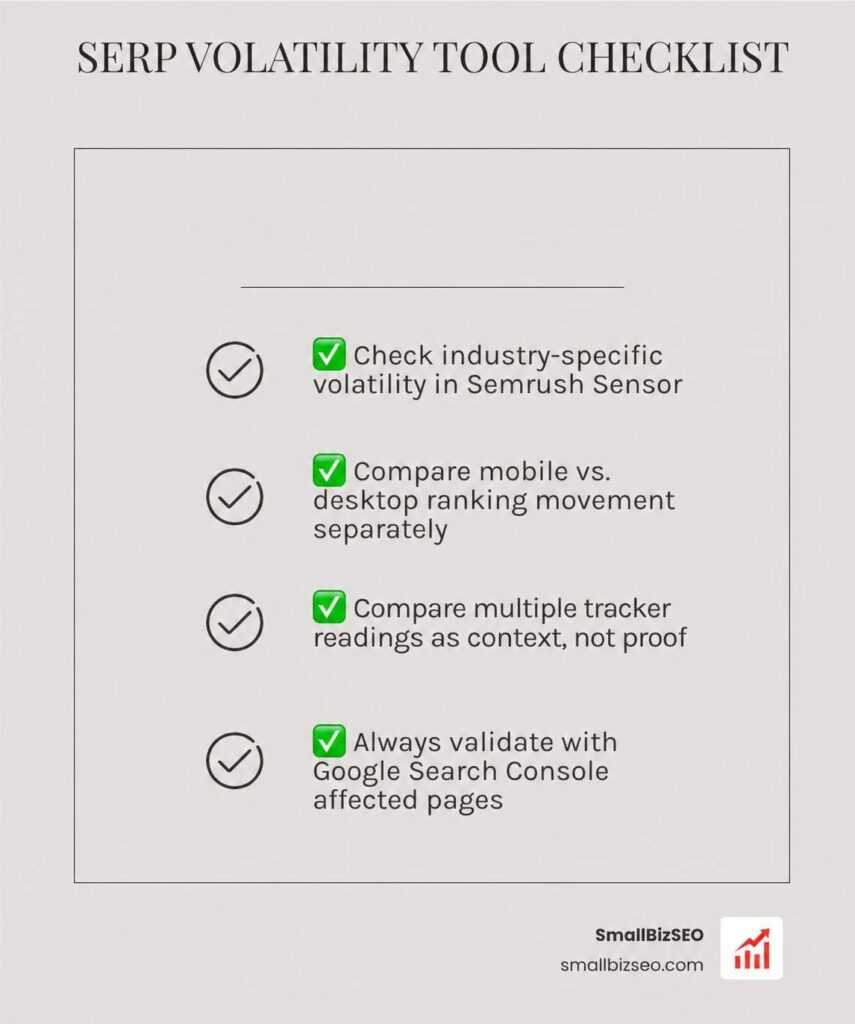
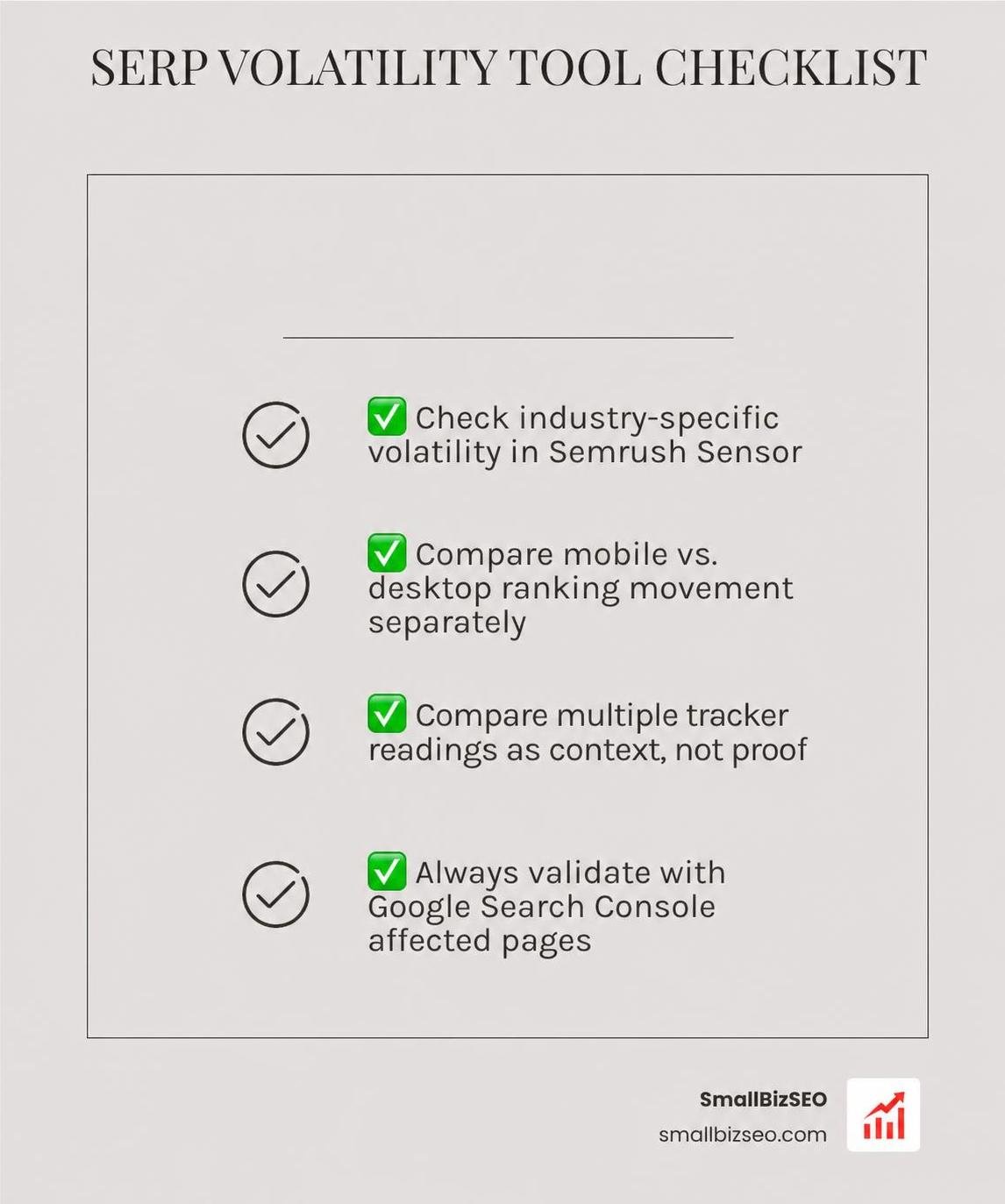
Start with a tool that matches the search results you care about. Semrush Sensor lets you check volatility by industry. A tracker with mobile and desktop views helps you spot device differences. An aggregator helps you see whether several trackers report movement at the same time. No single score can explain why rankings changed.
If traffic drops, compare tracker readings with affected pages and queries in Google Search Console. A spike can provide context for broader movement, but it does not prove that a Google update caused a site's decline. A quiet tracker also does not rule out a site, demand, or tracking problem.
This guide compares what search volatility tools can show, what they cannot establish, and which checks help narrow down a ranking change.
What Are Search Volatility Tools and How Do They Track Algorithm Changes?
Search volatility tools summarize how much movement their tracked search results are seeing. They can help put a ranking change in context, but they cannot identify its cause on their own.
How Do SERP Volatility Trackers Calculate Daily Movement Scores?
Each provider uses its own data set, timing, and calculation method. In general, a tracker compares changes in the results it observes over time and presents a volatility reading or trend. Because the underlying methods differ, scores from separate tools should not be treated as interchangeable.
Useful signals to review include changes in prominent result features, whether movement appears across several query groups, and whether the pattern is sustained. Treat those signals as prompts for investigation, not as a universal formula for diagnosing a site's rankings.
Why Do Search Result Fluctuations Differ Across Devices and Locations?
Google does not maintain separate mobile and desktop indexes. With mobile-first indexing, Google generally uses the mobile version of a page for indexing and ranking. Search-result presentation and ranking context can still vary by device, location, language, query intent, and available SERP features.
Compare mobile and desktop performance when a pattern appears, but do not use device differences alone to diagnose a rendering issue. Check the affected pages, Search Console data, page experience, indexing, and recent releases before drawing a conclusion.
Geographic intent can also change what searchers see. Through local SEO strategies, local results may vary by proximity and query wording. A local rank grid can help separate local patterns from broader site trends before making sitewide changes.
Comparing the Top Trackers and Aggregators for SEO Teams
The best tracker is the one that gives useful context for the affected market, device, and query set, then fits into a wider diagnostic process.
| Tool or approach | Practical distinction | Best used for |
|---|---|---|
| Semrush Sensor | Uses a 0 to 10 volatility scale; its highest band, 8 to 10, is labeled Very High. It also supports industry and device views. | Comparing broader movement with a relevant industry or device context. |
| Mangools SERP Volatility | Presents day-to-day SERP movement with desktop and mobile views. | Checking whether movement differs by device before reviewing page-level evidence. |
| Multi-tracker aggregator | Places readings from more than one public indicator in one view. | Checking whether several tools show movement at the same time. |
Which Search Volatility Tools Provide the Most Reliable Sensor Data?
No sensor is universally most reliable because tools observe different query sets and calculate their signals differently. The useful question is whether a tool's coverage matches the market, device, and search results under review.
According to the official Semrush Sensor documentation, its reports can be viewed by device and industry. Use that context to compare a site's affected queries with broader movement, not to assign a cause to the change.
You can check daily SERP volatility insights via Mangools and compare desktop and mobile breakdowns to surface a pattern worth checking. They cannot, by themselves, show whether the cause is a rendering problem, content change, indexing issue, or a shift in search demand.
What Can Multi-Tracker Aggregators Show?
Aggregators can make it easier to compare several public indicators in one place. When readings move together, that is a reason to investigate wider search conditions alongside site-level evidence.
Multiple signals are not proof of an algorithm update, statistical confidence, or a site-specific cause. Review affected pages and queries, competitor visibility, Search Console trends, deployment history, and official Google communications before deciding how to respond.
How to Diagnose Ranking Drops and Respond to Google Shifts
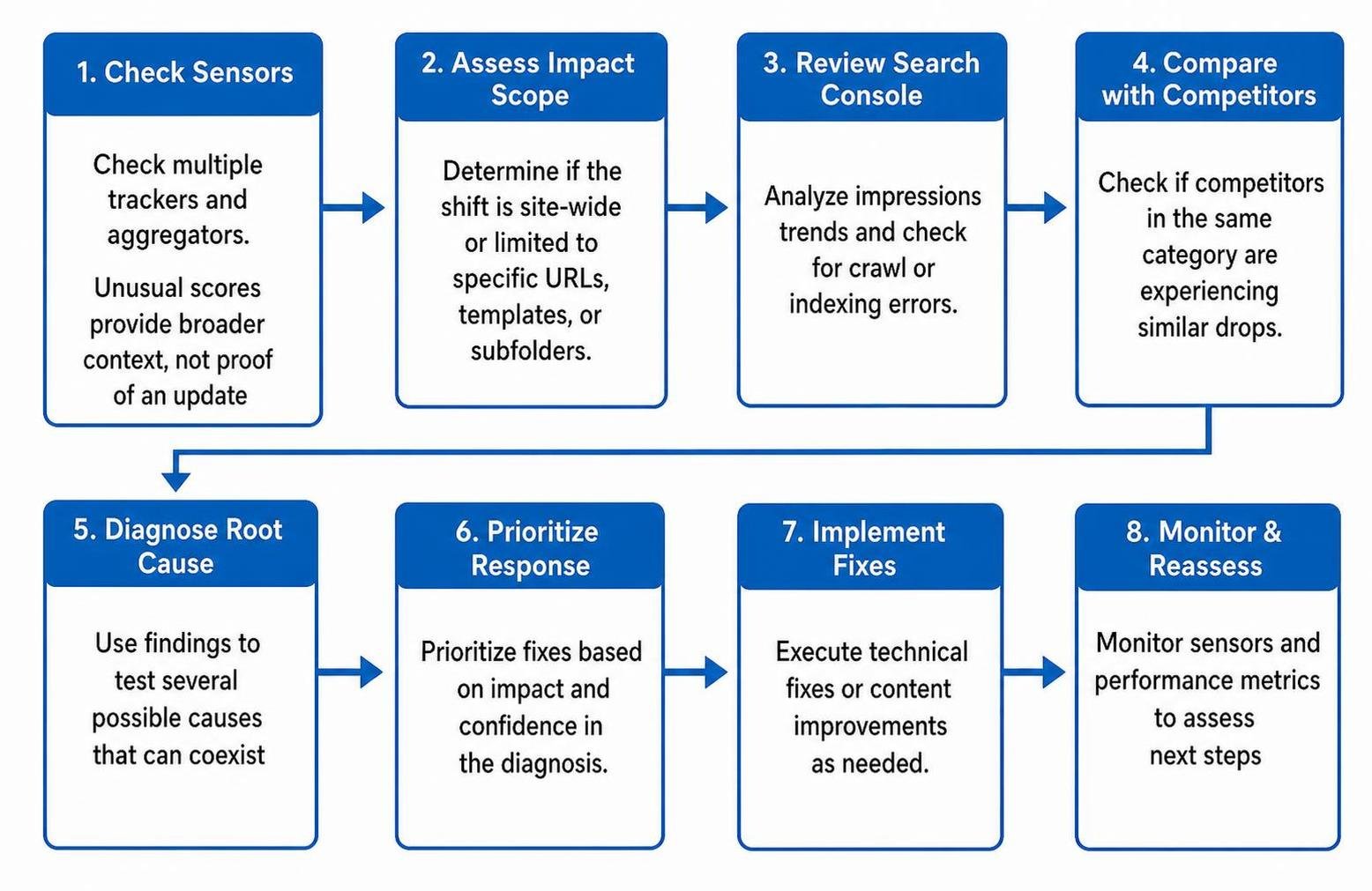
A useful diagnosis starts with observations, tests several possible explanations, and verifies the next step before making broad changes. More than one issue can be present at the same time.
| Observation | Possible explanations | Next check |
|---|---|---|
| Several trackers show unusual movement and rankings change across many query groups | Broad search-result movement, changing demand, seasonality, SERP feature shifts, or competitor activity | Compare affected queries and pages in Search Console, review the search results, and check Google's public status information. |
| A small set of pages drops after a release | Deployment errors, indexing changes, redirects, canonicals, template changes, or content revisions | Review release history, crawl and indexing data, rendered pages, canonicals, redirects, and noindex directives. |
| Visibility falls for a topic without a clear technical error | Demand shifts, competitors improving, changed search intent, weaker content, or new SERP features | Compare query trends, live results, competing pages, and the page's usefulness for the current intent. |
| Data looks inconsistent or suddenly disappears | Tracking configuration changes, analytics filters, tagging problems, Search Console reporting delays, or measurement faults | Validate the tracking setup and compare more than one data source before changing the site. |
How Should Teams Use Search Volatility Tools During Suspected Algorithm Updates?
During a suspected ranking shift, use volatility tools as contextual indicators rather than triggers for sitewide overhauls. A quiet sensor does not establish that the cause is technical, and an official Google update does not prove it caused a particular site's decline.
First, review Google's public update information and compare it with the timing and scope of the affected pages and queries. If a confirmed core update has completed, Google advises waiting at least a full week before drawing conclusions from comparative analysis. Google's core update guidance explains this timing in more detail.
Do not let volatility delay essential maintenance. If checks confirm broken canonical tags, faulty redirects, unintended noindex directives, or another verified technical bug, fix it immediately.
Use the Search Console search analytics API alongside a comprehensive site audit, deployment history, and live page checks together to separate indexing or implementation problems from demand, intent, content, and competitive changes.
How to Turn Ranking Volatility Insights into Long-Term Search Performance
The goal is not to react to every fluctuation. Build a repeatable process for identifying meaningful changes and improving pages that need attention.
- Refresh important content monthly: Revisit priority pages to update facts, improve clarity, and align each page with current search intent.
- Strengthen internal links: Add relevant, useful paths between related pages so people and search engines can understand the site's topic structure.
- Earn relevant mentions and links: Build outreach around genuinely useful resources and relationships instead of chasing short-term volatility.
- Document deployments: Keep a record of releases, content changes, and technical fixes so ranking patterns can be checked against real site events.
SmallBizSEO's SEO content services support ongoing content refreshes and internal-link improvements. Use content decay reviews, SEO forecast models, the ultimate SEO visibility audit guide, and organic conversion preservation to prioritize that work. Its link-building services focus on earned outreach that supports relevant pages over time.
Navigating Search Shifts with Confidence
Search volatility trackers provide useful context, but they are not definitive answers. A high reading can point to broader search movement, while resolving traffic fluctuations still requires reviewing site changes, Search Console data, and technical signals.
If ranking movement is affecting business performance, start with an SEO visibility audit or book a consultation to review the evidence, prioritize verified fixes, and plan the next steps.