Pick Secondary GBP Categories That Truly Match Your Business Offerings
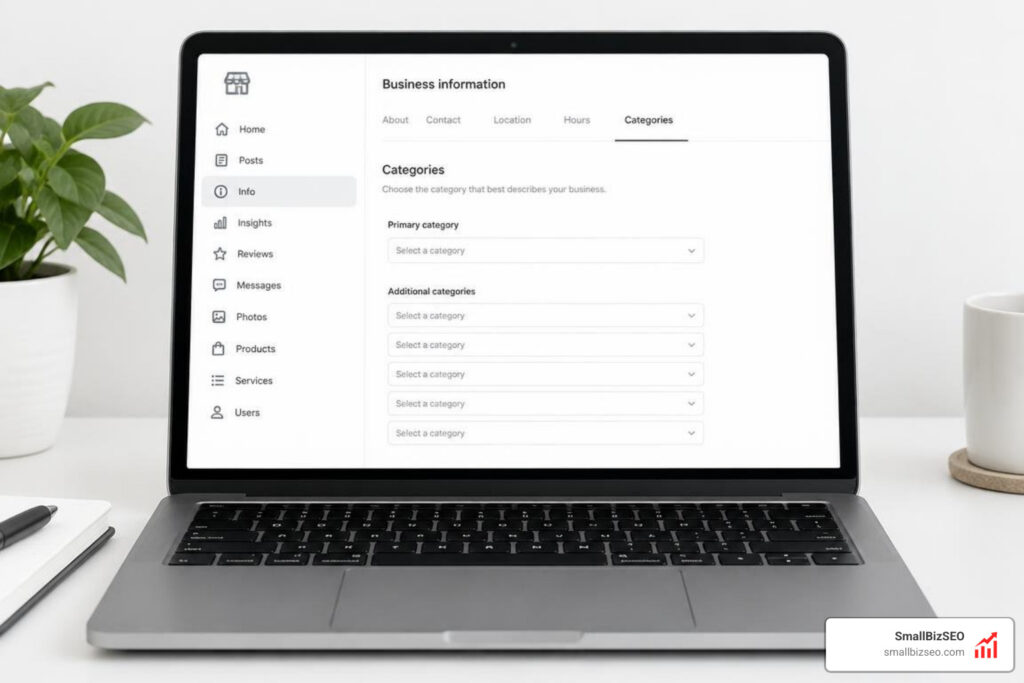
Understanding Primary vs Secondary Categories in Local Search
To select secondary GBP categories without overstating your services, start by auditing your core revenue streams, applying an operational truth test, and only adding categories for services your team is staffed, licensed, and able to fulfill directly. Google Business Profile (GBP) categories serve as the primary classification system for Google Maps and local search results. They tell Google's search algorithms what your business is, directly influencing which search queries trigger your listing. When configured properly, categories establish baseline local relevance and unlock specific dashboard features tailored to your industry, such as booking buttons, food menus, or service catalogs.
Choosing categories requires balancing search visibility with operational truth. While expanding your category footprint can increase query impressions, adding categories that misrepresent what your team delivers will generate low-quality leads, erode customer trust, and risk compliance penalties from Google.
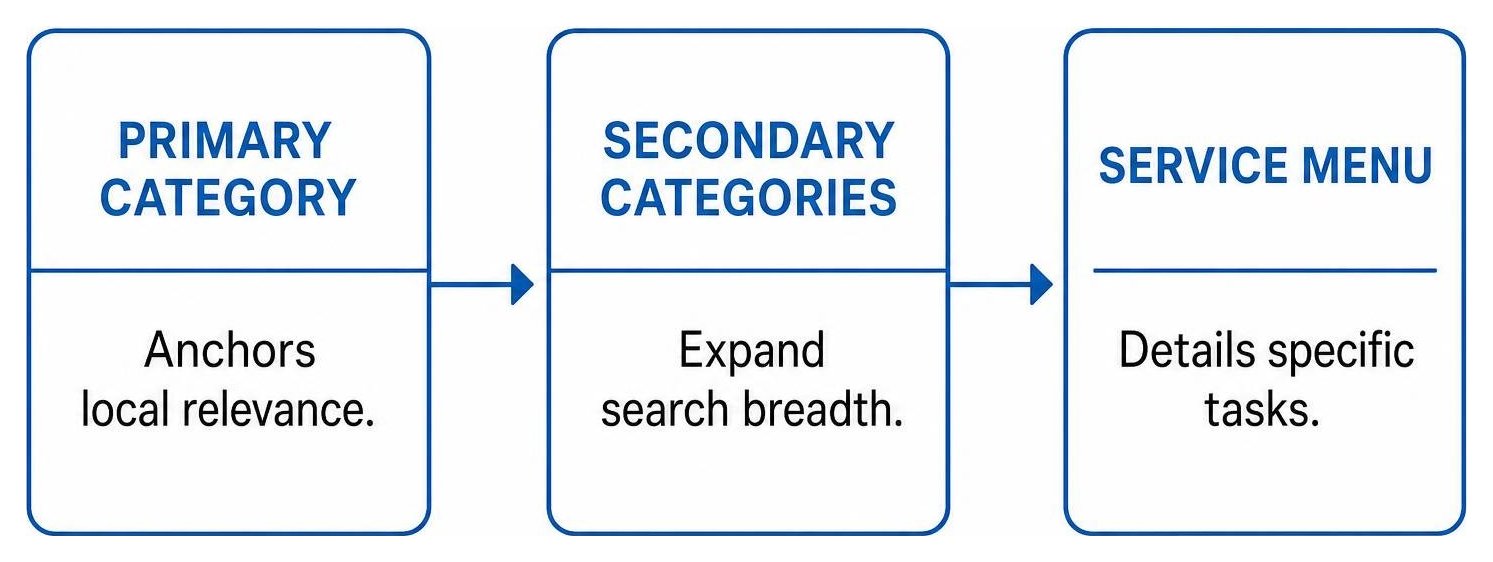
What Is the Difference Between Primary and Secondary Profile Categories?
Your primary category carries the heaviest algorithmic weight in Google's local search algorithm and acts as the main factor determining your visibility in the local pack. Your secondary categories (up to nine additional selections) provide supplementary context to expand your ranking reach across related search terms.
Google provides a standardized database of over 4,000 predefined categories. You cannot create custom category names; you must select from Google's official taxonomy.
| Feature | Primary Category | Secondary Categories |
|---|---|---|
| Quantity Limit | Exactly 1 | Up to 9 (0 minimum) |
| Ranking Impact | Highest direct local pack ranking factor | Moderate reach expansion for related queries |
| Core Function | Defines the main identity and primary revenue driver of the business | Identifies distinct departments or major secondary service lines |
| Profile Features | Determines core dashboard tools (menus, booking links, check-in attributes) | Unlocks secondary service menu templates |
| Best Practice | Choose the most specific descriptor of what your business is | Add only established, fully supported services |
In local SEO, empirical testing has demonstrated that adding valid secondary categories does not dilute your primary category strength. Instead, secondary categories broaden your keyword footprint across secondary search queries—provided your website and real-world operations corroborate those offerings.
How to Select Secondary GBP Categories Without Overstating Your Services for Multi-Service Businesses
Multi-service businesses must apply an operational truth test before adding secondary categories: can your location quote, schedule, and fulfill this specific service today without sub-contracting or redirecting the lead? If the answer is no, the category does not belong on your profile.

When structuring multi-service operations, follow these official rules:
- Distinct Departments: If a department within your business is independently operated, has separate staffing, and possesses a separate public entrance, it should have its own Business Profile rather than sharing secondary categories on the parent profile.
- Practitioner vs. Practice: For medical, legal, or real estate offices, the practice listing should use the overarching category (such as "Law Firm"), while individual partners should select their specific specialty (such as "Personal Injury Attorney") to prevent internal competition and avoid confusing local search algorithms.
- Category vs. Service Menu: Do not select a category for every sub-service or product. For example, a plumbing business should choose "Plumber" rather than attempting to add separate categories for drain clearing, faucet replacement, and pipe inspection. Specific tasks belong in your GBP Services list.
Businesses that over-categorize often trigger algorithmic suppression. Reviewing strategies for avoiding Google Business Profile category conflicts for multi-service businesses can help ensure your additional classifications complement your core profile rather than sending conflicting signals to Google.
Step-by-Step: How to Select Secondary GBP Categories Without Overstating Your Services
Selecting secondary categories requires a systematic evaluation of your revenue streams, customer search habits, and website architecture. Follow this step-by-step workflow:
- Audit Core Revenue Streams: Review your sales data over the past twelve months. Identify secondary service lines that generate significant revenue and represent routine daily operations.
- Match Customer Terminology to Predefined Categories: Search Google's taxonomy for exact-match classifications rather than generic umbrella labels.
- Perform Category-to-Page Mapping: Verify that every prospective secondary category is backed by a dedicated, high-quality landing page on your website with matching headers, schema markup, and clear service descriptions.
- Confirm Local Authority and Prominence: Ensure your business citations, customer reviews, and on-page content reinforce your prominence for that secondary field.
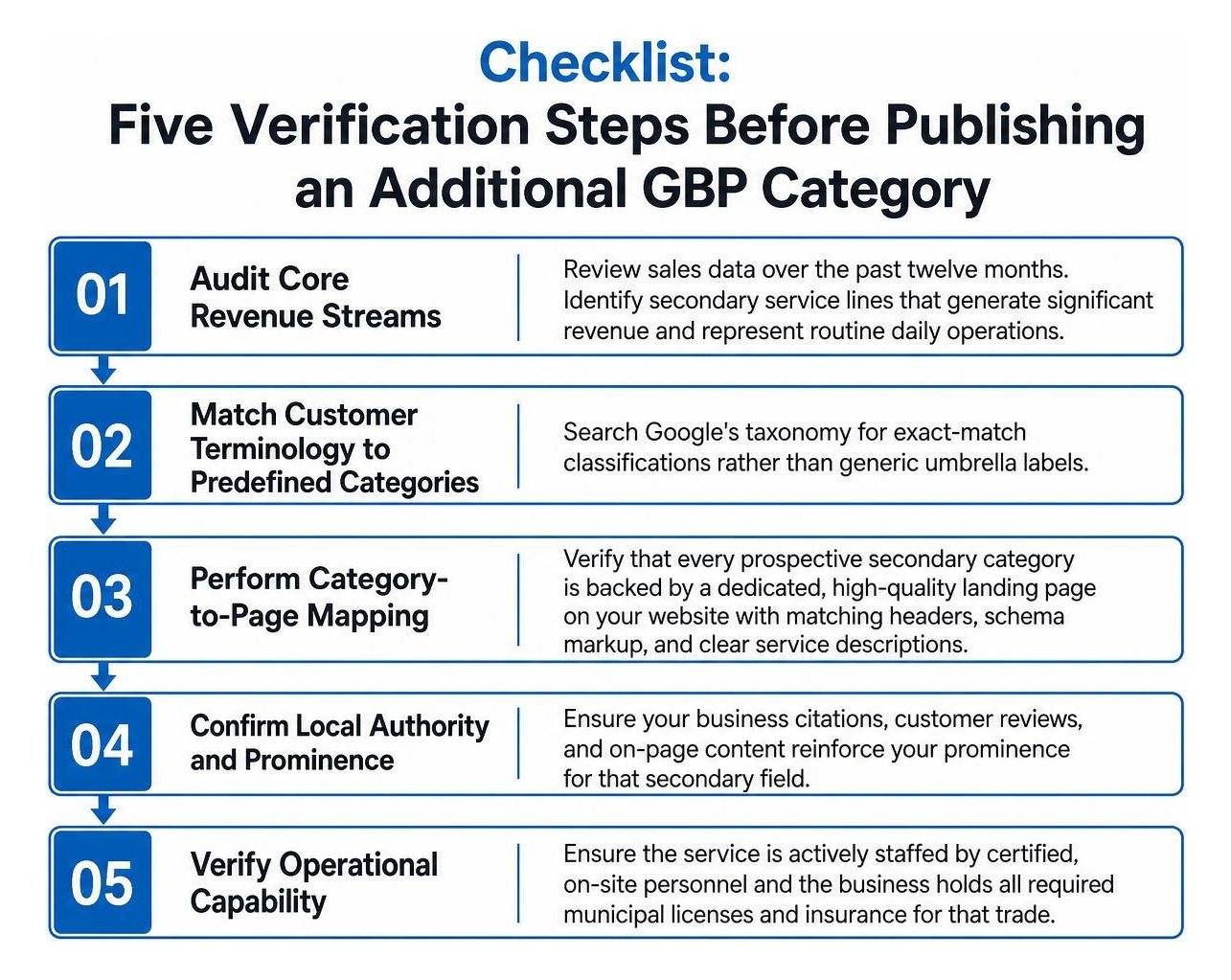
Before saving any secondary category to your live profile, ensure it meets all qualifying criteria outlined in authoritative resources like the Google Business Profile categories guide:
- The service is actively staffed by certified, on-site personnel.
- The business holds all required municipal licenses and insurance for that trade.
- The website features dedicated case studies, service descriptions, or pricing for that offering.
- The category answers "what the business IS," rather than merely "what the business HAS."
How to Select Secondary GBP Categories Without Overstating Your Services Using Competitor Research
Analyzing competitor category structures helps identify legitimate market opportunities without copying irrelevant entries.
To audit competitor categories safely:
- Inspect Top Local Pack Competitors: Use browser inspection tools or local audit extensions to view the underlying Google Category IDs (GCIDs) of top-ranking listings in your area.
- Identify Systematic Gaps: Look for relevant secondary categories used by market leaders that align with services you already deliver but have not formally indexed on your profile.
- Filter Out Inflated Profiles: Competitors who engage in category stuffing often experience listing instability. Never adopt an aspirational category simply because a competitor lists it; confirm your website and operations can substantiate the claim first.
How Should You Handle Seasonal Demand and Service Focus Shifts?
Seasonal businesses (such as HVAC contractors alternating between heating and cooling focus) should update their secondary categories to match seasonal operational capacity.
- Plan Quarterly Reviews: Align profile updates with shifts in customer demand. Transition secondary categories 30 days before peak seasonal search volume begins.
- Synchronize Website Assets: Whenever you update seasonal categories on your profile, update your homepage banners, primary service links, and local landing pages to reflect the same service priorities.
- Avoid Unnecessary Primary Category Changes: Keep your primary category stable whenever possible. Rotating secondary categories introduces less volatility than altering your primary business classification.
Maintaining Category Accuracy and Optimizing Profile Performance
Managing your category architecture is an ongoing maintenance responsibility. Whenever categories are modified, Google's automated systems re-evaluate your listing's trustworthiness against external directory citations, structured data, and website content. Maintaining consistent information across all platforms, as detailed in our guide where NAP consistency is explained, prevents automated trust mismatches.
Our team at SmallBizSEO uses our data-driven Velocity framework to monitor category stability and ensure small business profiles achieve maximum search visibility without violating Google's guidelines. For complex profiles, our additional categories optimization process helps businesses build high-relevance category structures backed by clear on-page architecture.
How Do You Audit Categories to Prevent Reverification and Suspension Risks?
Editing your primary or secondary categories is considered a major profile change by Google and can trigger immediate re-verification requests or profile suspensions if automated systems detect inconsistencies.
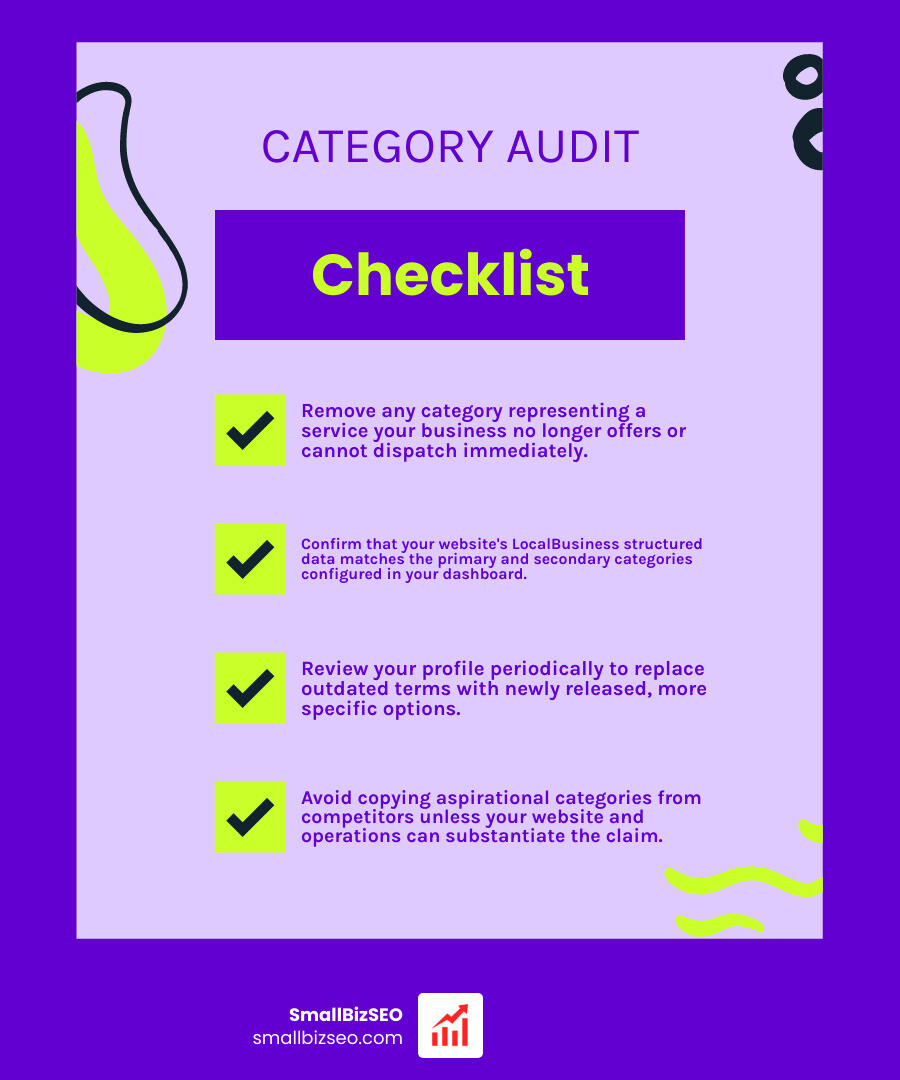
Use this operational checklist during your quarterly profile audits:
- Review Real-World Operations: Remove any category representing a service your business no longer offers or cannot dispatch immediately.
- Check Schema and Site Consistency: Confirm that your website's LocalBusiness structured data matches the primary and secondary categories configured in your dashboard.
- Monitor Taxonomy Releases: Google regularly adds, renames, and deprecates categories. Review your profile periodically to replace outdated terms with newly released, more specific options.
- Keep Documentation Prepared: Maintain updated copies of utility bills, business licenses, and storefront photography so you can resolve any unexpected re-verification prompts immediately.
Strategic Category Selection for Sustainable Local Growth
Selecting accurate secondary Google Business Profile categories requires discipline. By resisting the urge to list every conceivable service as a category and focusing instead on your verifiable operational capabilities, you build a sustainable local search foundation. Treat your profile as an honest representation of your business, back every category with authoritative website content, and let your service menu handle the finer details of your offerings.