ChatGPT Search 101: How to Use It Effectively

How do you use ChatGPT Search effectively?
To use chatgpt search, open ChatGPT, select Search from the tools menu, and ask a specific question. Add a date or location when it matters. Then open the cited sources to check important details, especially prices, hours, and other facts that can change.
ChatGPT can also search the web automatically when your question needs current information. Unlike a standard search results page, it brings what it finds into a conversational answer that you can refine with follow-up questions. That can save time, but a cited answer is still worth checking.
I’m Clayton Johnson, founder of SmallBizSEO. My work on SEO and AI-driven discovery shapes how I help small businesses use chatgpt search and assess the answers it provides.
Chatgpt search terms explained:
- how to check business information in chatgpt search answers
- troubleshooting why chatgpt search links to an outdated business page
What Is ChatGPT Search and How Does It Work?
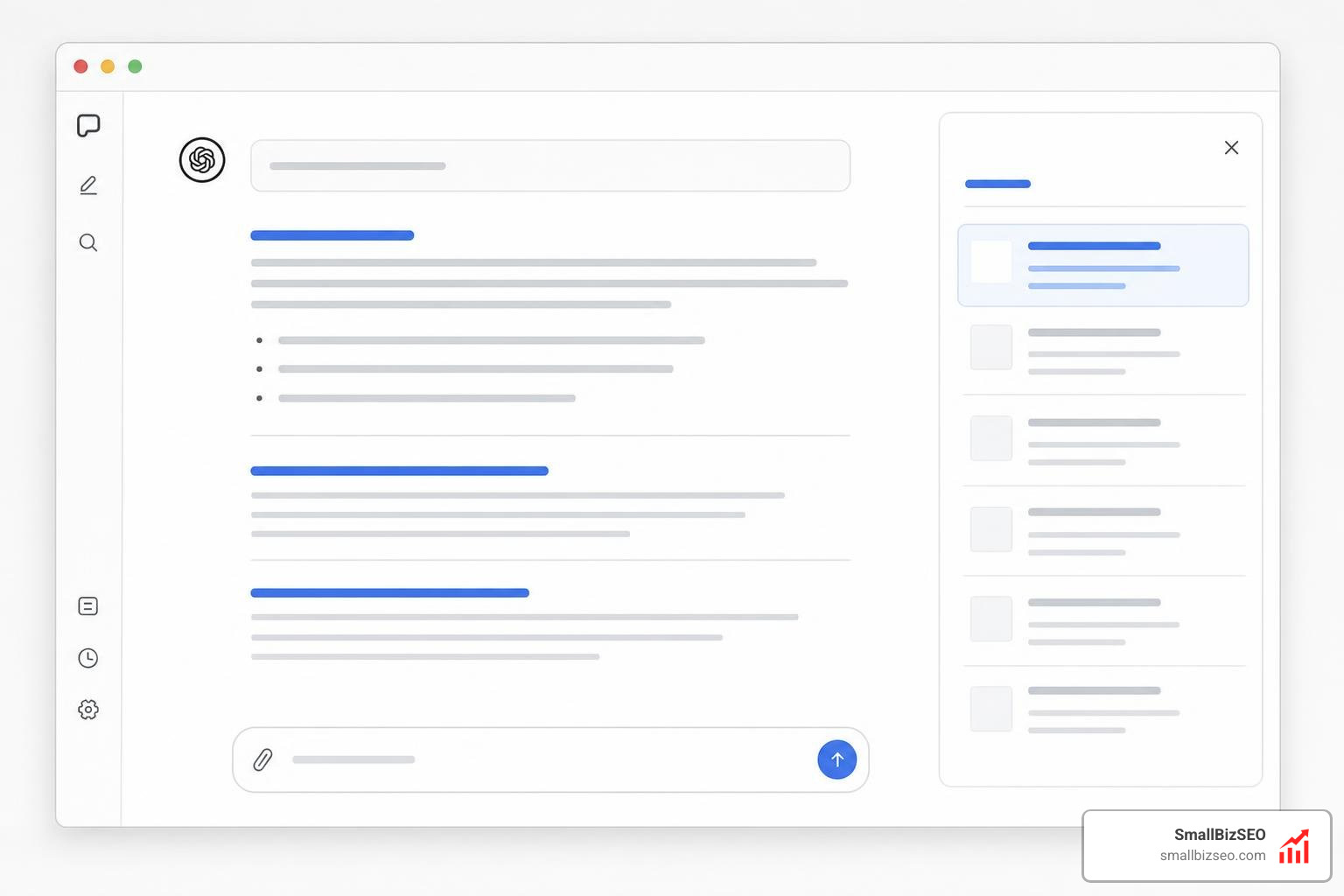
ChatGPT search is a built-in web retrieval feature that allows the AI model to access the live internet, pull up-to-date information, and present synthesized answers with clickable source citations. Instead of returning a list of ranked links, the system directly answers your query while attributing specific facts to source websites.
When OpenAI began introducing ChatGPT search, it shifted conversational AI from a static training model into an active research assistant. By integrating Retrieval-Augmented Generation (RAG) with curated publisher partnerships, the platform checks external sources in real time before generating a response.
To help businesses navigate this landscape, our dedicated breakdown of ChatGPT Search explains how this architecture processes queries and ranks information differently from traditional index-based search engines.
How Does ChatGPT Search Deliver Real-Time Web Results?
ChatGPT delivers real-time web results through a combination of fine-tuned language models, automated query rewriting, and integration with third-party search providers. When a prompt requires current information, the underlying model crafts specialized search queries, queries web indexes, reads the retrieved pages, and generates an answer backed by inline citations.
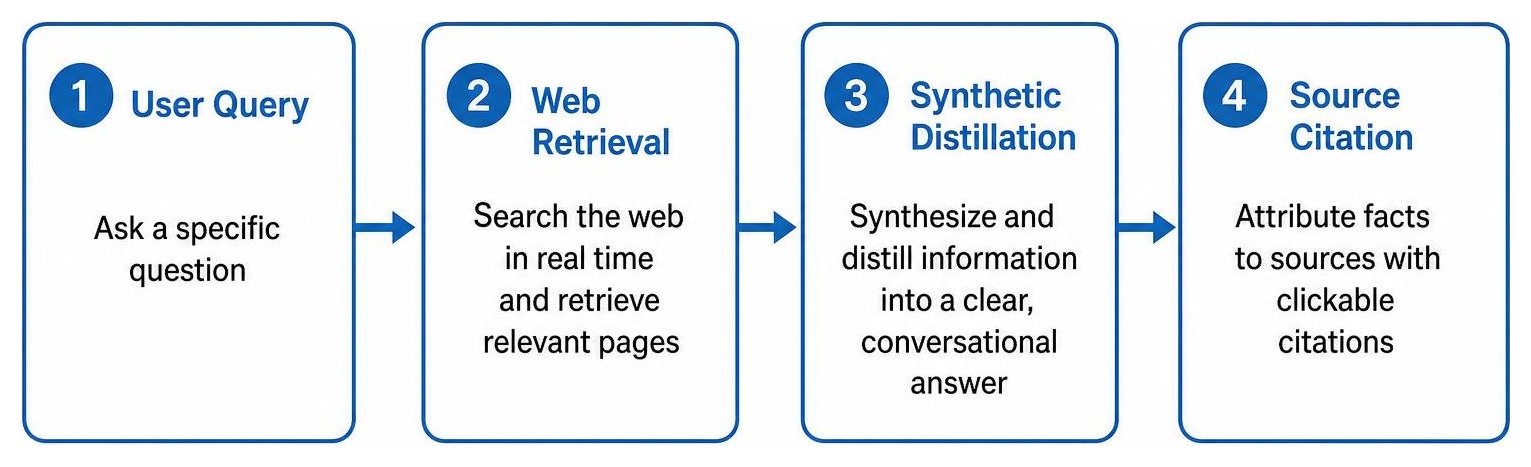
The technical pipeline relies on several core components:
- Reasoning and Distillation: The model uses synthetic data generation and distillation from advanced reasoning models to decide whether a prompt requires live browsing or existing training knowledge.
- Specialized Crawlers: The platform gathers and indexes web data using dedicated crawlers like GPTBot for training and general retrieval, alongside Oai Searchbot for specific search indexing and real-time query resolution.
- Interactive Data Widgets: For specific categories such as weather, financial markets, sports scores, and geographic navigation, the system renders dynamic visual cards and interactive maps directly in the chat stream.
How Does ChatGPT Search Compare to Google and Traditional Search Engines?
ChatGPT search differs from traditional search engines primarily in its delivery format: it synthesizes direct answers using conversational prose rather than listing ranked blue links and sponsored advertisements.
| Feature | ChatGPT Search | Google Search |
|---|---|---|
| Primary Interface | Conversational direct answer | Ranked list of links and SERP features |
| Source Attribution | Inline citation pills and source sidebar | Top-ranked URLs and snippet cards |
| Monetization / Ads | Ad-free conversational stream | Sponsored search ads and shopping carousels |
| Query Refinement | Natural conversational follow-ups | New standalone keyword searches |
| Primary Intent Fit | Complex research, synthesis, comparisons | Direct site navigation, quick local utility |
Analyzing daily user prompt patterns reveals that users increasingly treat AI interfaces as conversational problem solvers rather than simple link finders. This trend represents a broader shift toward agentic search, where the search platform actively completes multi-step research tasks rather than simply providing indexing pointers.
How to Manually Trigger and Refine Web Searches in ChatGPT
To manually trigger a web search in ChatGPT, click the Tools icon (or globe symbol) in the prompt composer box, select Search, enter your prompt, and submit. You can also type /search directly into the chat input bar to force the model to browse the live web.
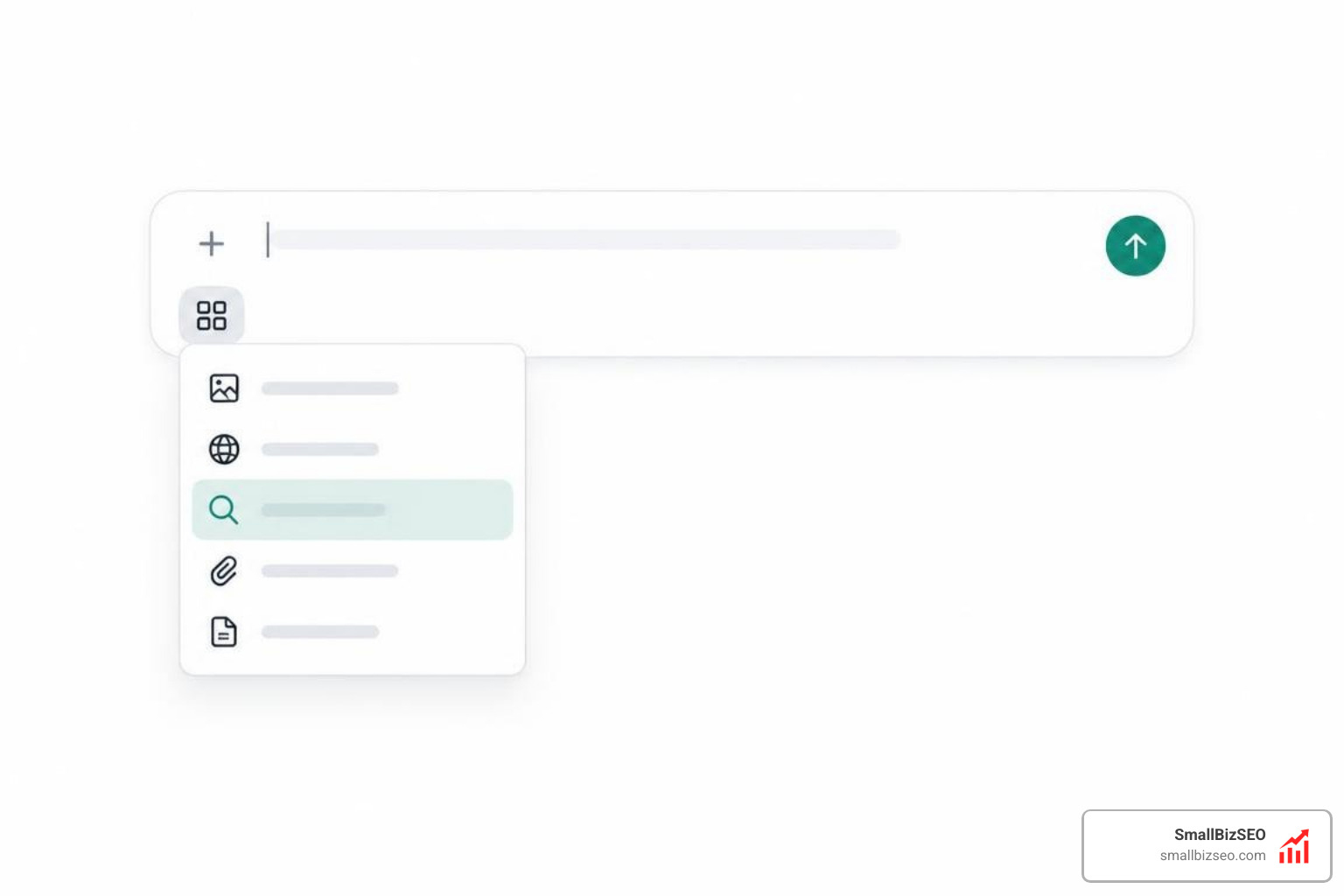
To get the most accurate answers from your searches, follow these straightforward steps:
- Activate Web Search Manually: If the model does not browse the web automatically, toggle the search tool icon to ensure live retrieval.
- Specify Geographic and Temporal Context: State your exact city, postal code, or relevant timeframe directly in the prompt to avoid receiving generic or outdated data.
- Refine Using Multi-Step Follow-Ups: Ask follow-up questions within the same chat thread to drill down into specific details without having to restate the entire context.
- Inspect Source Citations: Click the sidebar icon or hover over inline citation tags to inspect the original publisher sites for verification.
- Utilize Service Integrations: Use clear parameters (party size, date, time) when looking for local venues to trigger live partner integrations such as reservation tools.
For further interface troubleshooting, the official guide on searching the web with ChatGPT documentation outlines step-by-step account settings and tool configurations.
What Are the Limitations, Accuracy Risks, and Privacy Controls?
ChatGPT search can occasionally misinterpret web page context, surface outdated pricing, or generate subtle factual hallucinations when synthesizing complex data across multiple conflicting websites.
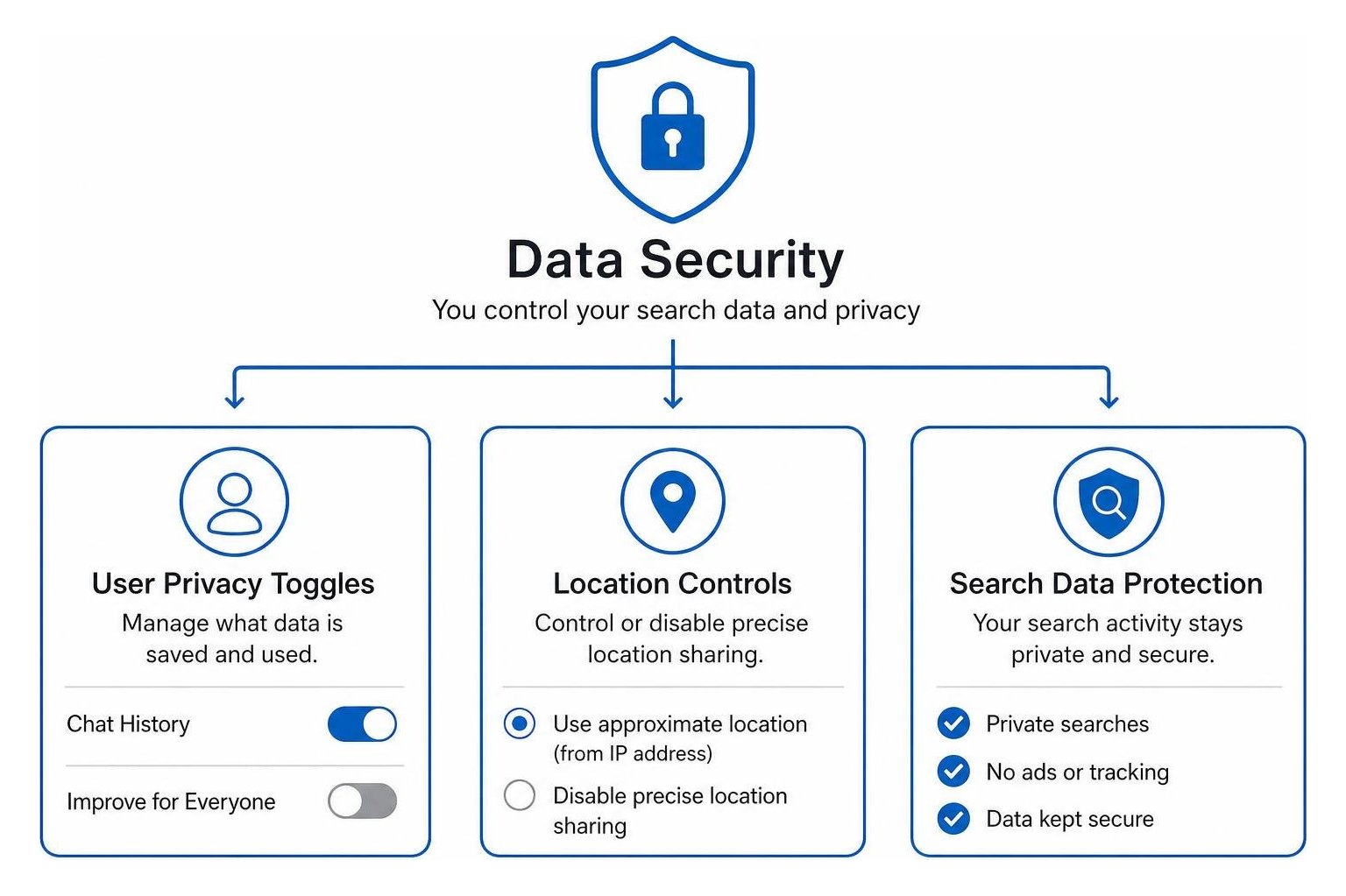
Understanding its limitations and privacy controls ensures safer, more reliable usage:
- Factual Verification: Always cross-reference time-sensitive claims, technical specifications, and legal advice against the linked source materials. Our practical guide on verifying business information in ChatGPT search covers methods to ensure your brand's presence remains accurate across AI answers.
- Dynamic Pricing Errors: E-commerce pricing and availability data pulled from third-party sites can lag behind live checkout pages.
- Location Privacy Management: By default, approximate location is estimated from your IP address to return relevant local results. You can control or disable precise location sharing within your account settings under data controls.
- Search Data Handling: Query data sent to third-party search partners is anonymized, stripping personal account identifiers and raw IP addresses before processing.
Adapting Your Digital Presence for Conversational AI Search

To maintain search visibility in conversational AI platforms, businesses must optimize their content for direct answer extraction, entity clarity, and crawl accessibility. AI answer engines prioritize structured, factual content that directly answers search intent while demonstrating clear authority.
At SmallBizSEO, we implement modern Answer Engine Optimization (AEO) strategies to help businesses secure prominent citations within AI-generated responses. By combining structured schema markup with our proprietary "Velocity" framework, we provide transparent, automated reporting that accelerates ranking growth and strengthens brand authority across modern search channels.
Optimizing for this shift requires pairing traditional search best practices with modern retrieval signals. By monitoring your brand through LLM visibility tools and SEO strategies and actively updating your search engine optimization for the AI era, you ensure your digital assets remain authoritative, accessible, and accurately cited across all major conversational discovery platforms.