What Are the Absolute Basics of SEO for Small Main Street Shops?
How Can a Main Street Shop Get Started With SEO?
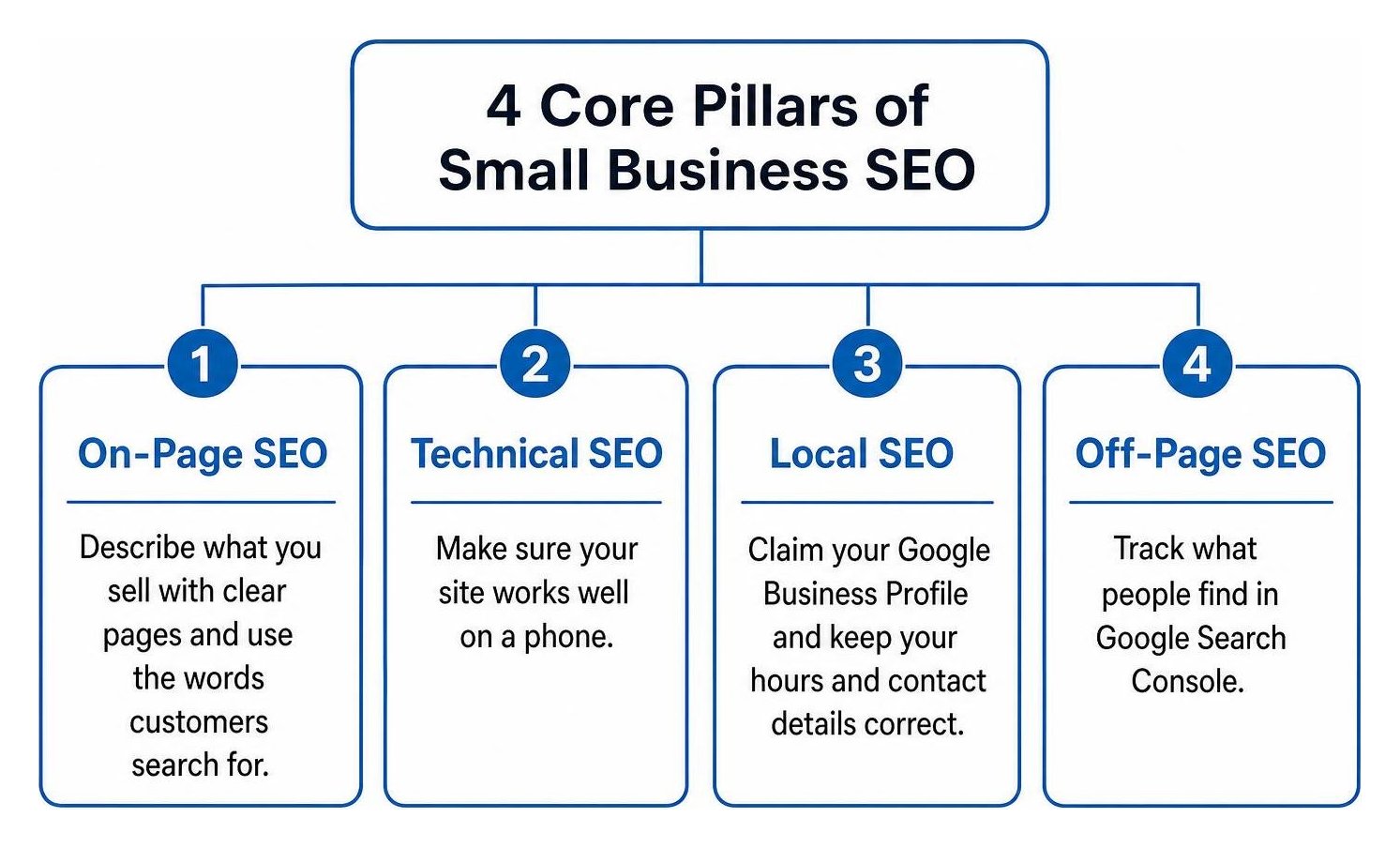
Small business SEO basics start with making it easy for nearby customers to find and choose you. Describe what you sell on clear website pages, use the words customers search for, and make sure your site works well on a phone. Then claim your Google Business Profile, check that your hours and contact details are correct, and track what people find in Google Search Console.
SEO is the work of improving your visibility in unpaid search results. You do not need to fix everything at once. Start with your most important service or product pages, then build from what the data shows.
I’m Clayton Johnson, founder of SmallBizSEO. My work in SEO, content strategy, and digital PR has shaped how I teach small business SEO basics: answer real customer questions clearly and make each page useful.
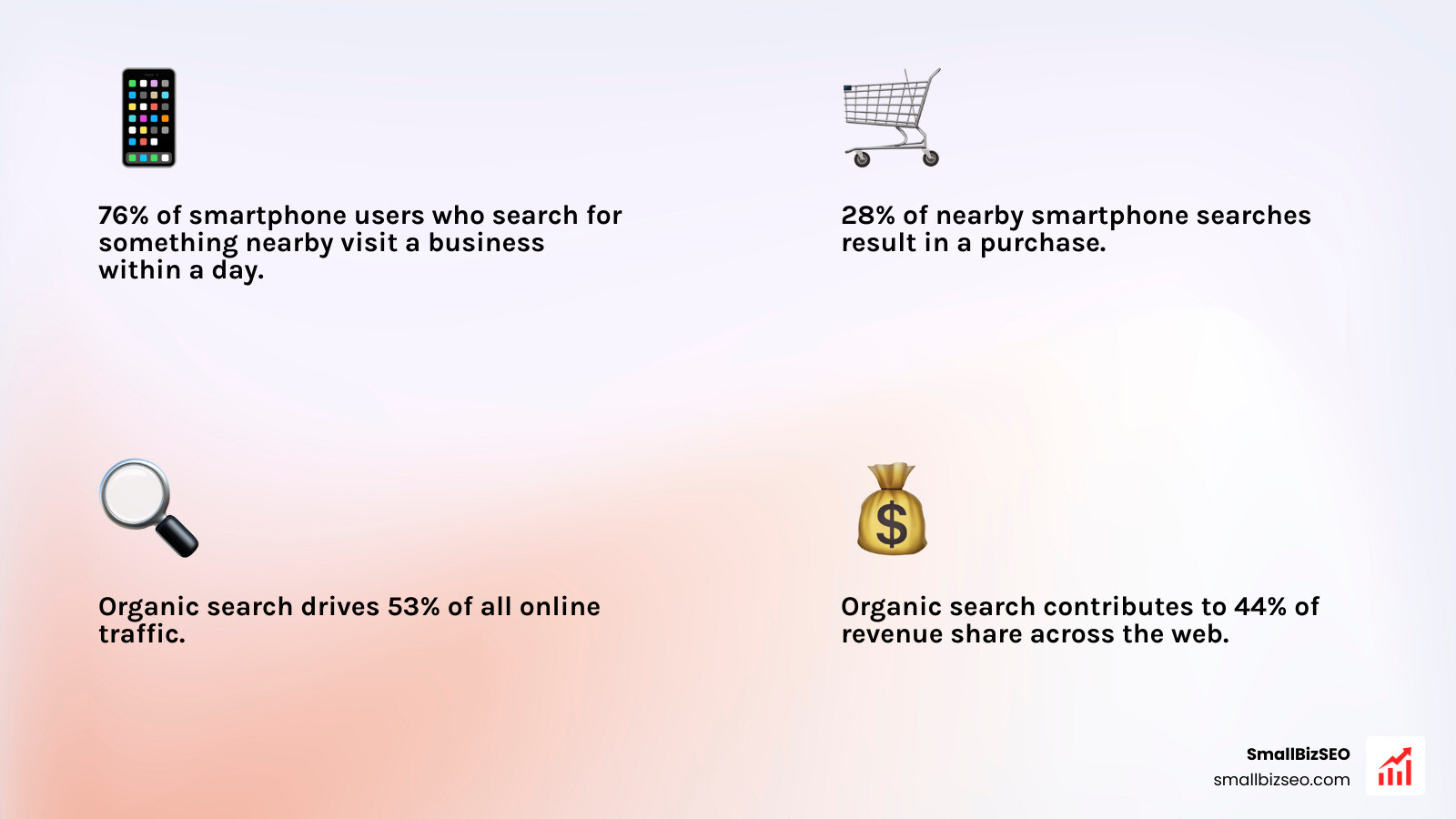
Organic search accounts for 53% of all online traffic and contributes to 44% of revenue share across the web. When local intent enters the picture, search engines become immediate foot-traffic drivers: 76% of people who search on their smartphones for something nearby visit a business within a day, and 28% of those searches result in a purchase.
Understanding why getting found matters helps your shop capture customers right when they are ready to buy.
Mastering Small Business SEO Basics: The 4 Core Pillars
To succeed with search marketing, you must understand how search engines process your website across four fundamental areas: on-page SEO, technical SEO, local SEO, and off-page SEO.
What Are the Small Business SEO Basics of Search Engine Ranking?
Google ranks web pages by crawling the internet, indexing discoverable content, and evaluating relevance, usability, and trust signals against a searcher's query.
Google functions as an automated discovery engine. It uses software programs called crawlers (or spiders) to follow links across the web. When a crawler reaches your shop’s website, it scans your text, images, and structure, and adds that information to a giant digital library called the Google Index.
To turn searchers into store visitors, it helps to understand what SEO stands for in business. When someone performs a search, Google evaluates over 200 signals to serve the best results:
- Query Meaning and Intent: Matching whether the searcher wants information, a physical location, or an immediate purchase.
- Content Relevance: Evaluating whether your page text, headings, and images directly answer the user's specific problem.
- Content Quality (E-E-A-T): Weighing your Experience, Expertise, Authoritativeness, and Trustworthiness.
- Usability: Checking that pages load quickly and display seamlessly on mobile devices.
- Context: Factor in the user’s real-time geographic location and browsing settings.
As outlined in the US Chamber of Commerce guide to website SEO, building relevance around real customer intent is far more effective than trying to "game" algorithms with outdated tricks like keyword stuffing.
Which Technical and On-Page Small Business SEO Basics Drive Organic Traffic?
On-page SEO organizes your content so humans and search crawlers instantly understand it, while technical SEO ensures your website loads quickly, safely, and without navigation errors.
A comprehensive strategy blends both disciplines. To understand how these components interact, explore our practical guide to the 4 types of SEO.
Essential On-Page Elements
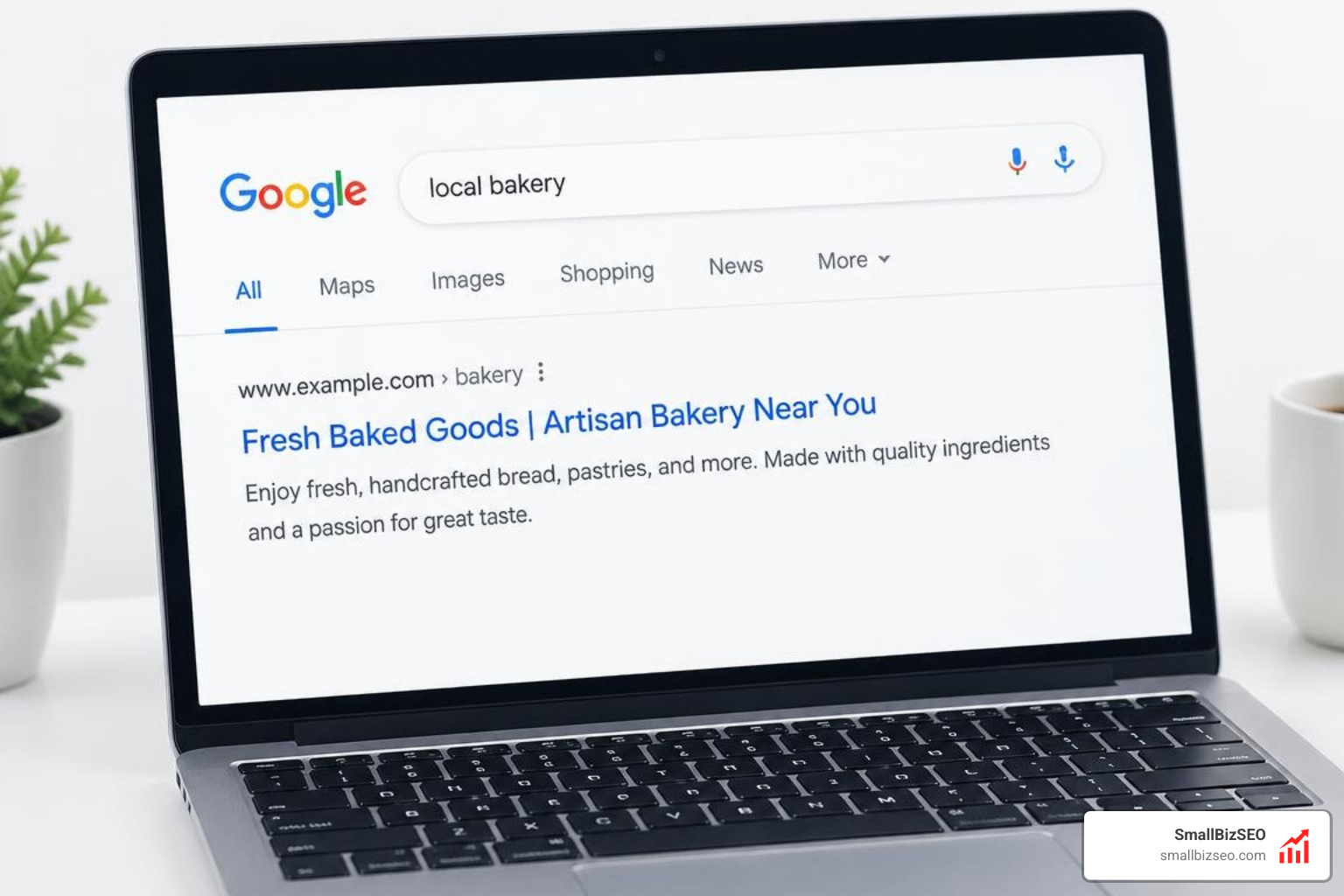
- Title Tags: Keep your page title under 60 characters. Place your main service and location near the beginning (for example, Handmade Leather Goods | Artisan Shop).
- Meta Descriptions: Write an engaging summary between 120 and 155 characters that encourages clicks directly from the search results page.
- Headings (H1, H2, H3): Use a single H1 per page that clearly states the core topic. Break up supporting sections with H2 and H3 subheadings.
- Descriptive URLs: Keep URLs short, clean, and lowercase (such as
/shoe-repairinstead of/?p=482). - Image Alt Text: Provide concise, accurate image descriptions for visually impaired readers and search engine crawlers.
Applying these on-page SEO techniques helps you target what buyers actually search for.
| SEO Pillar | Focus Area | Key Elements to Optimize | Primary Goal |
|---|---|---|---|
| On-Page SEO | Content & Page Layout | Title tags, H1-H3 headers, meta descriptions, alt text | Clear relevance to customer search intent |
| Technical SEO | Site Health & Infrastructure | Page speed, mobile-first design, SSL (HTTPS), sitemaps | Effortless crawling, indexing, and fast loading |
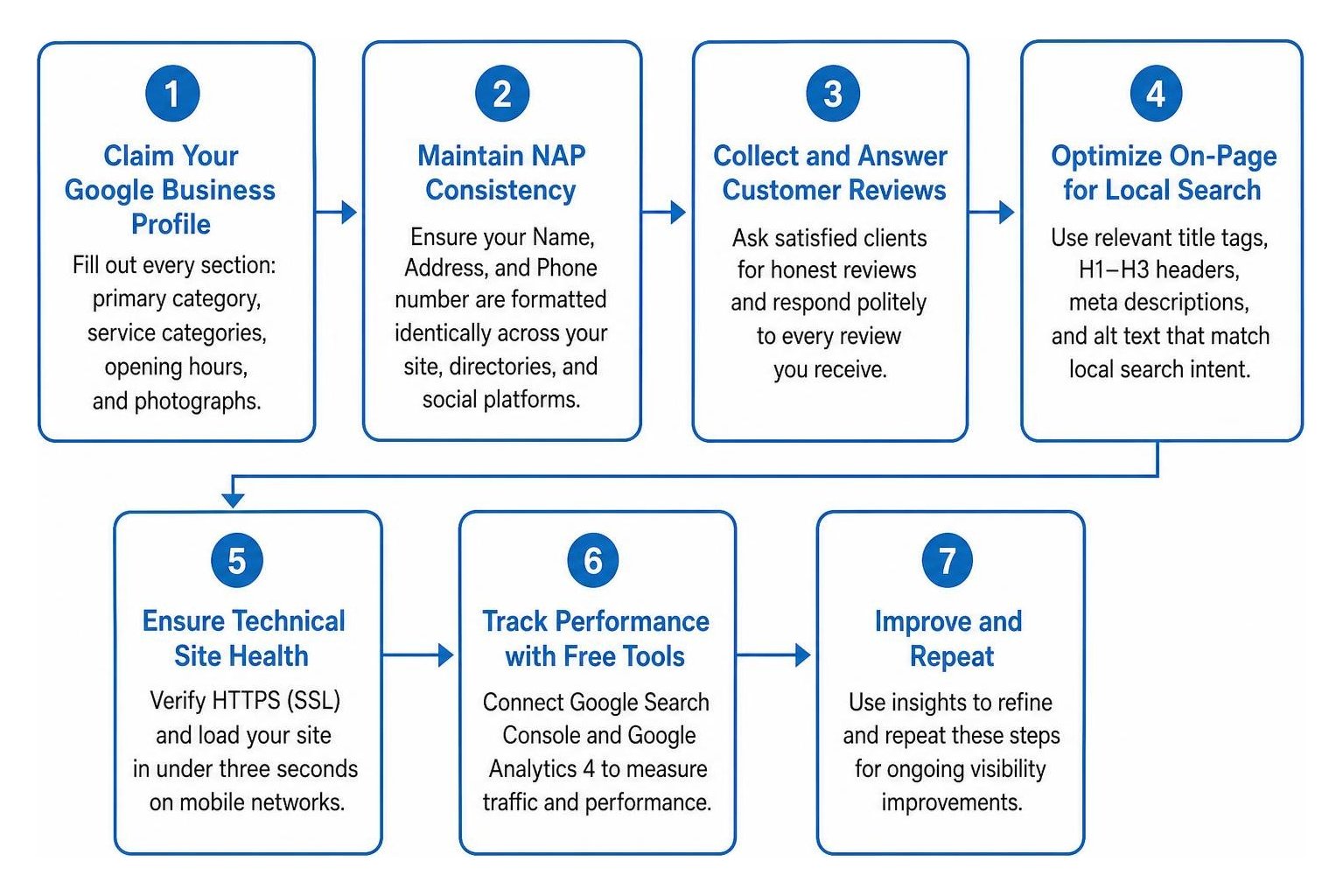
For technical SEO, verify that your site uses an active SSL certificate (HTTPS) and loads in under three seconds on mobile networks.
How Does Local Search Optimization Attract Nearby Customers?
Local SEO connects your store directly with nearby shoppers by optimizing your Google Business Profile, maintaining consistent business citations, and earning positive customer reviews.

Over 90% of global internet traffic flows through Google properties, including Google Maps. Almost half of all Google searches carry local intent, and 72% of consumers who run a local search visit a physical store within five miles of their current location.
According to FSB beginner SEO guidance, local presence relies on three core actions:
- Claim Your Google Business Profile: Fill out every section, including your primary category, exact service categories, opening hours, and photographs of your storefront.
- Maintain NAP Consistency: Ensure your Name, Address, and Phone number are formatted identically across your site, local business directories, and social platforms.
- Collect and Answer Customer Reviews: Actively ask satisfied clients for honest reviews and post a polite, thoughtful response to every review you receive.
Mastering these local search optimization basics puts your shop inside the coveted Google "Local Map Pack"—the three prominent map listings displayed at the top of local search queries.
How to Implement SEO Step-by-Step and Measure Results
Improving your organic visibility does not require an enterprise budget. It requires a repeatable, step-by-step process focused on high-impact optimizations.
What Free Tools and Quick Steps Should You Take First?
Start by connecting Google Search Console and Google Analytics 4 to your website, then use Google Keyword Planner to find low-competition phrases your customers use.
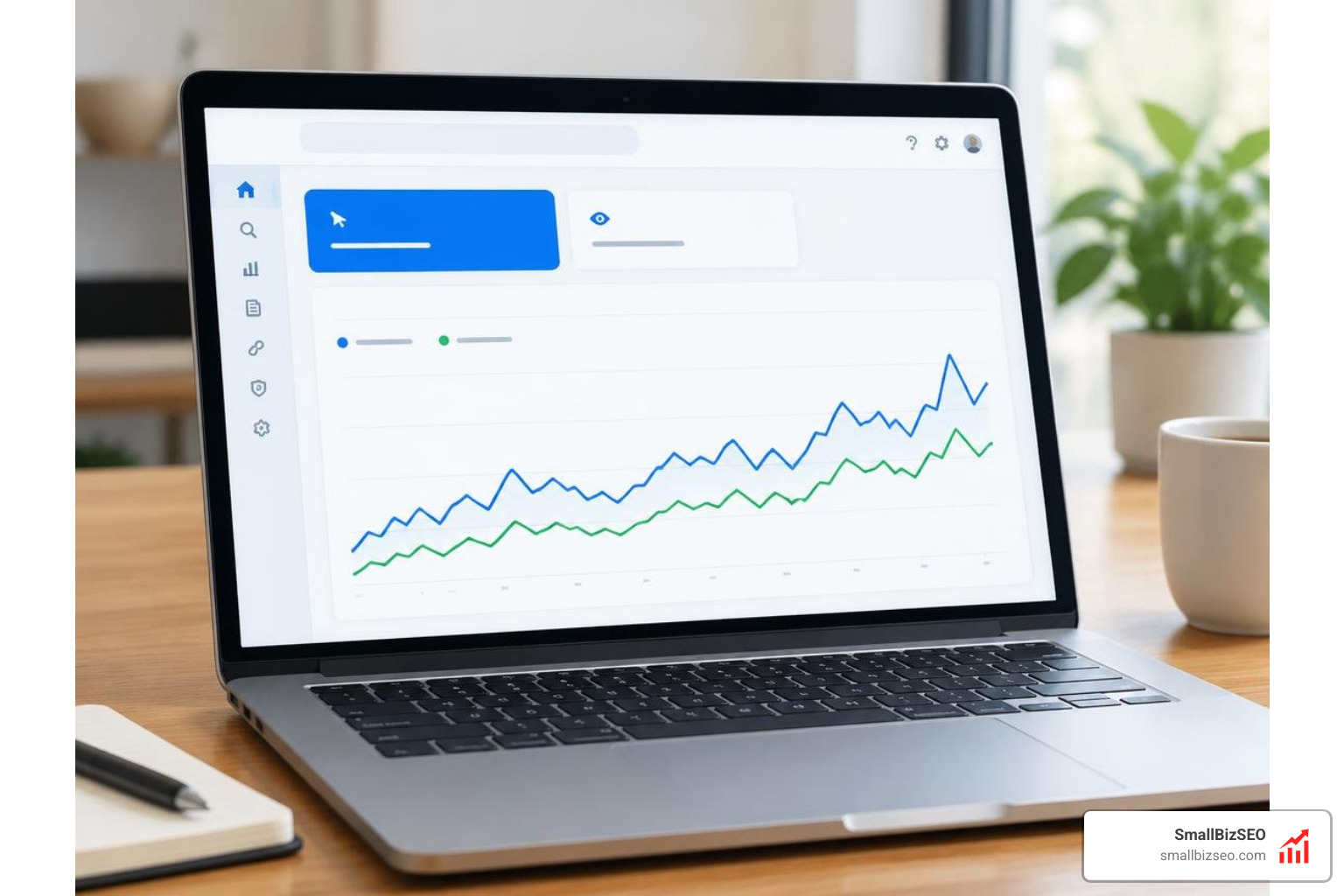
You can launch your digital marketing program with free, authoritative tools:
- Google Search Console (GSC): This dashboard reveals the exact queries bringing visitors to your pages, checks crawl coverage, and flags any indexing errors.
- Google Analytics 4 (GA4): Track how visitors interact with your pages, where they drop off, and which channels generate phone calls or form submissions.
- Google Keyword Planner: Research search volume and discover specific "long-tail" search phrases (like "same-day dry cleaner" rather than just "dry cleaning").
Check our free SEO basics guide for setup instructions. Before writing new content, focus on auditing web page SEO across your core service pages to ensure your basic tags and navigation menus work smoothly.
How Long Does SEO Take and What Mistakes Should You Avoid?
Most local SEO updates take between three to six months to produce substantial ranking gains, though local profile adjustments can show impressions in a matter of weeks.
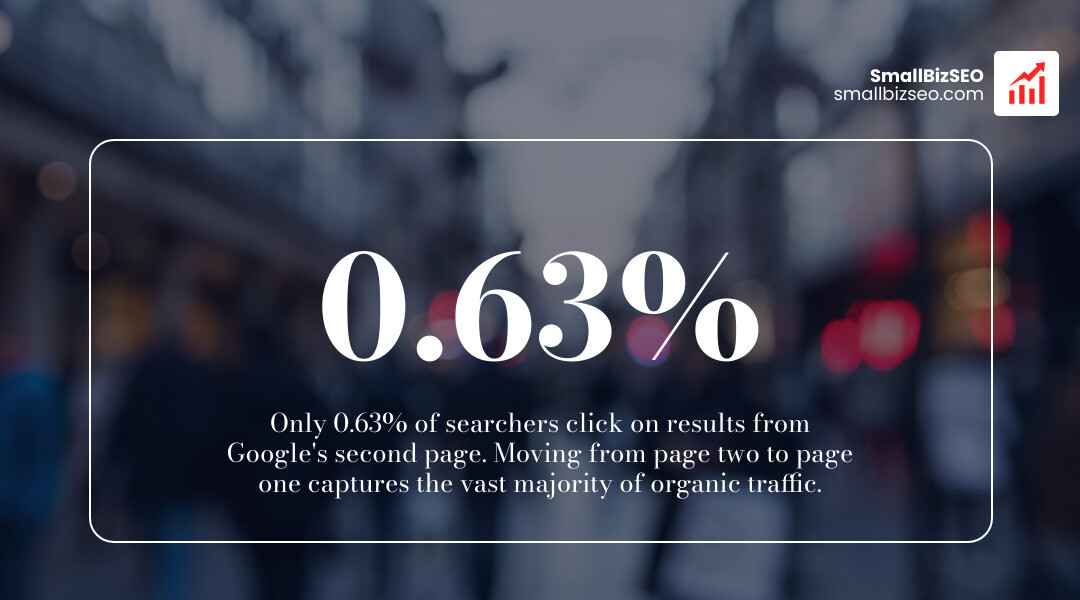
SEO builds compounding value over time rather than instant returns. Only 0.63% of searchers click on results from Google's second page, so moving your site from page two to page one makes all the difference.
Common SEO Pitfalls to Avoid
- Expecting Instant First-Page Rankings: True organic authority requires consistent indexation and trust signals; promises of overnight rankings often signal risky tactics.
- Keyword Stuffing: Cramming terms into your copy hurts readability and violates search quality guidelines.
- Duplicate or Thin Content: Copying service descriptions across different pages confuses search engines and weakens your site's relevance.
- Ignoring Technical Errors: Broken links, missing sitemaps, and slow page speeds frustrate users and waste your crawl budget. Learn how to prevent these pitfalls in our guide on common SEO audit errors.
At SmallBizSEO, we use our proprietary "Velocity" framework to eliminate technical roadblocks, publish helpful content, and accelerate rankings through transparent, automated reporting.
Taking Your Store's Search Visibility to the Next Level
Building strong search visibility is an ongoing asset for your physical storefront. When you build clear service pages, refine your technical foundations, and nurture your local profile, search engines reward you with consistent organic discovery.
If you are ready to remove the guesswork, request a free SEO visibility audit from our team to see exactly what your shop needs to rank higher and attract more local foot traffic.