Wix Website SEO Strategies That Actually Deliver Organic Traffic

Wix Website SEO Strategies That Actually Deliver Organic Traffic
Can Wix Websites Rank on Google?
Yes. SEO for Wix websites starts with a few practical steps: complete Wix’s SEO Setup Checklist, write a clear title and description for each important page, and connect your site to Google Search Console. Then check that Google can index your pages, improve the mobile layout, and publish content that answers your customers’ questions.
Wix provides the technical basics, including server-side rendering and an automatic XML sitemap. Those features help Google find and read your pages, but they do not guarantee rankings. Useful content, a fast page, and relevant links still matter.
I’m Clayton Johnson, founder of SmallBizSEO. My work in technical SEO, content strategy, and link building helps small businesses turn SEO for Wix websites into a plan for earning qualified traffic, not just completing a checklist.
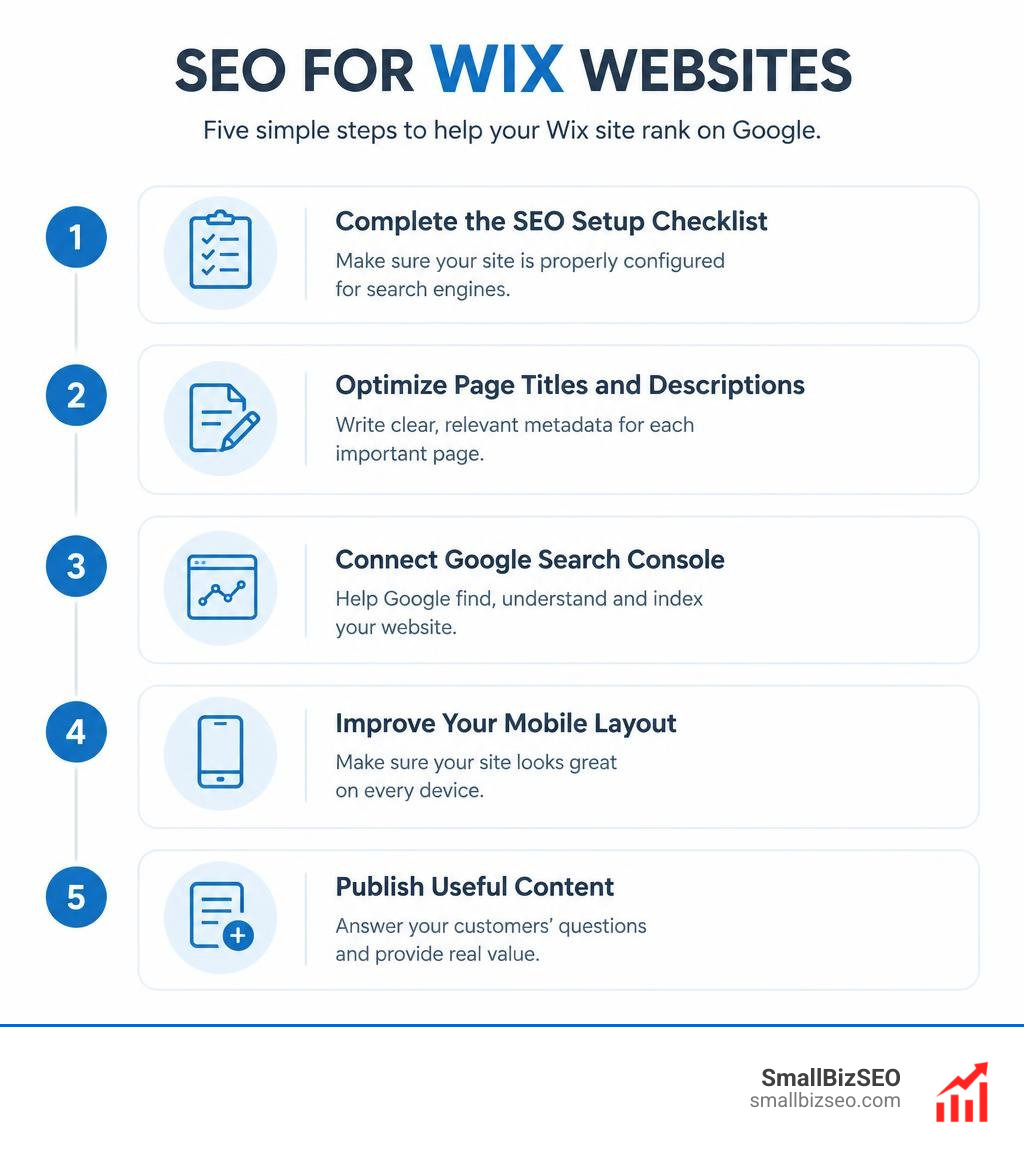
Handy SEO for Wix websites terms:
Wix has come a long way from its early Flash days. Modern independent benchmarks show Wix achieving a median Lighthouse SEO score of 100 across both desktop and mobile platforms, outpacing standard averages. Data indicates that 82% of users report direct improvements in their Google rankings after properly configuring native Wix optimization features. With 99.9% server uptime and automated sitemap submissions, a freshly connected domain typically achieves initial indexing within days.
Step-by-Step Execution of SEO for Wix Websites
Executing proper optimization on Wix involves moving methodically through your site architecture, from initial indexing directives to deep technical customizations.
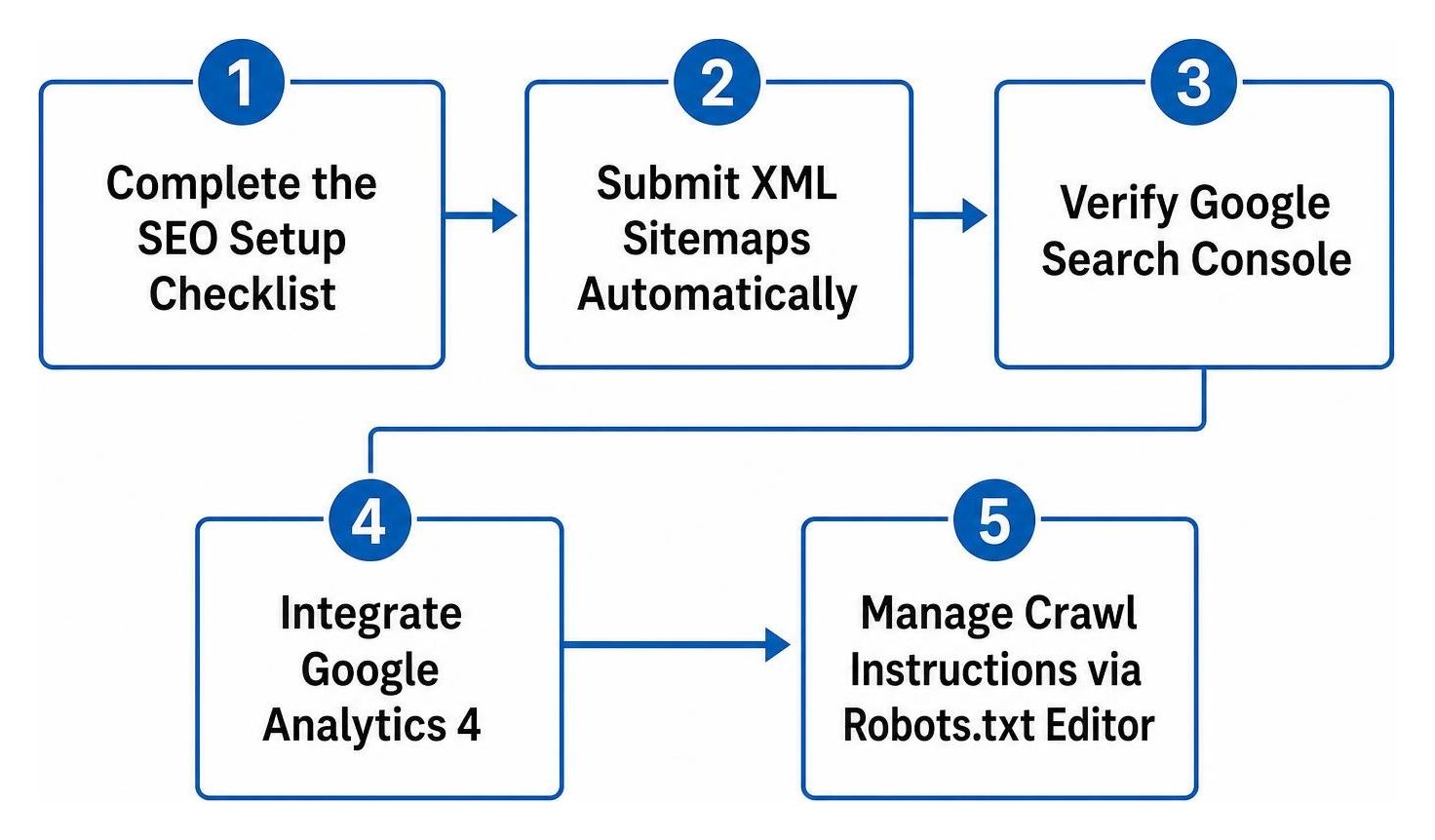
- Complete the SEO Setup Checklist: Answer the foundational questions about your business name, niche, and target keywords to generate a tailored roadmap.
- Submit XML Sitemaps Automatically: Wix creates your
sitemap.xmldynamically and transmits updates directly to search engines. - Verify Google Search Console: Connect your domain seamlessly through the site settings to track indexing status and resolve crawl warnings.
- Integrate Google Analytics 4: Link your measurement ID within the dashboard to monitor user behavior, organic session depth, and conversion events.
- Manage Crawl Instructions via Robots.txt Editor: Fine-tune custom directives to prevent bots from indexing internal search results or administrative pages.
- Configure the 301 Redirect Manager: Map obsolete or updated URLs to prevent broken links and preserve established link equity across your domain.
What Built-In Technical Features Power SEO for Wix Websites?
Wix sites run on a modern infrastructure featuring server-side rendering (SSR), which pre-renders HTML so web crawlers can read your copy without waiting for client-side JavaScript execution.
| Feature | Free Wix Plan | Premium Wix Plan |
|---|---|---|
| Custom Domain Connection | No (Wix subdomain only) | Yes (Required for branding & indexing) |
| Server-Side Rendering (SSR) | Yes | Yes |
| Automated XML Sitemaps | Yes | Yes |
| Robots.txt & Canonical Control | Basic | Full Customization |
| 301 URL Redirect Manager | Limited | Up to 500 URLs in bulk |
| Structured Data Customization | Default only | Custom JSON-LD overrides |
| AI Visibility & LLM Tracking | Not available | Full Dashboard Access |
Users can freely modify URL slugs, establish self-referencing canonical tags to prevent duplicate content penalties, and deploy bulk 301 redirects handling up to 500 URLs at once. Wix also incorporates modern endpoints designed for emerging WebMCP standards. When you need advanced architecture configurations, partnering with a dedicated technical SEO company can unlock deep site speed and crawl efficiency gains using tools found when you discover a suite of advanced SEO and marketing tools.
How Do You Optimize On-Page Elements and Schema Markup on Wix?
Direct answer: To optimize on-page content in Wix, access the SEO Basics panel for each page, enter descriptive title tags between 50 to 60 characters, write meta descriptions between 125 to 160 characters, and structure your text with a single H1 header followed by nested subheadings.
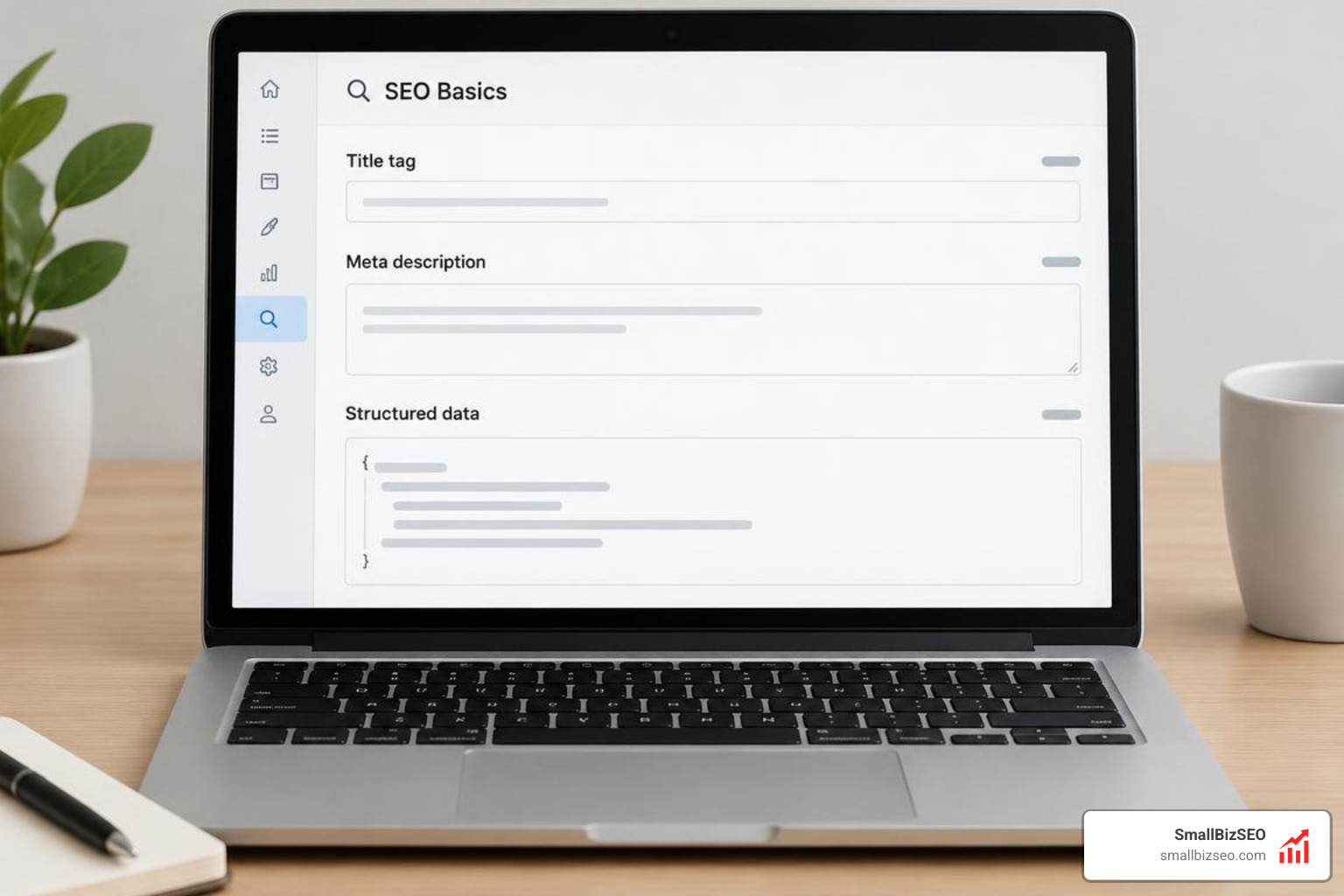
Applying proven on-page SEO principles ensures both human visitors and automated crawlers understand your topical relevance. High-performing websites rely on targeted SEO friendly content writing that seamlessly incorporates primary search queries into headers, introduction paragraphs, and image attributes. Follow the official guidelines on how to optimize your Wix site for search to ensure all page elements align with search engine expectations:
- Page Titles: Keep titles concise (50–60 characters) and place your primary keyword near the beginning.
- Meta Descriptions: Craft compelling summaries (125–160 characters) featuring a natural call-to-action.
- Header Hierarchy: Maintain exactly one H1 per page, organizing supporting sections under logical H2 and H3 tags.
- Image Optimization: Take advantage of automatic WebP conversion and add concise alt text (under 140 characters) via the built-in Accessibility Wizard.
- Structured Data: Insert custom JSON-LD schema markup on service and landing pages to qualify for rich snippets in Google search results.
How Do You Optimize Site Speed, Mobile UX, and Core Web Vitals?
Direct answer: Optimize your Wix site speed by monitoring the Site Speed Dashboard, compressing oversized media before uploading, minimizing excessive animations or third-party widgets, and refining your mobile layout using the adaptive Mobile Editor.
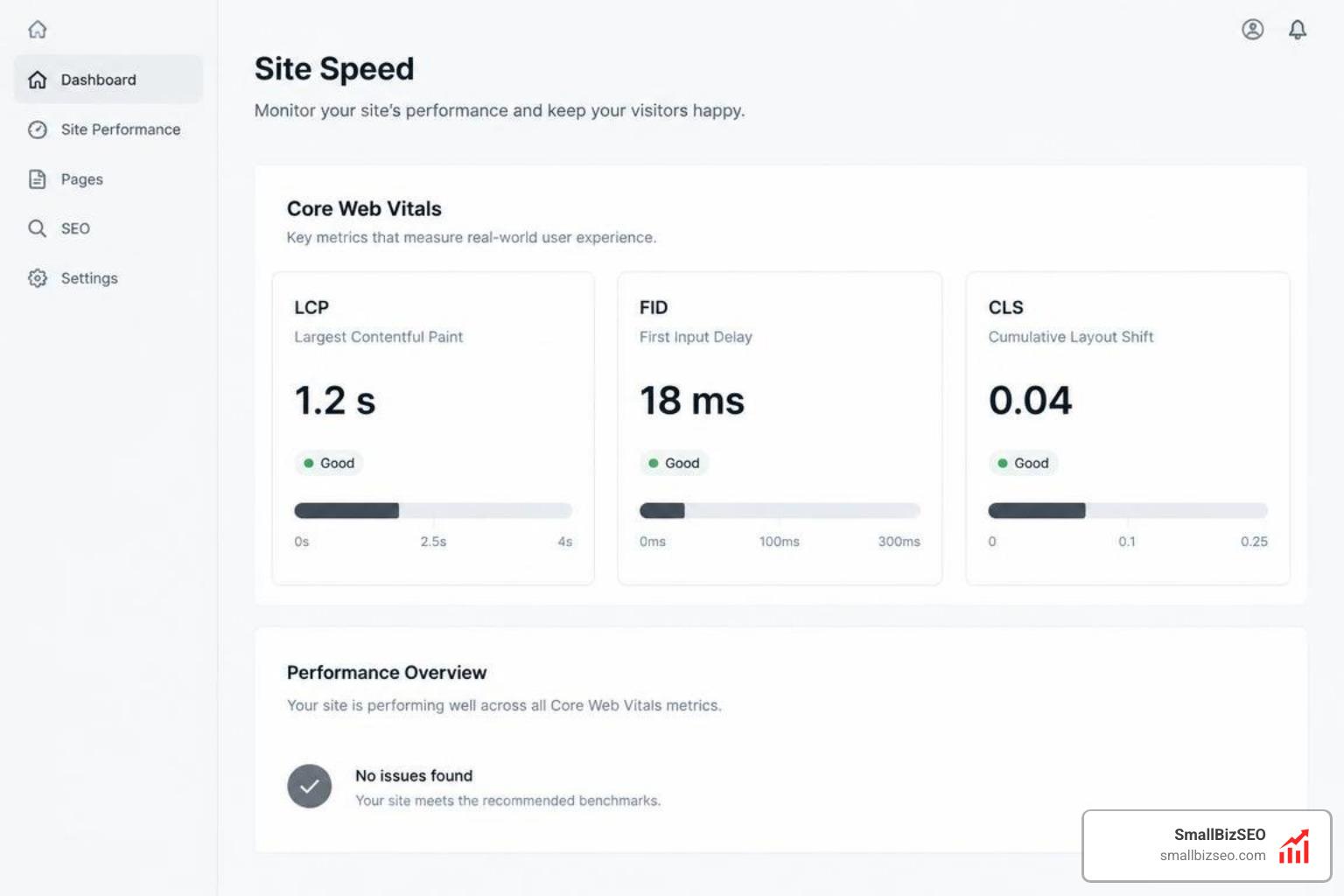
Site performance is a confirmed ranking factor. Research shows that one in four visitors will abandon a page that takes longer than four seconds to load, while 86% of top-ranking landing pages meet strict mobile-friendliness standards. Independent analysis from technical audits like the one tested: is Wix good for SEO? reveals that Wix has achieved a 10x improvement in the ratio of sites earning good Core Web Vitals (CWV) marks in Google CrUX reports. Over 60% of evaluated mobile sites successfully pass all three CWV metrics.
To keep your site responsive:
- Use the Page Layout Optimizer to eliminate overlapping elements on mobile viewports.
- Remove redundant third-party apps that inject render-blocking client-side scripts.
- Keep critical conversion text above the fold rather than burying it inside dynamic accordion tabs.
How Do You Dominate Local Search with Wix Local SEO Tools?
Direct answer: Wix businesses can capture local market share by connecting their Google Business Profile directly to the Wix dashboard, adding LocalBusiness schema markup, embedding interactive maps, and ensuring exact Name, Address, and Phone (NAP) consistency across all landing pages.
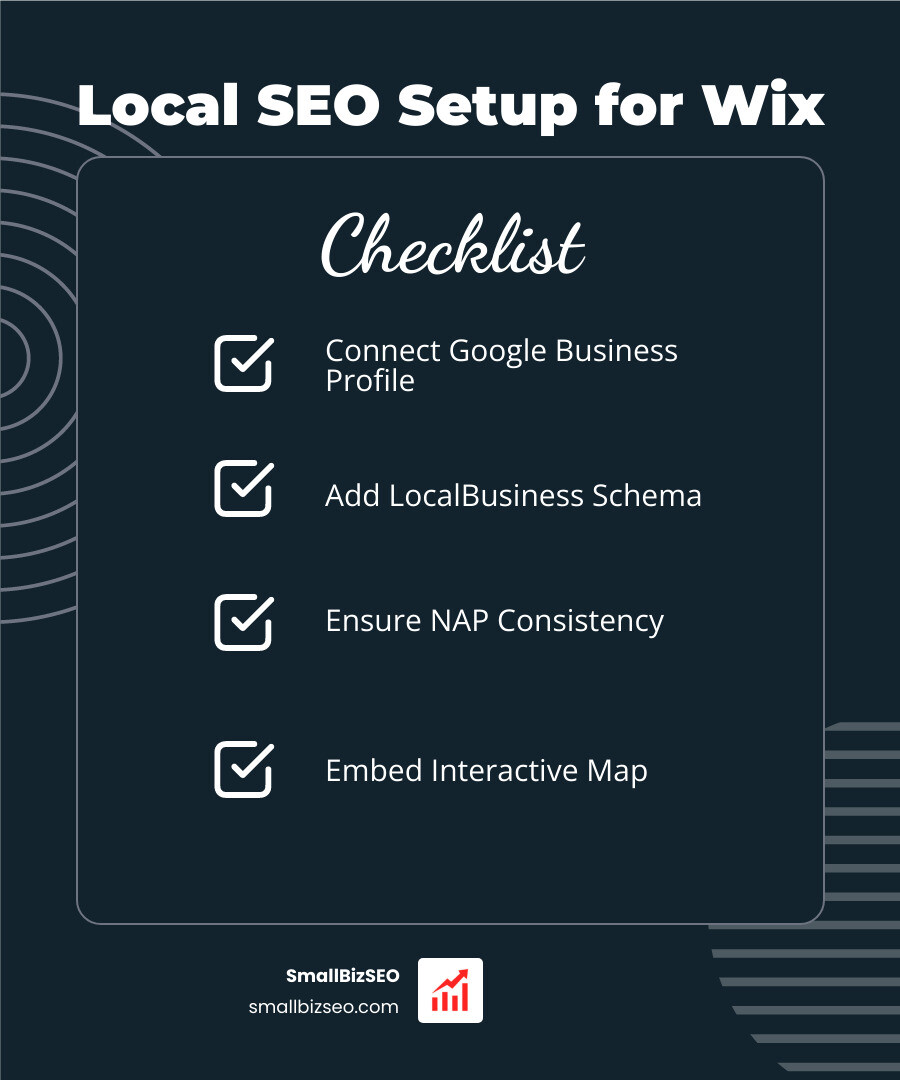
Small businesses thrive when they capture high-intent geographic searches. By implementing actionable steps from our comprehensive local SEO guide, your business can dominate localized map packs and organic search results:
- Connect your Google Business Profile directly inside your site settings for centralized management.
- Embed your accurate physical business address and contact information in your site footer.
- Add LocalBusiness structured data to help search engines confirm your operational details.
- Build dedicated, geo-targeted landing pages customized for each service area.
- Showcase authenticated customer testimonials to build trust and strengthen local search signals.
Tracking AI Visibility and Maintaining Long-Term Growth
Direct answer: Track ongoing SEO health by using the Wix SEO & GEO Dashboard to monitor impressions, clicks, crawl performance, and generative AI search citations across 7-day, 30-day, and 90-day reporting windows.
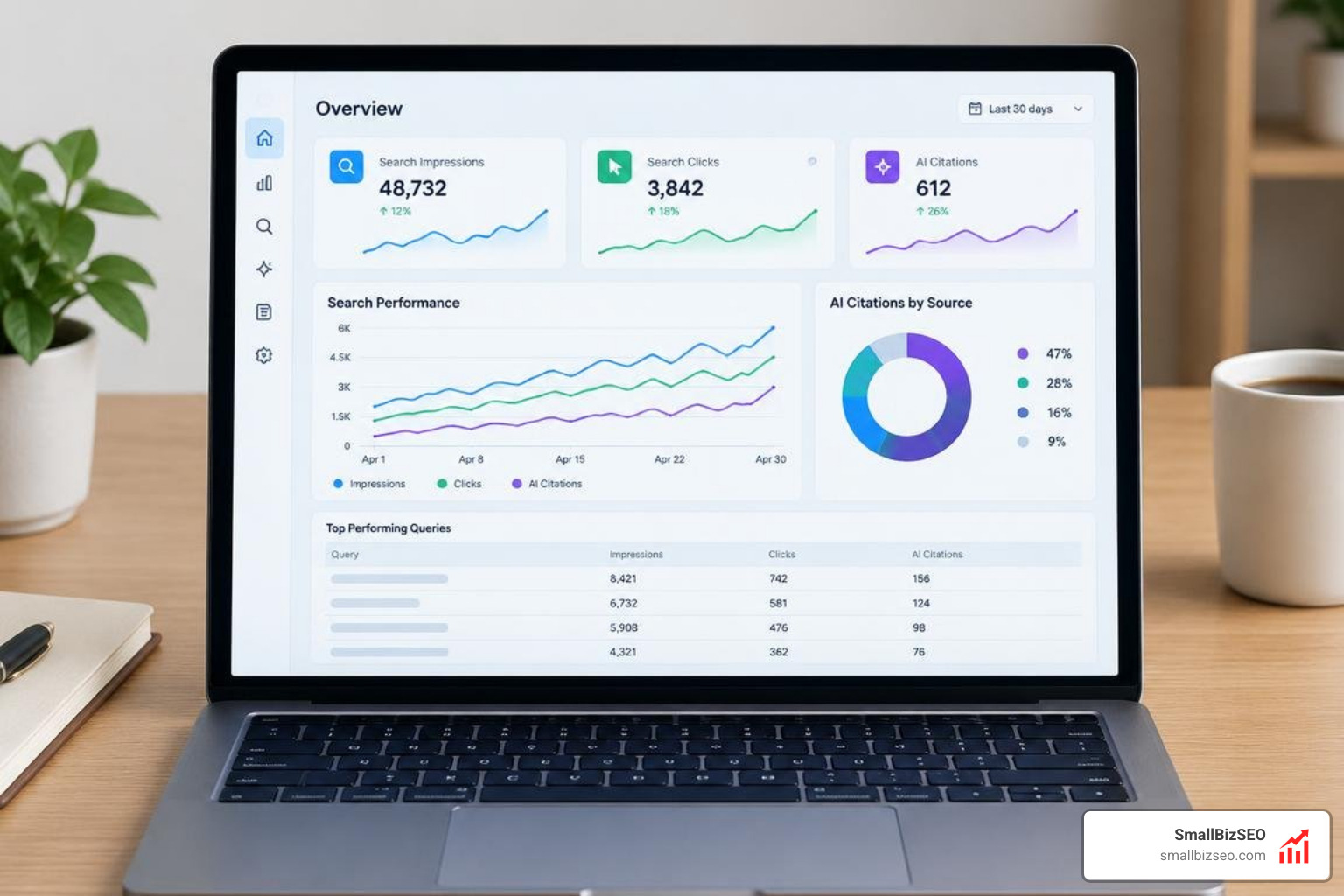
Modern search visibility extends beyond traditional organic blue links. Wix’s built-in analytics centralize Google Search Console diagnostics alongside on-page performance metrics, enabling you to identify declining impressions, uncover keyword opportunities, and measure site engagement over customized timeframes.
How Does AI Search Visibility Change SEO for Wix Websites?
Generative Engine Optimization (GEO) focuses on positioning your brand as a cited source within artificial intelligence engines like ChatGPT, Google Gemini, and Perplexity AI. Wix tracks these mentions through its native Gen AI Visibility dashboard.
When your website passes the initial 50-visit activity threshold, the system analyzes how often generative tools cite your brand. By feeding these language models clean semantic HTML, clear header hierarchies, and rich schema markup, your Wix site becomes easily readable for both conventional crawlers and large language model answer engines.
When Should You Scale with Professional Agency SEO Services?
While Wix simplifies on-page maintenance, expanding businesses often face technical roadblocks during large-scale catalog expansions, brand redesigns, or high-competition market battles. Our team at SmallBizSEO utilizes a proprietary "Velocity" framework designed to accelerate organic keyword growth and establish authoritative E-E-A-T signals through transparent reporting.
When you need specialized assistance with competitive backlink acquisition, extensive content audits, or custom technical implementations, exploring professional SEO packages provides the dedicated expertise needed to convert organic visibility into sustainable business revenue.
Ready to Turn Your Wix Site into a Traffic Engine?
Direct answer: Ranking your Wix website requires pairing the platform's robust technical foundation with consistent on-page optimization, clean site speed practices, and high-value content that directly answers customer queries.
Wix provides the server-side rendering, sitemaps, and metadata management tools necessary to succeed in modern search. By routinely checking your Search Console performance, expanding your keyword-targeted content, and monitoring your visibility across traditional and generative search engines, you can build a sustainable stream of organic customers for your business.