A Practical Field Guide to Safe Browser Automation in Marketing

How Do You Keep Browser Agents Safe in Marketing Workflows?
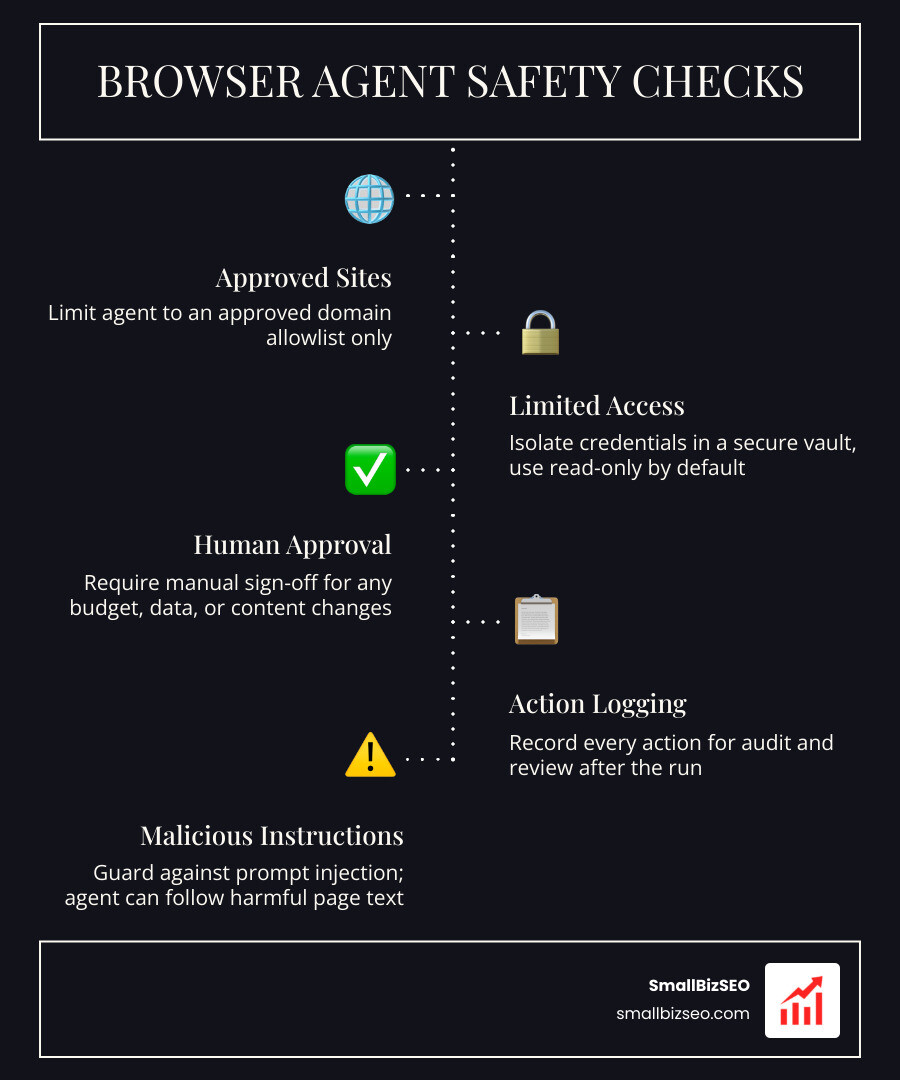
Start browser agent safety checks for marketing workflows before the agent opens an account. Limit it to approved sites and the data it needs. Start with read-only tasks, require a person to approve any change to ad spend, customer records, or published content, and save a record of what the agent did.
A browser agent can follow instructions found on a page, even when those instructions are malicious. That is why a clear task prompt is not enough: access limits and approval checks must hold even if the agent makes a mistake.
I’m Clayton Johnson, founder of SmallBizSEO, where I work on SEO and develop specialized AI agents with defined roles and shared playbooks. This guide applies that approach to browser agent safety checks for marketing workflows, starting with the checks to make before a live run.
What Safety Checks Should Marketing Teams Use Before Running Browser Agents?
To run browser automation securely, teams must enforce an approved domain list, isolate credentials in a secure vault, default to read-only access, and require mandatory human confirmation before executing any action that alters ad budgets, customer data, or live web pages.
When marketing teams deploy autonomous systems, operational security requires rigorous threat modeling. As detailed in the AI Browser Security Guide: Risks & Controls, modern browsers are rich data execution environments where untrusted web content meets trusted session tokens. Without boundaries, minor automation mistakes quickly escalate into severe compliance risks from unchecked AI errors, such as leaking customer records or altering paid campaigns without oversight.
What Security Risks Require Browser Agent Safety Checks for Marketing Workflows?
Browser agents introduce a fundamental vulnerability known as prompt injection. Unlike traditional automation scripts that follow deterministic rules, an AI agent interprets visual layouts and text dynamically. When an agent reads an untrusted page, hidden malicious text (such as white text on a white background or comments embedded in code) can override its original instructions. This vulnerability is often referred to as the lethal trifecta: an agent with access to private data, exposure to untrusted web content, and an outbound communication channel.
Research underscores the reality of these threats:
- Anthropic measured a 23.6% prompt-injection attack success rate against its browser agent before defensive mitigations were added.
- Independent evaluations on VPI-Bench documented a 31.5% raw hijack rate for unmitigated browser agents navigating adversarial environments.
- When basic safeguards are activated, attack success rates drop to 11.2%, and reach roughly 1% under strict adversarial defenses.
The OWASP Top 10 for Large Language Model Applications and the NIST AI Risk Management Framework highlight indirect prompt injection, data exfiltration, and excessive agency as top security concerns. Without smart browser permission controls, a compromised browser session can lead to session hijacking, credential theft, and unauthorized data leakage across marketing platforms.
The API-First, Browser-Last Ladder: When Should Marketing Teams Automate UI Tasks?
A browser agent should be your last resort, not your first choice. Running a full browser session to click buttons is slow, brittle, and expensive. Marketers should apply a strict decision ladder before automating any user interface:
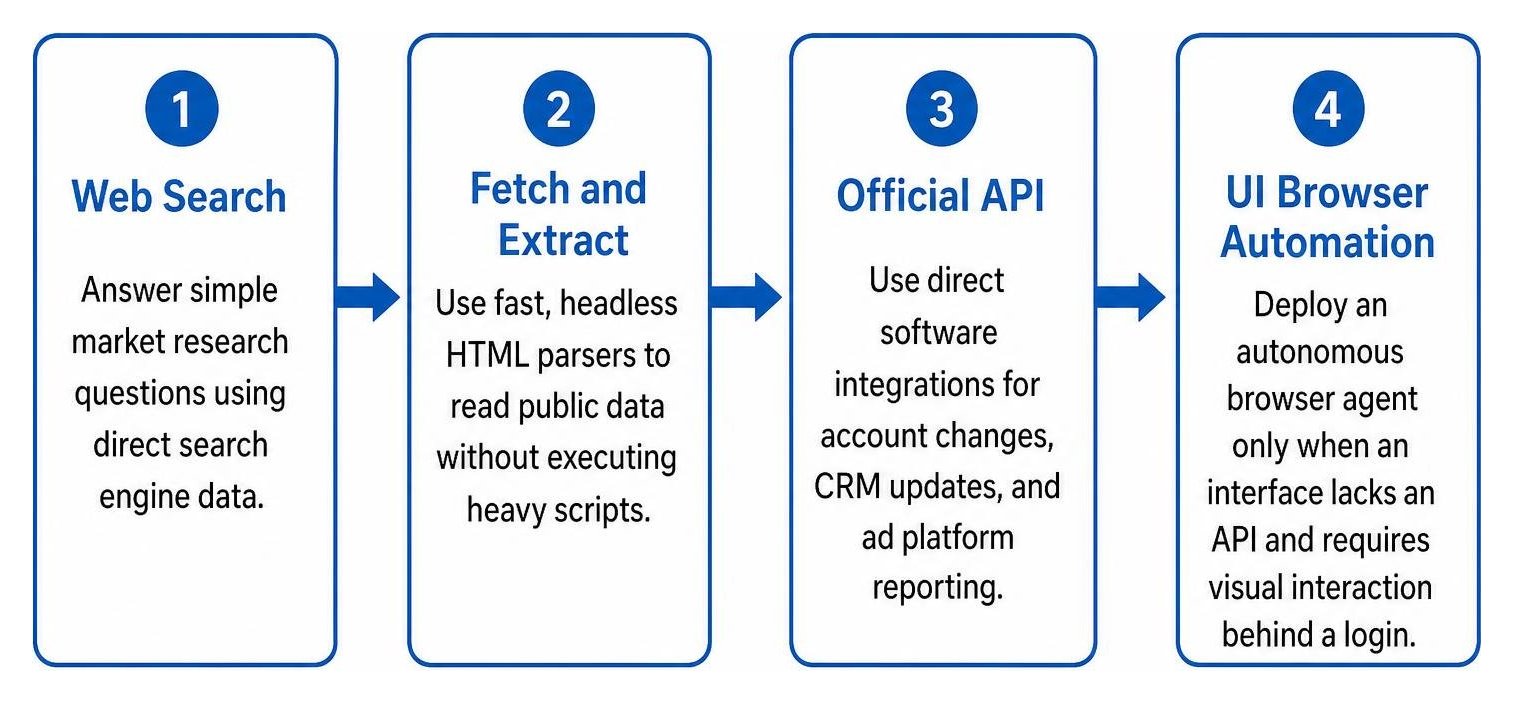
- Web Search: Answer simple market research questions using direct search engine data.
- Fetch and Extract: Use fast, headless HTML parsers to read public data without executing heavy scripts.
- Official API: Use direct software integrations for account changes, CRM updates, and ad platform reporting.
- UI Browser Automation: Deploy an autonomous browser agent only when an interface lacks an API and requires visual interaction behind a login.
UI agents frequently struggle with dynamic JavaScript, session timeouts, and security gates. For example, benchmark tests on WebArena show top AI systems scoring approximately 47% task completion compared to a 78% human baseline. In high-friction environments, sites with enterprise bot protection reduce unauthorized automation volumes by 70% to 90%, causing unassisted bots to fail.
Using agentic search combined with tools like Nimble Web Search Agents and MCP: Governance, Controls, and Auditability allows teams to extract structured data via clean protocol layers, reserving browser sessions strictly for inaccessible interfaces.
In-Browser Assistants vs. Cloud-Hosted Fleets: Which Architecture Exposes Less Data?
Choosing where your agent runs directly impacts your security perimeter. In-browser assistants run inside your existing browser window, while cloud-hosted fleets run in remote virtual machines.
| Security Dimension | In-Browser Assistants | Cloud-Hosted Browser Infrastructure |
|---|---|---|
| Execution Environment | Local desktop browser profile | Isolated remote Linux containers |
| Data & Session Exposure | Can access active tabs, local cookies, and saved passwords | Isolated sessions; destroyed after task execution |
| Credential Management | Inherits user login sessions directly | Injected securely via token vaults per task |
| Identity & Bot Verification | Relies on local desktop identity | Uses signed agent protocols (Web Bot Auth, Cloudflare signatures) |
| Blast Radius | High: Malicious actions run directly on the user's machine | Low: Container sandboxing prevents local network compromise |
Cloud-hosted fleets provide clean session isolation, ensuring marketing teams avoid mixing personal browsing data with automated tasks.
How Can Teams Implement a Production-Ready Safety Framework for Marketing Agents?
A production-ready framework operates on a three-tier permission model: autonomous execution for read-only audits, staging environments for draft content, and mandatory confirmation gates for any change involving financial spend or public communications.
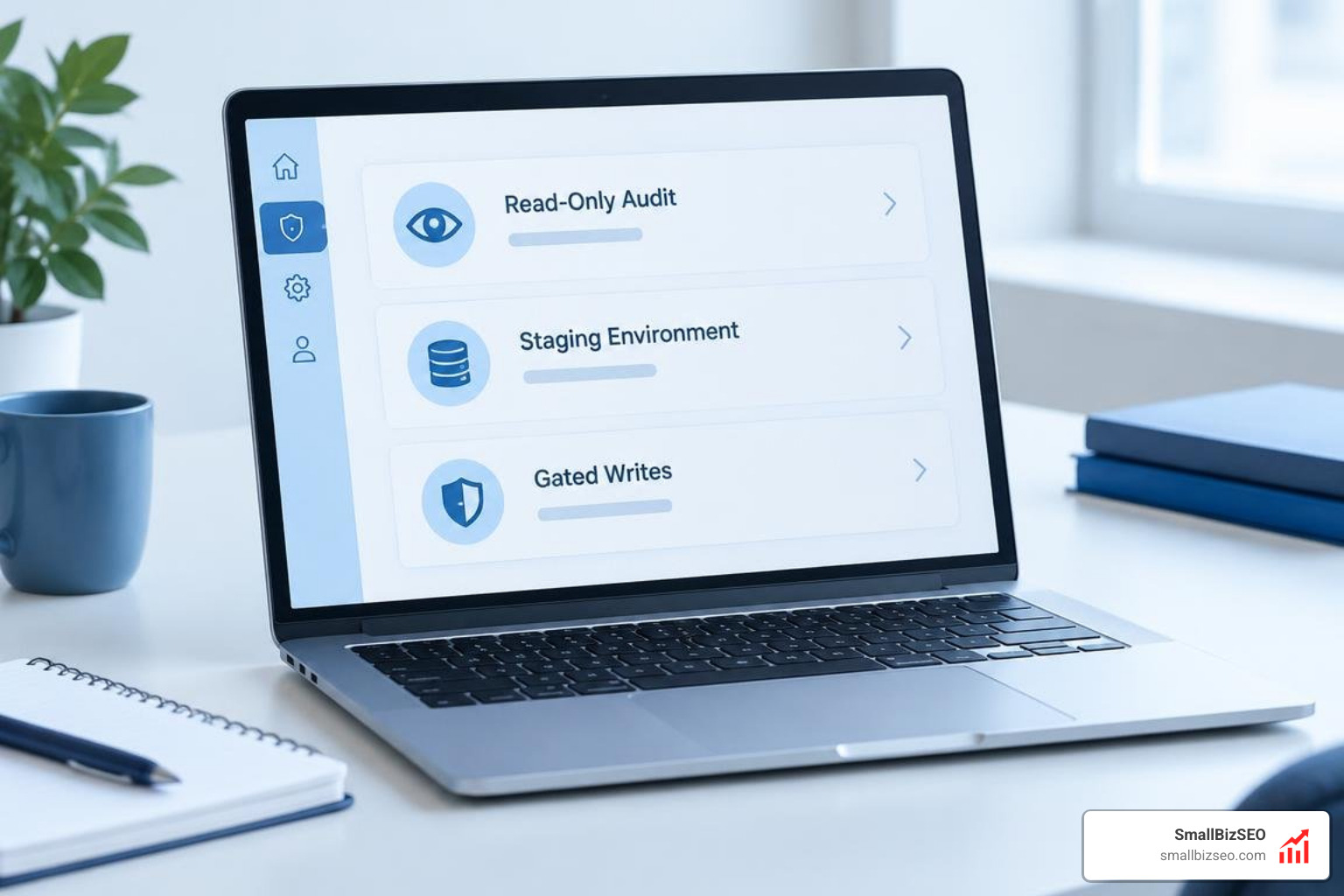
To build reliable browser agent workflows, marketing operations must implement the scopes, gates, and receipts framework. Scope defines the exact boundaries of what an agent can touch, gates establish human approval checkpoints, and receipts generate immutable audit trails documenting every action, screenshot, and URL visited.
How Can Teams Build Browser Agent Safety Checks for Marketing Workflows?
Every production browser deployment requires a pre-flight checklist to prevent accidental data leaks or unauthorized navigation:
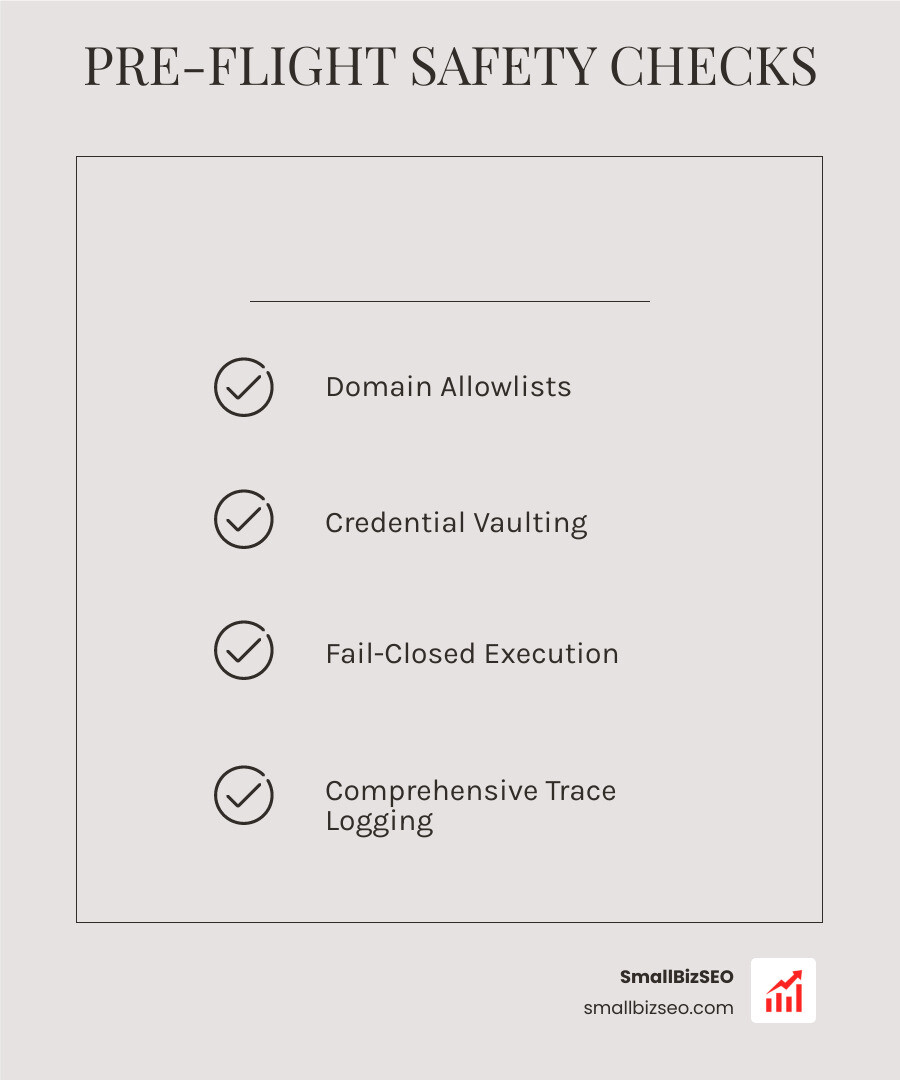
- Domain Allowlists: Lock the agent to an explicit list of authorized URLs. Any attempt to navigate outside the allowlist halts the workflow immediately.
- Credential Vaulting: Never paste plaintext passwords into prompts. Pass credentials securely through masked runtime environment variables.
- Takeover Mode and Screenshot Pausing: When logging into accounts, pause visual recording during two-factor authentication entry so passwords and security codes are never processed by the model.
- Fail-Closed Execution: If an unexpected pop-up, CAPTCHA, or structural layout change appears, configure the agent to stop and request human assistance rather than guessing.
- Comprehensive Trace Logging: Save complete execution receipts, including network requests and before-and-after screenshots, following established guidelines like the Gemini 3.5 Computer Use Setup Guide for Ad Teams.
How Should Teams Set Permission Levels and Approval Gates for High-Risk Actions?
Marketing operations balance routine maintenance with high-impact public distribution. Segmenting workflows by risk level keeps operations moving without exposing budgets to automated errors:
| Risk Tier | Example Workflows | Execution Authority | Required Safety Gate |
|---|---|---|---|
| Tier 1: Read-Only | Competitor price tracking, landing page QA, broken link scans | Fully Autonomous | Automated receipt logging and domain allowlist |
| Tier 2: Draft & Stage | Creating social post drafts, building ad campaigns in draft mode | Semi-Autonomous | Plan-review approval before moving to active status |
| Tier 3: Policy-Gated | Updating CRM lifecycle stages, publishing blog posts, sending emails | Human-in-the-Loop | Step-by-step human verification of staged changes |
| Tier 4: High-Risk Spend | Modifying daily ad budgets, adjusting bid caps, billing updates | Strictly Human-Controlled | Hard platform-level budget caps; manual execution only |
When conducting audits, follow structured methods for auditing AI research agents to verify facts and confirm tasks are complete before promoting outputs to live channels.
How Should Teams Sandbox, Test, and Verify Agent Accuracy Before Live Runs?
Never test a new browser workflow directly on production accounts. Build a dedicated sandbox environment using staging websites, synthetic customer databases, and test ad accounts with zero attached billing methods.

Before deploying an agent:
- Run Adversarial Tests: Inject deliberate formatting errors, contradictory instructions, and simulated prompt injections into sandbox pages to confirm that stop rules trigger properly.
- Evaluate Vendor Benchmarks: Choose frameworks that openly publish injection mitigation benchmarks and provide DOM-aware parsing rather than relying solely on visual screen interpretation.
- Verify Source Authenticity: Ensure your agent cites and logs every data point it captures, applying systematic rules for verifying AI sources.
What Is the Safest Way to Scale Browser Automation Across Your Marketing Team?
Start small by deploying read-only audits. Once your team establishes reliable domain allowlists, session recording, and human review gates, expand into draft generation. By keeping financial and destructive permissions under direct human control, you gain the speed of autonomous web tools while protecting your brand and marketing budgets. Explore our SmallBizSEO resources to discover how structured AI agent frameworks can drive measurable, secure growth for your business.