CAD Drafting SEO: Attract Drawing Production Leads

How Does SEO for a CAD Drafter Attract Drawing Production Clients?
SEO for a CAD drafter works best when each service page answers the questions a project buyer needs resolved before requesting a quote. Explain the drawing-production work offered, the source materials accepted, the deliverables available, and the review boundaries for the engagement.
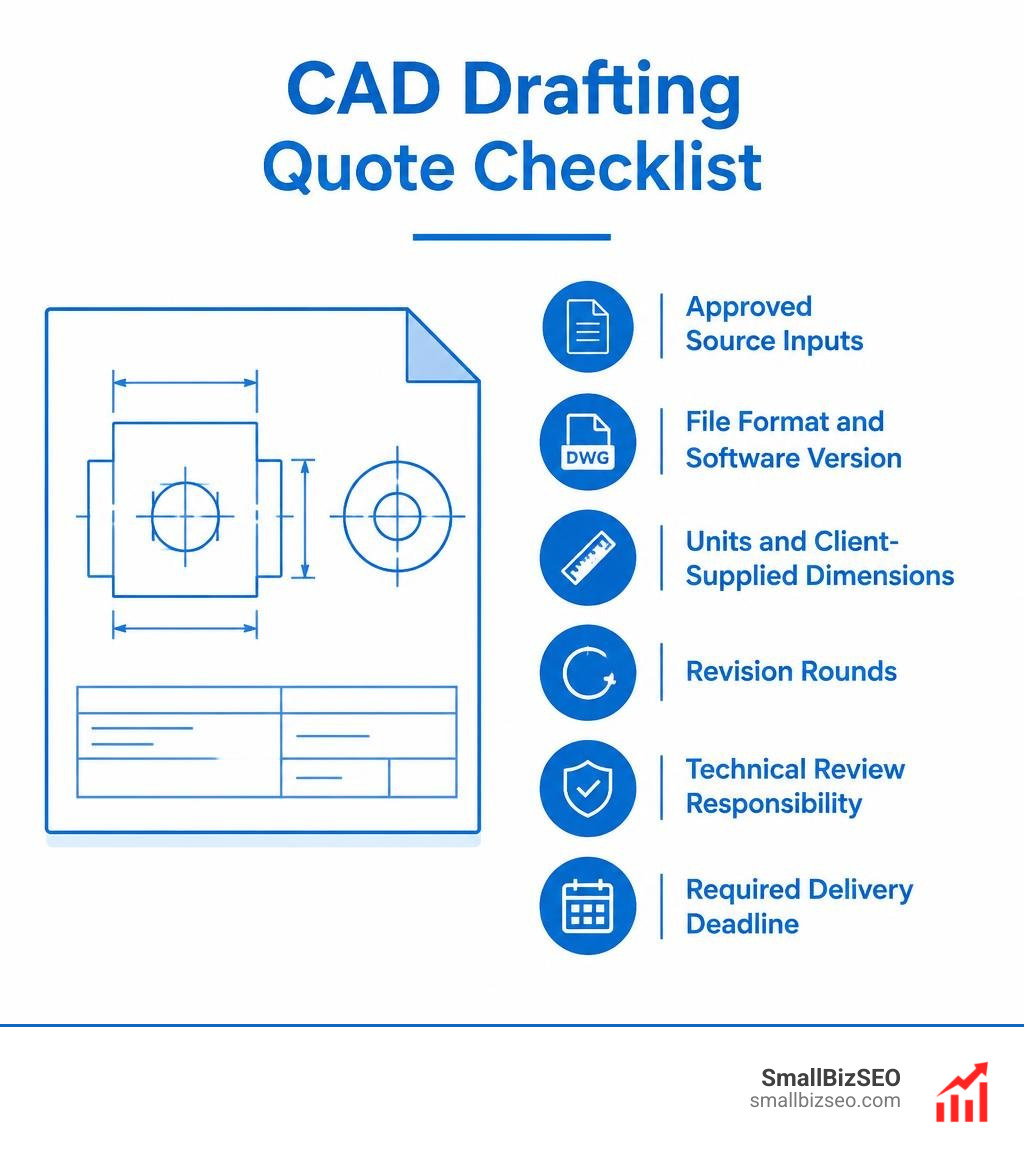
For a useful quote request, ask the buyer to provide:
- Approved source inputs, such as markups, sketches, existing files, or reference documents
- Required file formats and software version, where applicable
- Units and the dimensions supplied by the client
- The expected number of revision rounds
- Who is responsible for technical, engineering, or code review
- The required delivery deadline
This approach focuses the page on procurement-ready inquiries for drawing production, revisions, conversion work, and documented deliverables.
For related guidance, see SmallBizSEO’s CAD drafter SEO service page, SEO content services, and industry-specific coverage for architectural design firms, civil and structural engineering firms, and graphic design studios.
Why Buyer-Focused CAD Drafting Pages Earn Better Inquiries
Buyer-focused SEO helps CAD drafting providers appear for searches tied to a defined production need, such as drawing updates, redline incorporation, conversion of legacy files, or subcontract drafting support. The page should lead with the work performed, the information needed to start, and the deliverable the client can expect.
A clear service page can help prospective clients determine whether a provider is a fit before they make contact. Replace broad claims with practical details: project type, source-file condition, software compatibility, revision process, confidentiality approach, and the point at which licensed engineering or architectural review is required.
What Search Terms Signal a Drawing-Production Need?
Prospective clients often describe the output or problem they need solved rather than using broad design language. Build pages around services that the provider can actually perform and document, then use the same terminology in headings, project examples, and inquiry forms.
Useful service themes may include:
- Drawing revisions and redlines: Updating approved markups within an agreed revision process.
- Legacy file conversion: Converting paper, PDF, or older digital files when the source quality and desired output are confirmed.
- Discipline-specific drafting support: Production assistance for an established workflow, with the provider stating what is included and what requires separate professional review.
- Software-specific deliverables: File preparation for named software only when the provider can verify the version, format, and handoff requirements.
Search language should stay close to the buyer’s requested deliverable. Avoid targeting terms that do not match the provider’s verified scope, and refresh pages as service capabilities, software support, or client questions change. For broader industrial-search context, see Search Engine Land’s guide to SEO for manufacturers.
What Should a CAD Drafting Service Page Confirm Before a Quote?
A strong service page confirms scope before promising an outcome. CAD drafting can support the production and revision of drawings, but it does not automatically include licensed engineering, architectural design, stamping, or compliance certification. Whether a project needs professional review depends on the work, the client’s requirements, and the applicable jurisdiction.
| Service example | Verify the source inputs | Confirm the deliverable | Clarify the scope before quoting |
|---|---|---|---|
| Two-dimensional drawing production | Client-approved markups, sketches, or existing drawings | PDF or DWG only if the provider supports the requested version | Sheet count, revision process, drawing standards, and review responsibility |
| Three-dimensional modeling support | Approved reference geometry, drawings, or point-cloud data where relevant | A format that matches the agreed software and intended use | Modeling level, interoperability needs, and whether downstream design review is required |
| Legacy drawing conversion | Legible paper, scanned, or digital source files | A confirmed digital format with agreed layers or naming conventions | Source quality, cleanup assumptions, and validation of converted information |
Present these as examples, not universal capabilities. File formats, modeling detail, and review responsibilities vary by provider and project. State those boundaries clearly so clients can verify the right fit before sharing files. For an adjacent professional-services example, see SmallBizSEO’s civil and structural engineering firms SEO solutions.
How Should CAD Drafting Websites Be Optimized for Search?
CAD drafting websites are easier to evaluate when every service page gives a direct answer about the work, inputs, outputs, and next step. Use one clear page title and a logical heading hierarchy, then support the copy with readable specifications and a straightforward inquiry path.
Use descriptive page titles that identify the service and the client need. For example: CAD Drawing Revision Services | Redlines and File Deliverables. The final wording should match the provider’s real offering rather than follow a fixed formula.
Publish key specifications in readable HTML where possible, including supported software, file versions, units, and handoff expectations. JavaScript can support useful experiences, but do not assume it will prevent search engines from processing content or that every implementation will render as intended. Test important content in the rendered page and follow Google’s JavaScript SEO guidance.
How Can a CAD Portfolio Protect Sensitive Project Information?
Use a permissioned portfolio that shows only approved, redacted examples. A public case-study page can explain the project type, drafting role, inputs, and deliverables without exposing proprietary drawings or client-confidential details.
For files that require review before a quote or project start, use an approved secure upload process and authenticated private access when appropriate. Confirm the client’s sharing requirements before requesting drawings, models, or specifications.
- Redact sensitive identifiers and remove confidential layers from public examples.
- Publish a concise HTML summary for approved case studies so buyers and search engines can understand the service context.
- Keep proprietary files outside the public portfolio unless the client has expressly authorized disclosure.
- Document the required file format, version, units, and review responsibility before transferring project files.
An HTML summary can improve clarity and discovery, but it does not secure a proprietary model. Use the right access controls and approval process for the material being shared.
Which Technical SEO Details Matter for Drafting Portfolios?
Large drawings, renderings, and file previews can affect page performance. Prioritize fast-loading, accessible pages while keeping essential service details and inquiry information easy to find.
Use this short implementation checklist to keep the technical foundation practical and accurate:
- Efficient assets: Compress oversized images and PDFs, and provide descriptive alternative text for visual content.
- Accessible content: Keep important service descriptions and requirements available as readable page content, not only inside images or interactive components.
- Accurate structured data: Use markup that reflects the visible page and the business’s actual services. Structured data can help search engines interpret content, but it does not guarantee a rich result. Review Google’s structured data documentation before implementation.
Review technical pages regularly after site changes, new portfolio items, or updates to file-handling procedures. Ongoing content maintenance keeps service details accurate and helps internal links remain useful. For an adjacent technical-services example, see SmallBizSEO’s guide for land surveyors and appraisers.
How Can CAD Drafting Providers Build Visibility and Measure Qualified Leads?
Visibility grows when a site publishes useful, current service information and earns relevant references from legitimate industry relationships. Update core pages as capabilities change, add contextual internal links to related services, and pursue outreach only where the contribution is genuinely useful to the audience.
Helpful outreach can include contributing a practical explanation of a drafting workflow to a relevant trade publication or partner resource when the provider can substantiate the information. Avoid link schemes, generic directory spam, and claims that cannot be verified.
When Is a Google Business Profile Appropriate for a CAD Drafting Provider?
A Google Business Profile is appropriate only when the business has an in-person location customers can visit or travels to customers in person. A remote-only operation or virtual office should not be presented as an eligible location. Review Google’s Business Profile guidelines before creating or updating a profile.
If a profile is eligible, keep the business information accurate and consistent with real-world operations. For businesses that are not eligible, focus local efforts on useful service pages, trusted industry references, and clear contact paths rather than attempting to create a location listing. For broader implementation context, see SmallBizSEO’s local SEO guide.
How Should a Drafting Business Measure SEO Results?
Measure whether organic search is bringing in relevant project conversations, not just visits. Connect inquiry sources to the service page, project type, and outcome where the business can do so responsibly.
Useful measures include:
- Qualified quote requests: Inquiries that include enough project information for an initial fit assessment.
- Service-page engagement: Visits to pages describing revisions, conversion, or drafting support, along with meaningful inquiry actions.
- File-request completion: Use of an approved upload or document-request process after a prospect understands the sharing requirements.
- Content maintenance signals: Questions from clients, changes in supported deliverables, and pages that need clearer scope or internal links.
Review these signals regularly and use them to improve the pages that support real buyer decisions. SEO is an ongoing process of keeping service information accurate, useful, and easy to navigate.
Make It Easier to Request the Right Drafting Support
The most useful CAD drafting SEO pages help a prospective client understand the service, prepare the right inputs, and confirm the delivery and review responsibilities before requesting a quote. Clear scope, approved portfolio examples, secure file handling, and accurate technical details build a stronger path to a qualified conversation.
SmallBizSEO provides technical SEO and SEO content services plus legitimate link-building support for small businesses. For a broader diagnostic, schedule a comprehensive SEO visibility audit. To review an SEO plan for a drafting-services site, book a consultation.