Turn Invisible AI Search Visits into Measurable GA4 Metrics

How Can You Identify AI Referral Traffic in GA4?
To identify AI referral traffic in GA4, open Reports > Acquisition > Traffic acquisition. Change the main dimension to Session source/medium, then look for sources such as chatgpt.com, perplexity.ai, and claude.ai. For a report you can use again, create a custom channel group that matches known AI sources.
Treat the result as a count of identifiable visits, not every visit AI helped generate. Some AI apps and links pass no referrer, so those sessions may appear as Direct. I’m Clayton Johnson, founder of SmallBizSEO. My work in SEO, reporting, and AI-driven discovery shapes this guide to how to identify AI referral traffic in GA4; we’ll start with why some visits are hard to see.
Why AI Referrals Are Misclassified and How to Identify AI Referral Traffic in GA4
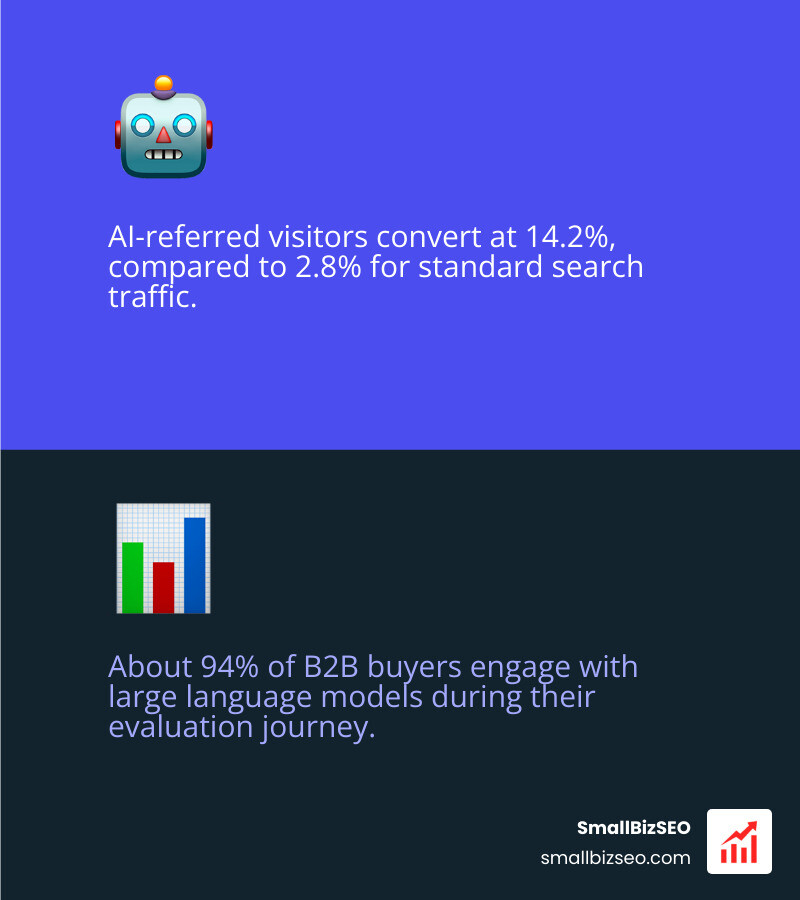
AI models like ChatGPT, Claude, and Gemini deliver highly motivated visitors. Research shows that AI-referred visitors convert at an impressive 14.2% compared to just 2.8% for standard search traffic. Furthermore, about 94% of B2B buyers engage with large language models during their evaluation journey.
Yet, when you review your standard GA4 Traffic acquisition report, much of this discovery value remains completely invisible.
Why Does GA4 Default to Direct or Unassigned for LLM Citations?
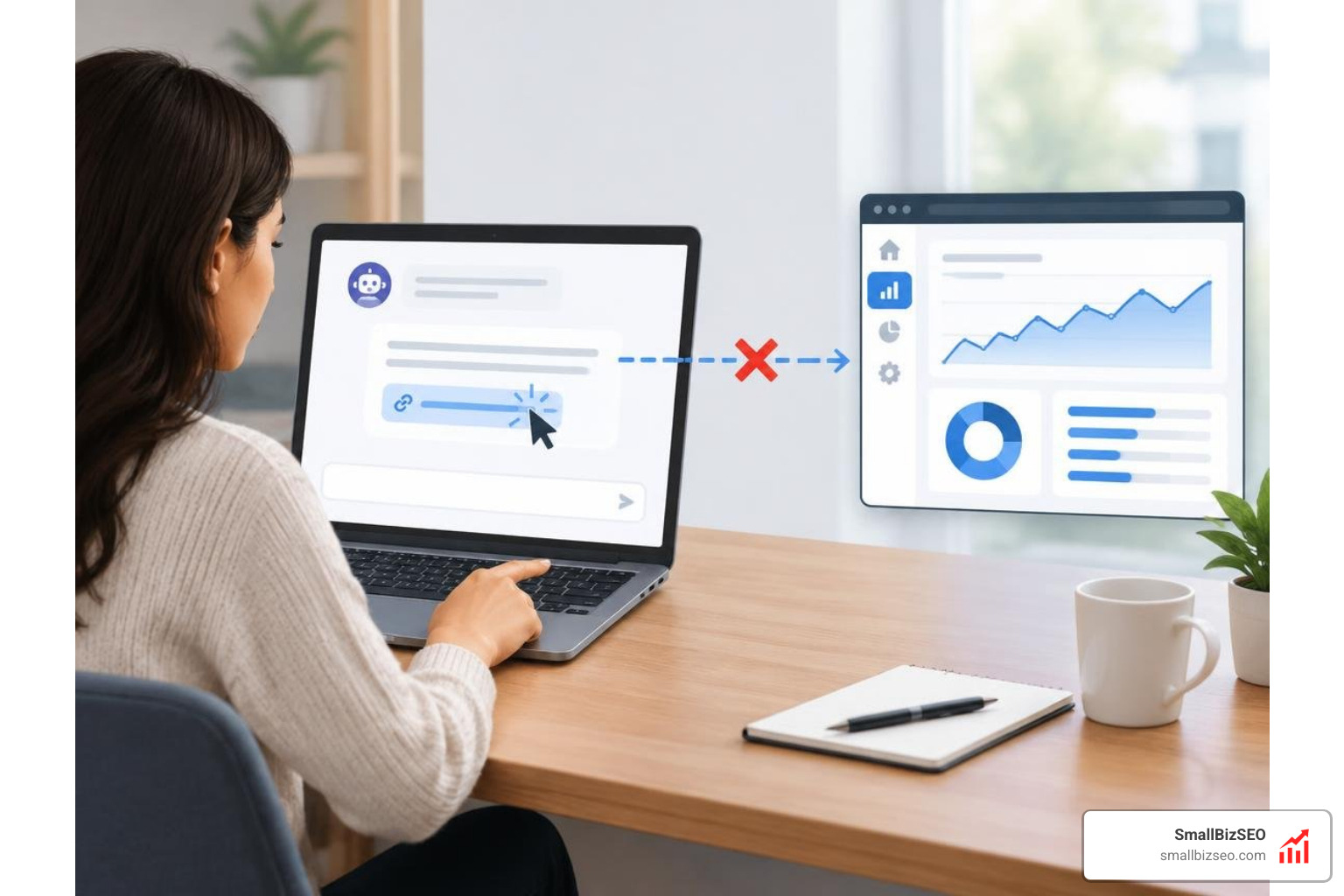
When an AI engine recommends your website, the resulting session should theoretically appear under standard referral channels. In practice, between 35% and 70% of AI referral sessions land in GA4 as Direct traffic.
This tracking breakdown occurs because of several fundamental technical hurdles:
- Referrer Stripping: Many web interfaces and mobile applications for tools like ChatGPT or Perplexity automatically append attributes like
rel="noreferrer". When a user clicks your link, their browser deliberately drops the HTTP referrer header. - Mobile App Routing: In-app browser views inside native mobile AI apps frequently fail to pass session origin data to the landing page.
- Missing Campaign Parameters: Unless links generated inside prompts contain clean UTM parameters, GA4 cannot determine the campaign medium. If a session arrives with a source value but lacks a defined medium, GA4 frequently files the visit under Unassigned.
- Organic Search Blending: Modern ai search features such as Google AI Overviews route traffic using standard search engine referrers, making them indistinguishable from traditional organic clicks.
You must audit past traffic attribution reports to separate https facts from fiction so your team does not misread these visits. Furthermore, data from Cloudflare indicates that nearly 30% of all internet traffic originates from automated bots and crawlers. GA4 can easily confuse quick automated content crawlers with real human sessions unless your tracking architecture isolates them properly.
Native AI Assistant Channel vs Custom Channel Group: What Is the Difference?
GA4 includes a native channel grouping labeled AI Assistant, but relying exclusively on it leaves major gaps in your reporting. Learning the conversion power of ai referral traffic versus google search requires a granular view that standard channel definitions simply cannot provide.
| Attribution Feature | GA4 Native AI Assistant Channel | Custom Regex Channel Group |
|---|---|---|
| Setup Complexity | Zero configuration required | 5-minute custom setup |
| Platform Coverage | Limited to Google's recognized sources | Captures emerging platforms, subdomains, and custom tools |
| Historical Data Processing | Applies forward only from activation | Works retroactively within GA4 Explorations |
| Channel Evaluation Order | Fixed system evaluation | Prioritized above generic Referral to avoid misfiling |
| Granularity | Broad aggregated bucket | Fully customizable down to specific LLM models and versions |
As documented in guides to identify AI agent traffic in GA4, native definitions often fail to separate passive LLM bot scraping from actual humans clicking citation links. Building a custom channel group gives you complete control over your attribution rules.
Step-by-Step Implementation and Advanced Tracking Methods
How to Identify AI Referral Traffic in GA4 Using Custom Channel Groups and Regex
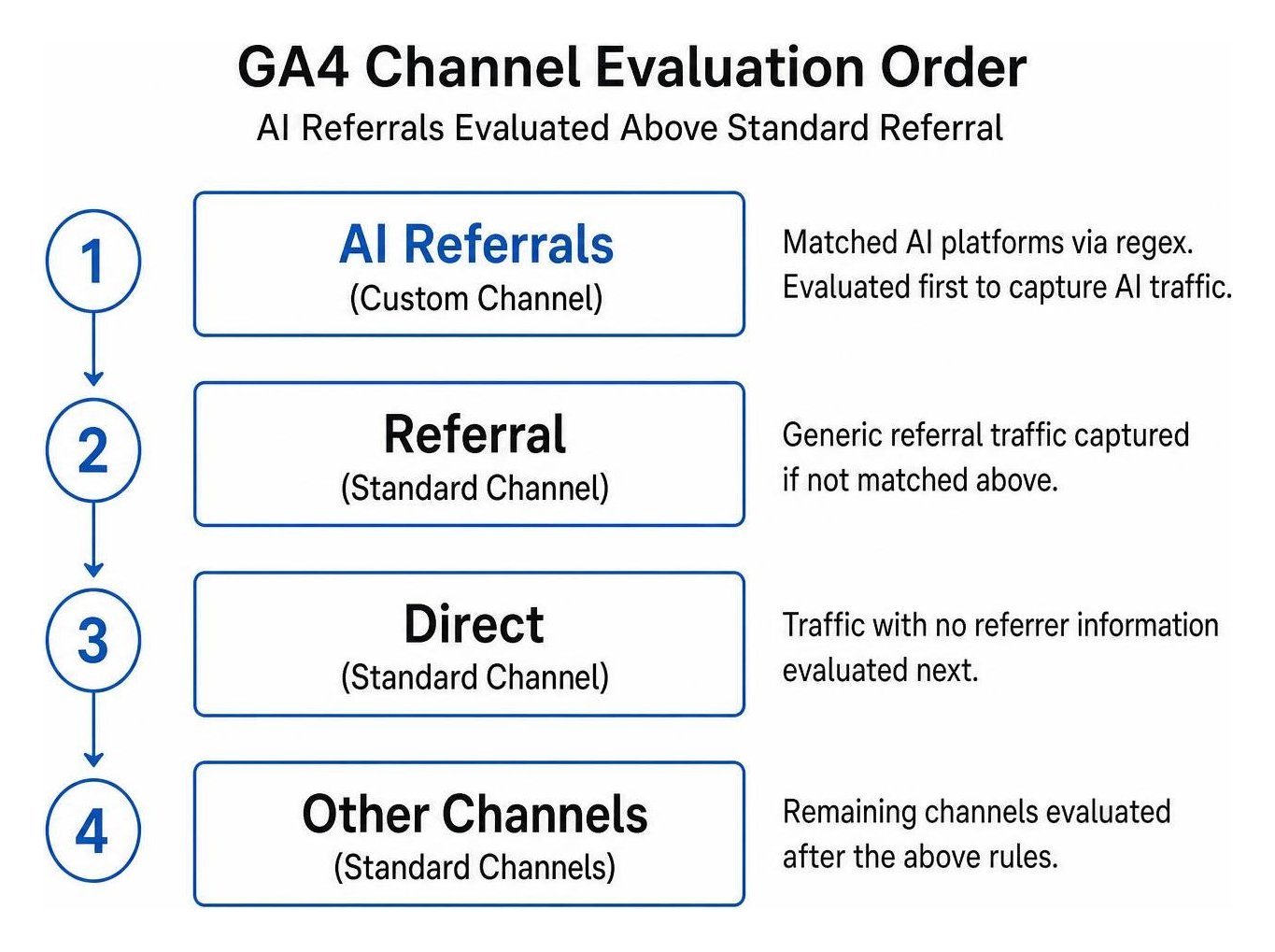
Setting up a dedicated AI channel inside ga4 ensures that incoming visits from conversational platforms are evaluated before they hit your catch-all Referral bucket.
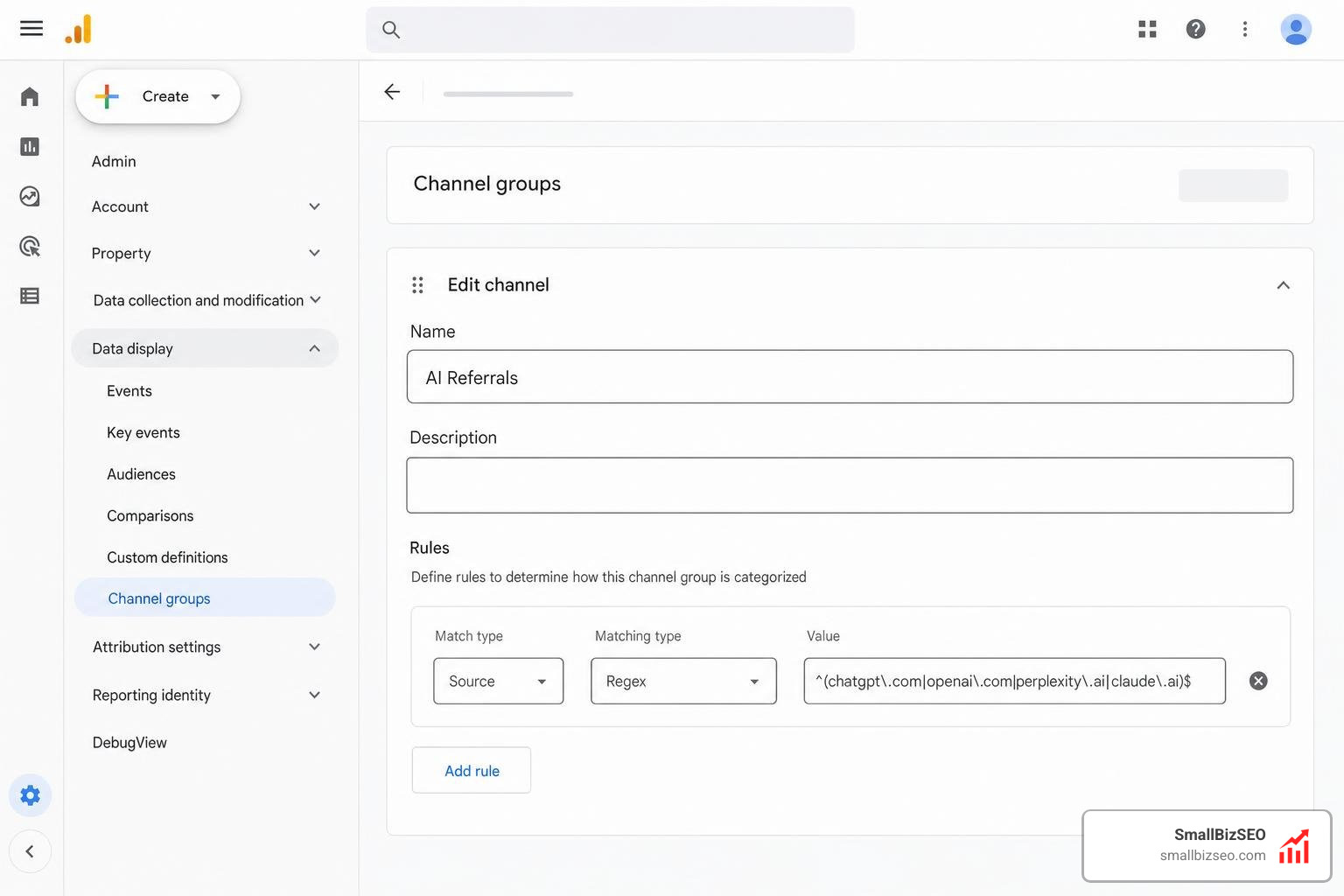
Follow these steps to configure your custom channel:
- Navigate to Admin > Data display > Channel groups.
- Select your active primary channel group or click Create new channel group.
- Click Add new channel and name it
AI Referrals. - Set the channel definition rule to:
Source matches regex. - Paste the regular expression pattern containing major AI search platforms:
.*(chatgpt\.com|chat\.openai\.com|perplexity\.ai|claude\.ai|gemini\.google\.com|bard\.google\.com|copilot\.microsoft\.com|you\.com|search\.brave\.com|grok\.x\.ai|writesonic\.com|copy\.ai).*
- Save the channel rule, then reorder your channel list so that
AI Referralssits higher than the standardReferralandDirectchannels.
GA4 evaluates channel rules in strict sequential order. If the standard Referral rule sits above your custom AI rule, GA4 will claim the traffic before your regex can categorize it.
How to Identify AI Referral Traffic in GA4 Quick-Check Filters vs Explorations
If you need immediate data without altering your property settings, you can apply temporary acquisition filters or build dedicated GA4 Explorations.
For a rapid check, go to Reports > Acquisition > Traffic acquisition. In the table search bar, set the primary dimension to Session source / medium and filter by terms like chatgpt or perplexity.
To scale your search visibility using actionable customer analytics, you should create an in-depth GA4 Free-form Exploration:
- Open the Explore tab in GA4 and choose a blank canvas.
- Under Dimensions, import Session source, Landing page + query string, and Device category.
- Under Metrics, import Sessions, Engaged sessions, Engagement rate, and Key events.
- Under Segments, build a new session segment where Session source matches the AI regex pattern above.
- Drag your dimensions into Rows and your metrics into Values.
Reviewing landing page distribution reveals which specific guides and solutions AI models cite most frequently. As outlined in strategies to identify and convert ChatGPT-referred website visitors, users arriving via conversational citations expect direct answers and late-stage proof rather than introductory overviews.
How Do You Configure Google Tag Manager and Server-Side Validation?
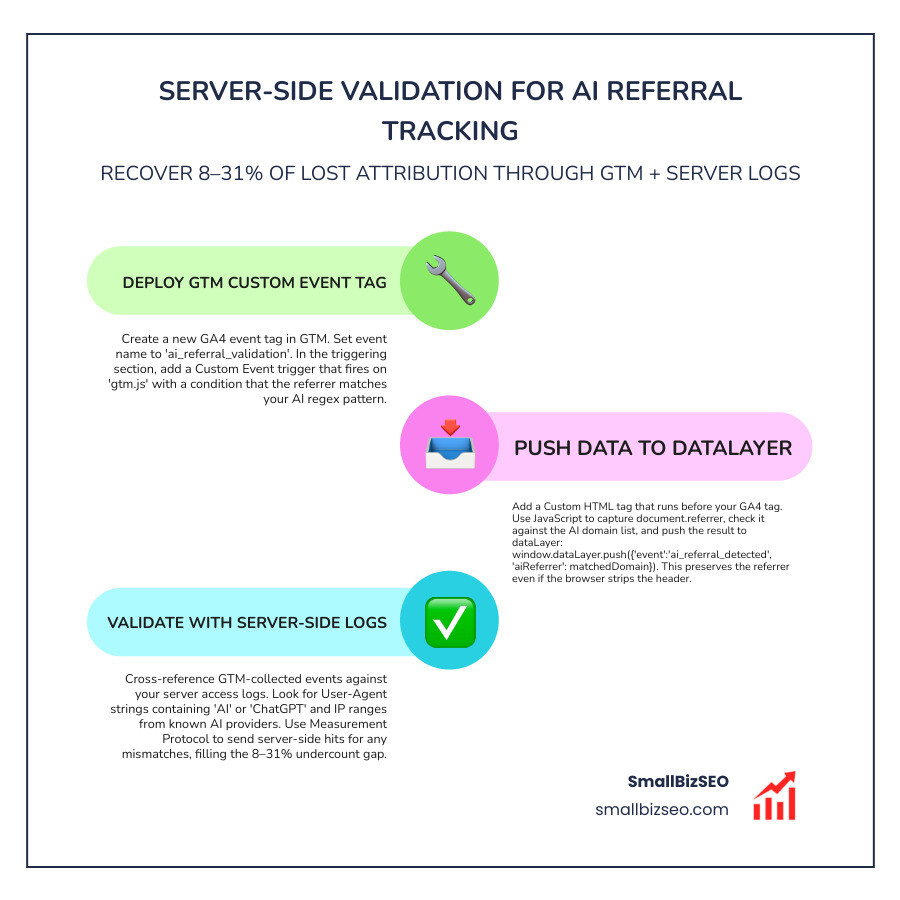
Client-side filters alone will still experience an undercount ranging from 8% to 31% due to aggressive browser referrer-stripping policies. Using Google Tag Manager (GTM) alongside server-side log validation helps bridge this tracking void.
To establish precise event tracking via GTM:
- Create a Custom JavaScript Variable that inspects
document.referreralongside incoming URL parameters for AI patterns. - Configure a Custom HTML Tag that pushes a custom event called
ai_referral_detectedinto the dataLayer whenever an AI source is recognized. - Use a guard variable (
window.__aiReferralPushed) to ensure the event fires only once per session. - Create a GA4 Event Tag that fires on
ai_referral_detectedand sends parameters such asai_platformandreferral_typedirectly into your analytics stream. - Register these parameters as session-scoped custom dimensions in GA4.
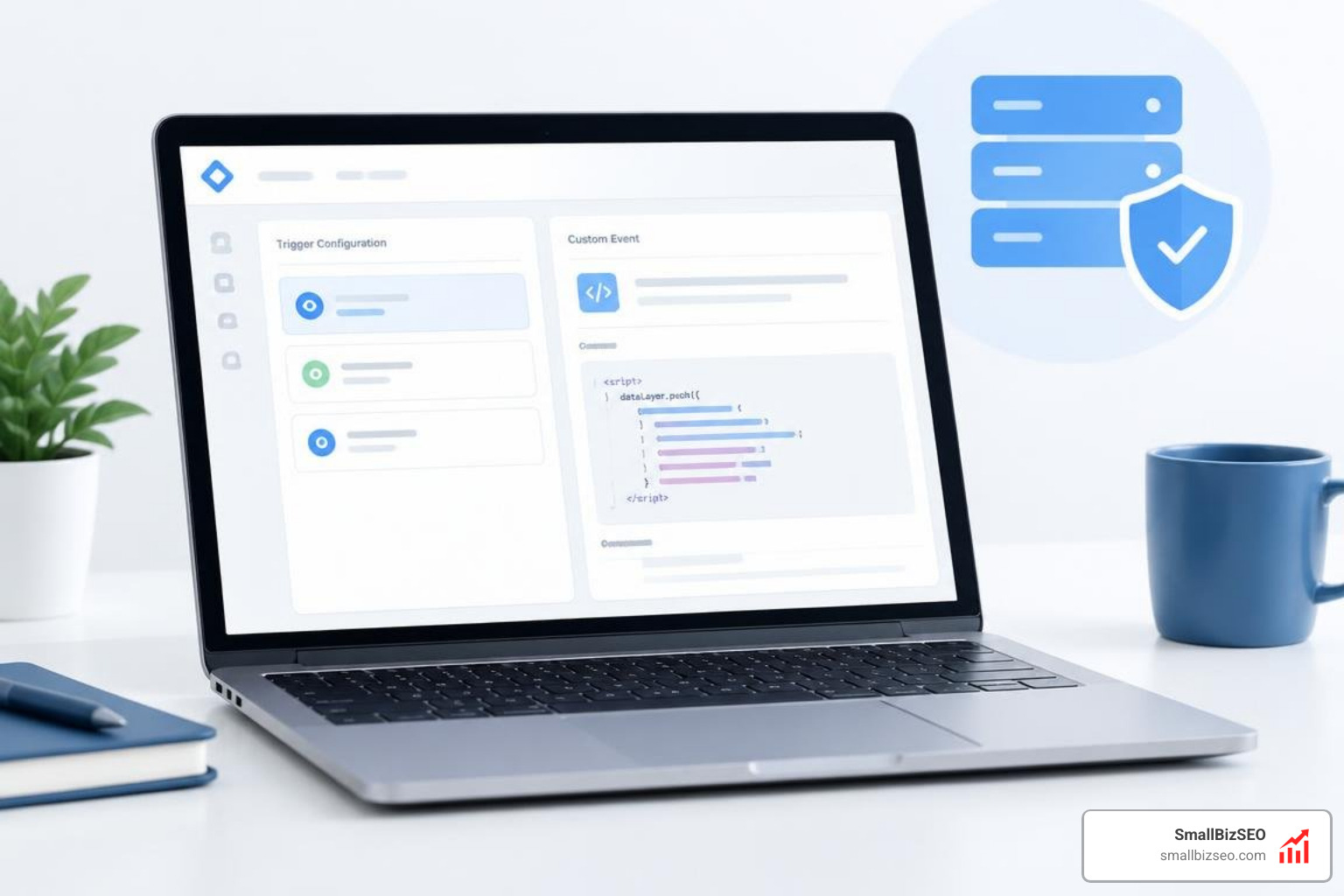
Tracking these parameters consistently helps maintain clear SEO metrics every small business owner needs to track monthly. To validate your true numbers, periodically cross-reference your GA4 session totals with your raw server access logs. Server logs capture direct requests to assets and endpoints even when client-side JavaScript execution is blocked.
How to Build Actionable Dashboards and Close the Attribution Gap
Tracking direct referral clicks represents only the first layer of full AI attribution. Buyers who discover your brand through conversational engines frequently search for your company name directly a few days or weeks later.
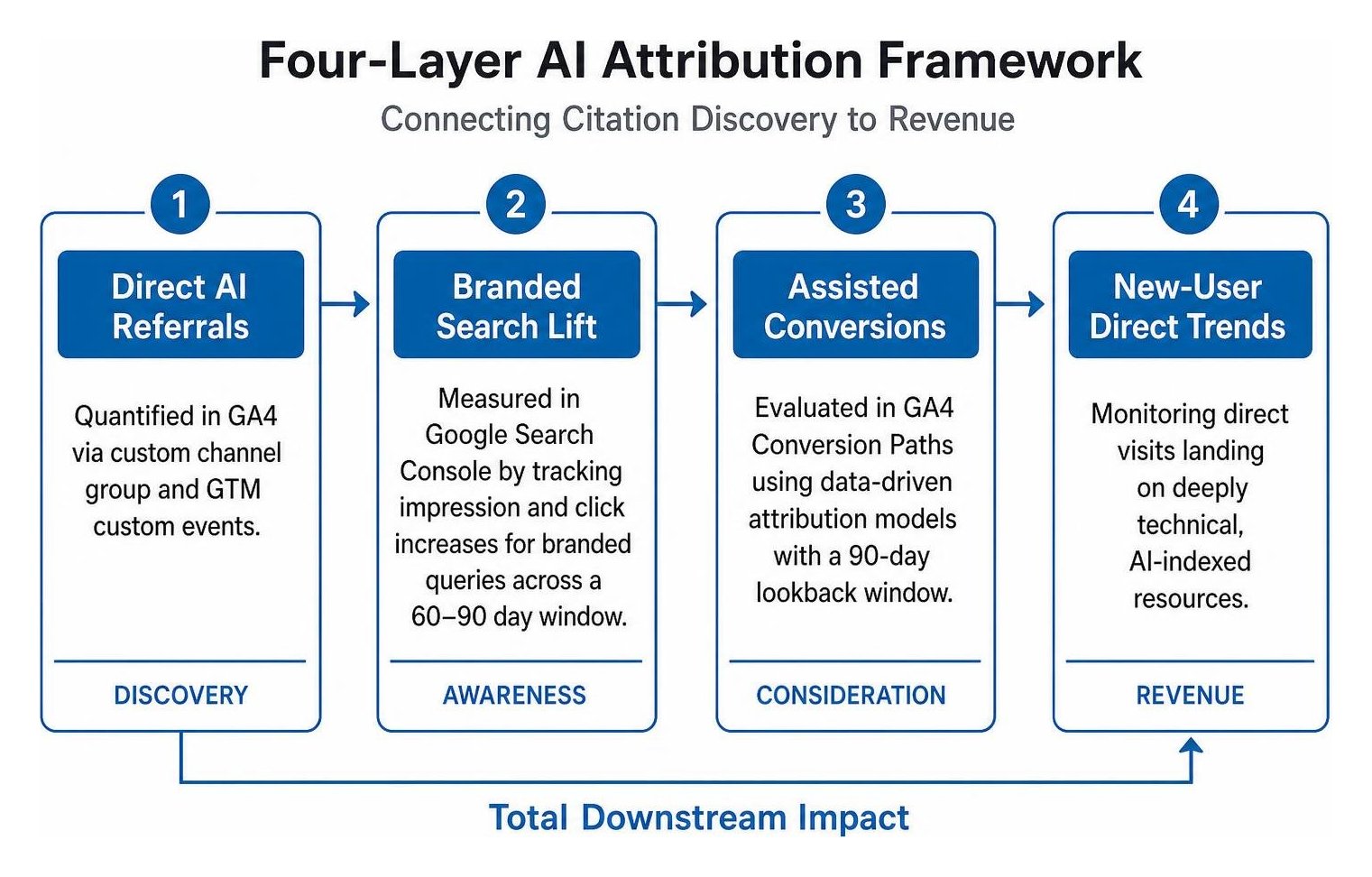
To capture the total downstream impact of your conversational presence, monitor these four distinct measurement layers:
- Direct AI Referrals: Quantified in GA4 via your custom channel group and GTM custom events.
- Branded Search Lift: Measured through Google Search Console by tracking impression and click increases for branded queries across a 60-to-90-day evaluation window.
- Assisted Conversions: Evaluated inside GA4 Conversion Paths using data-driven attribution models with a 90-day lookback window.
- New-User Direct Trends: Monitoring direct visits landing specifically on deeply technical, AI-indexed resources.
To simplify reporting, export your GA4 custom channel data and Search Console metrics into a centralized Looker Studio dashboard.
Our team at SmallBizSEO uses our proprietary Velocity framework to turn these complex technical data streams into fast, automated ranking growth and clear revenue reporting. By properly isolating ai referral traffic today, you can accurately demonstrate search marketing ROI, optimize your highest-value content, and capture pre-qualified buyers before your competitors even know they exist.
Transform Your Analytics into Predictable Growth
Conversational AI platforms are rapidly redefining how customers discover products, compare services, and make buying decisions. Relying on default GA4 channel groups leaves you blind to some of the most profitable, high-converting sessions entering your website.
Implementing custom channel groupings, automated dataLayer pushes, and multi-layer attribution ensures every AI-driven milestone receives proper credit. Explore our specialized AI SEO services or schedule a comprehensive SEO visibility audit with SmallBizSEO today to turn hidden search visits into measurable, revenue-generating outcomes.