Diagnose Link Spam Traffic Loss: A Practical Guide 101

How do you investigate a traffic drop after a link spam update?
When investigating link spam update traffic losses, confirm the drop in Google Search Console first. Compare clicks, impressions, and affected pages before and after the update. Then check analytics tracking, indexing, site changes, and seasonal search demand. A matching date is a clue, not proof that links caused the loss.
If the decline remains unexplained, review the Manual Actions report and look for documented link schemes tied to the pages that lost visibility. Do not disavow links based only on an update date or a backlink tool’s score.
I’m Clayton Johnson, founder of SmallBizSEO. My work across SEO, digital PR, and content shapes my approach to investigating link spam update traffic losses: follow the evidence before choosing a fix.
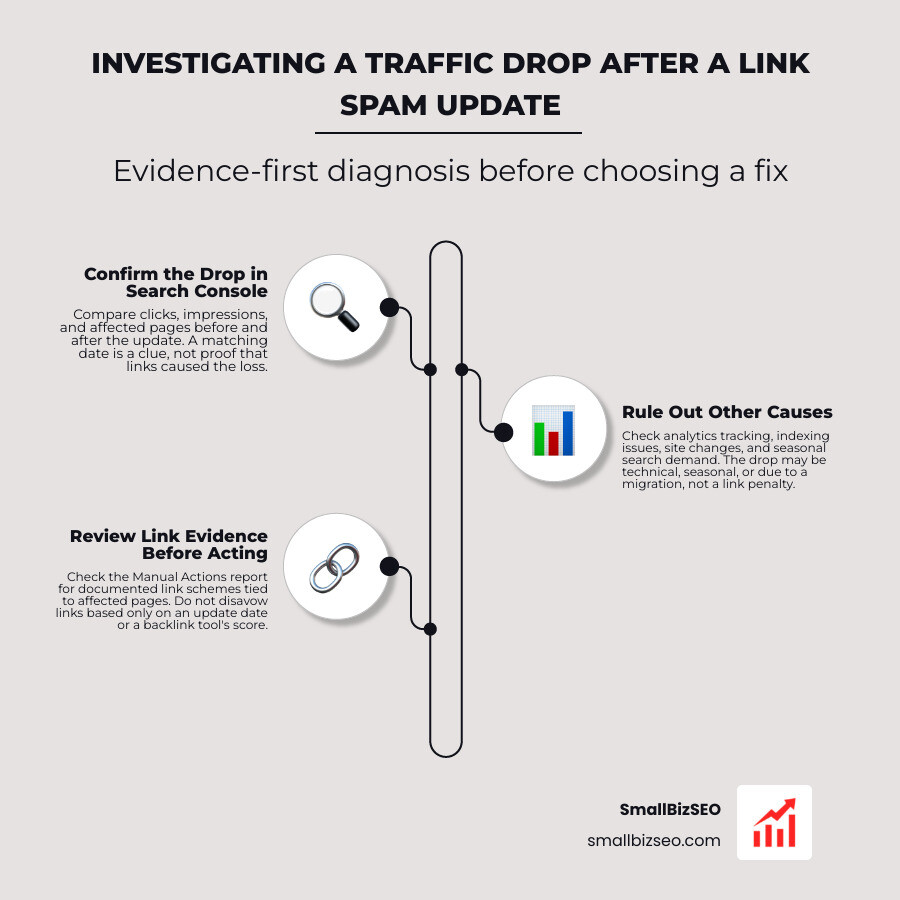
Investigating link spam update traffic losses: how do you identify the cause?
First confirm that organic Search visibility actually declined, then locate when the change began and which pages and searches were affected. A traffic drop that overlaps a spam update is not, by itself, proof of a link-related cause.
Google’s guide to diagnosing Search traffic drops recommends looking at patterns in Search Console and considering technical issues, security problems, seasonality, migrations, and algorithmic changes. Google’s overview of Search spam updates explains that updates improve automated spam detection; Google does not publish a list of affected sites or a single recovery fix. Our guide to algorithmic changes and technical indexing failures can help frame the investigation.
How do you investigate traffic losses from a link spam update?
Use Search Console’s Performance report to compare clicks, impressions, average position, and click-through rate (CTR). Review Web search separately, then segment results by query, page, country, device, and branded versus non-branded searches.
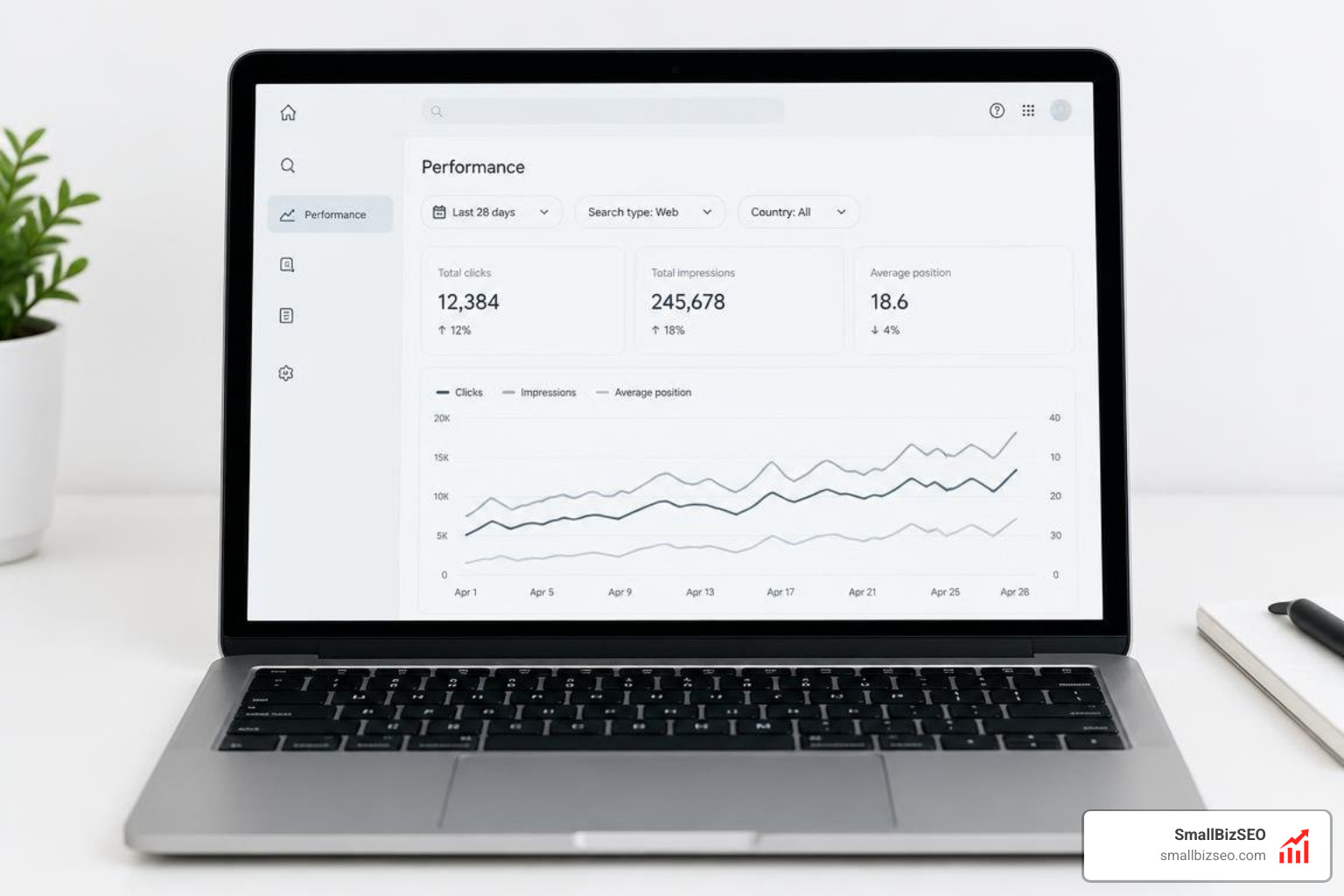
Start with the longest useful view available, up to 16 months, and compare the affected period with both the previous period and the same seasonal period. Check the Data Anomalies page and Search Status Dashboard for reporting issues or confirmed Search changes. Compare Search Console clicks with GA4 organic traffic; if only analytics dropped, investigate tracking tags, consent settings, attribution, and landing-page measurement.
Use Google Trends to check whether interest in the affected queries also fell. Compare equivalent seasons and regions rather than relying on one week of data. If impressions remain similar but clicks fall, investigate CTR, titles, snippets, and changes to the search results page before concluding rankings declined.
How do you distinguish sitewide losses from page- or query-specific drops?
Sort the Search Console Pages table by click difference, then group affected URLs by folder, template, topic, and query. A broad decline across unrelated sections differs from a loss confined to one page type or a few searches.
| Pattern | What to investigate |
|---|---|
| Most sections decline | Reporting, sitewide technical changes, security, or broad visibility changes |
| One folder or template declines | Shared page elements, internal links, indexing, and content patterns |
| A few URLs or queries decline | Page-specific relevance, competition, intent changes, and links to those pages |
| Impressions hold but clicks fall | CTR, title and snippet appeal, or search-result features |
A small position shift, such as moving from second to fourth, may reduce clicks without signaling a major site problem. A large, persistent drop across many important queries calls for broader review. Use URL Inspection on affected examples; check Page indexing, Crawl stats, robots.txt, noindex directives, canonicals, redirects, and recent migrations. Also review Manual Actions and Security Issues. Fix confirmed access or indexing problems promptly rather than waiting for an update diagnosis.
What backlink evidence supports a link spam diagnosis?
Look for a substantial, documented pattern of manipulative links that aligns with the pages or query groups that lost visibility. A sudden increase in suspicious backlinks alone does not establish that links caused the decline.
Compare Google Search Console’s Links report with dated backlink exports from a third-party tool. Review referring-domain history, link acquisition timing, destination URLs, and anchor text. Investigate links you paid for, exchanged, placed through networks, or control, including sitewide footer or template placements. Also check whether valuable editorial links disappeared; losing a strong backlink can matter more than gaining many irrelevant ones.
Treat unrelated sites or exact-match commercial anchors as clues to inspect, not automatic proof of harm. Third-party toxicity scores are not Google penalties. Assess links in context and avoid rigid anchor-text percentages; our modern backlink audit approach explains why.
How should you recover safely and measure progress?
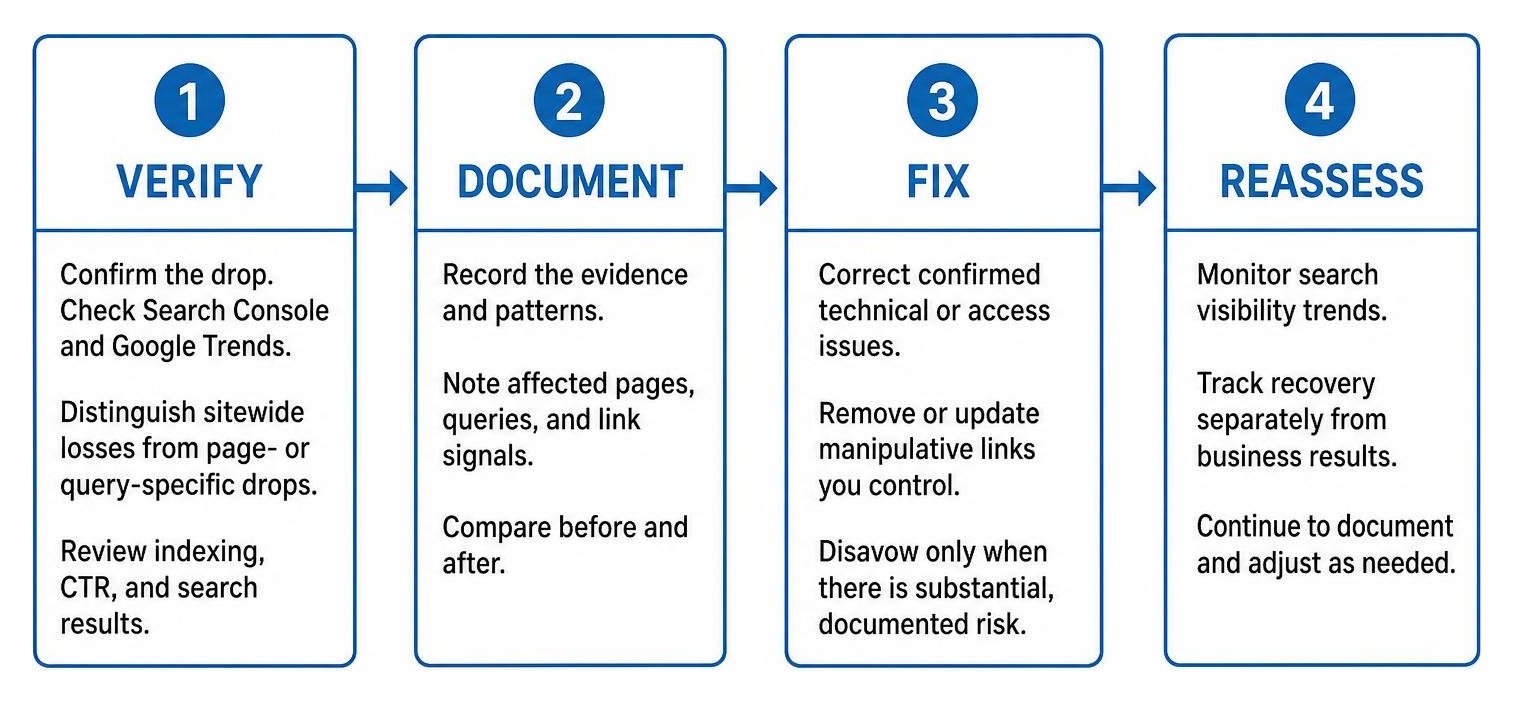
Recover by correcting verified problems, recording what changed, and tracking search visibility separately from business results. Do not make broad changes just because traffic fell during an update.
When should you remove links or use Google’s Disavow tool?
Remove manipulative links at their source when you control them. Consider Google’s Disavow tool only when there is a substantial, documented unnatural-link pattern that you cannot remove and that creates meaningful manual-action risk.
Check the Manual Actions report first. If it identifies an unnatural-links action, address the stated issue, document the work, and submit a reconsideration request when required. Do not disavow based only on a backlink spike or tool score: a premature file could discount legitimate links without addressing the actual cause. If a previous file exists, review it carefully before making changes. Our guide to finding and assessing suspicious backlinks covers how to evaluate evidence.
Google’s systems may ignore many spammy links automatically. If a link spam update neutralizes artificial ranking benefits, removing the links may not restore those benefits. Cleanup is still appropriate when it stops an ongoing scheme or resolves a documented policy issue, but it is not a guaranteed traffic fix.
How should you prioritize fixes and avoid common recovery mistakes?
Fix confirmed tracking, crawling, indexing, and security problems first. Then address documented link schemes or content issues supported by evidence.
| Action | When to prioritize | Avoid |
|---|---|---|
| Technical or tracking repair | Search Console and analytics disagree, or crawling, indexing, or security is affected | Waiting when an error is confirmed |
| Link cleanup | Evidence shows a link scheme or a manual action | Blanket disavows based on tool scores |
| Content improvement | Affected pages are thin, copied, doorway-like, or do not help users | Mass rewriting or deleting pages without review |
If the affected pages share a content weakness, improve those pages with original information and clear value for visitors. Our guide to closing content gaps offers a practical way to assess missing or weak coverage. Do not assume AI assistance alone makes a page spam. Keep a dated change log with each issue, action, owner, and retest date.
How long can recovery take, and what should you measure?
There is no guaranteed recovery schedule. Wait at least a few weeks after making changes before reassessing Search Console, and understand that automated systems may take months to recognize sustained compliance.
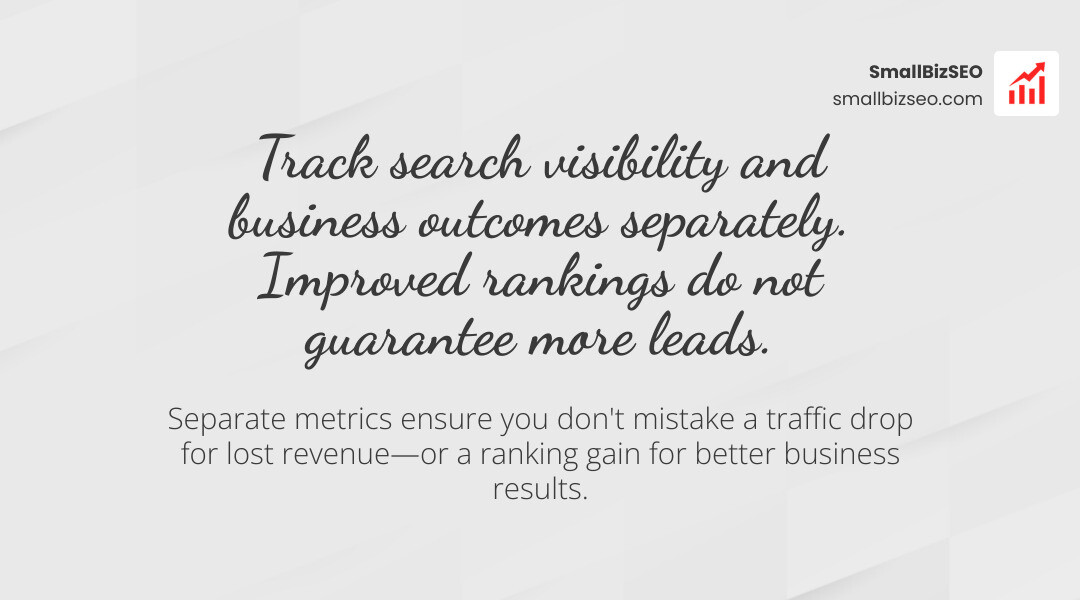
Track clicks, impressions, average position, indexed pages, qualified leads, and revenue separately. Compare stable periods after changes with equivalent seasonal periods. Improved visibility does not automatically mean more business, and a traffic decline may not have reduced leads if the lost visits were low intent.
For a structured diagnosis, our data-driven SEO visibility audit can help identify what changed and prioritize evidence-based next steps.